SPIN

 
spin gif
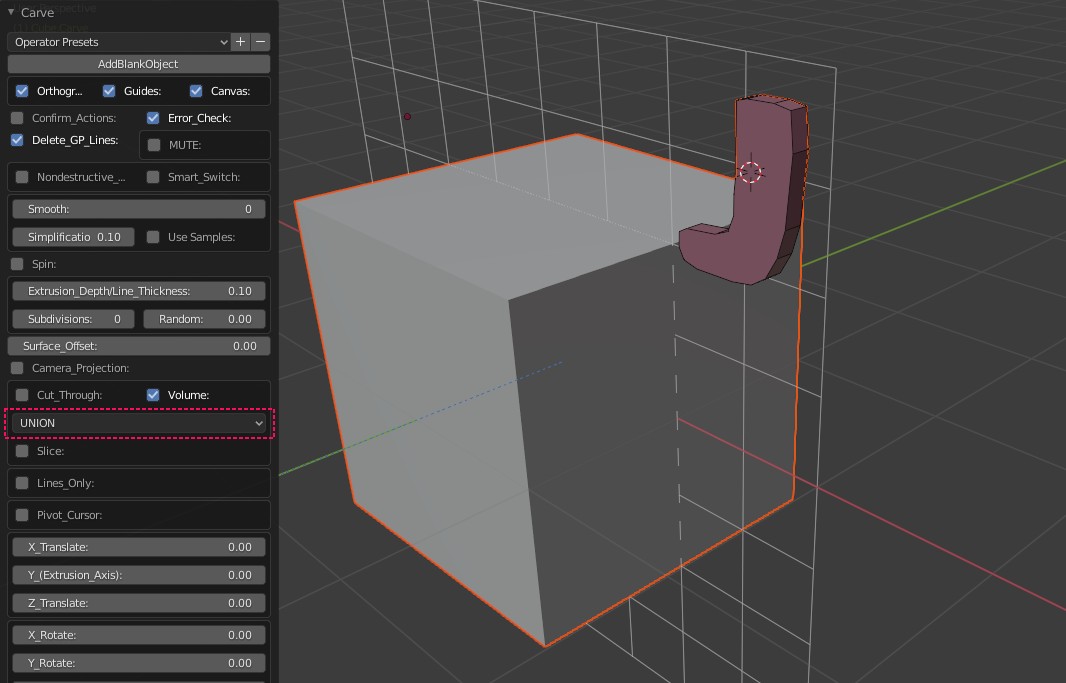
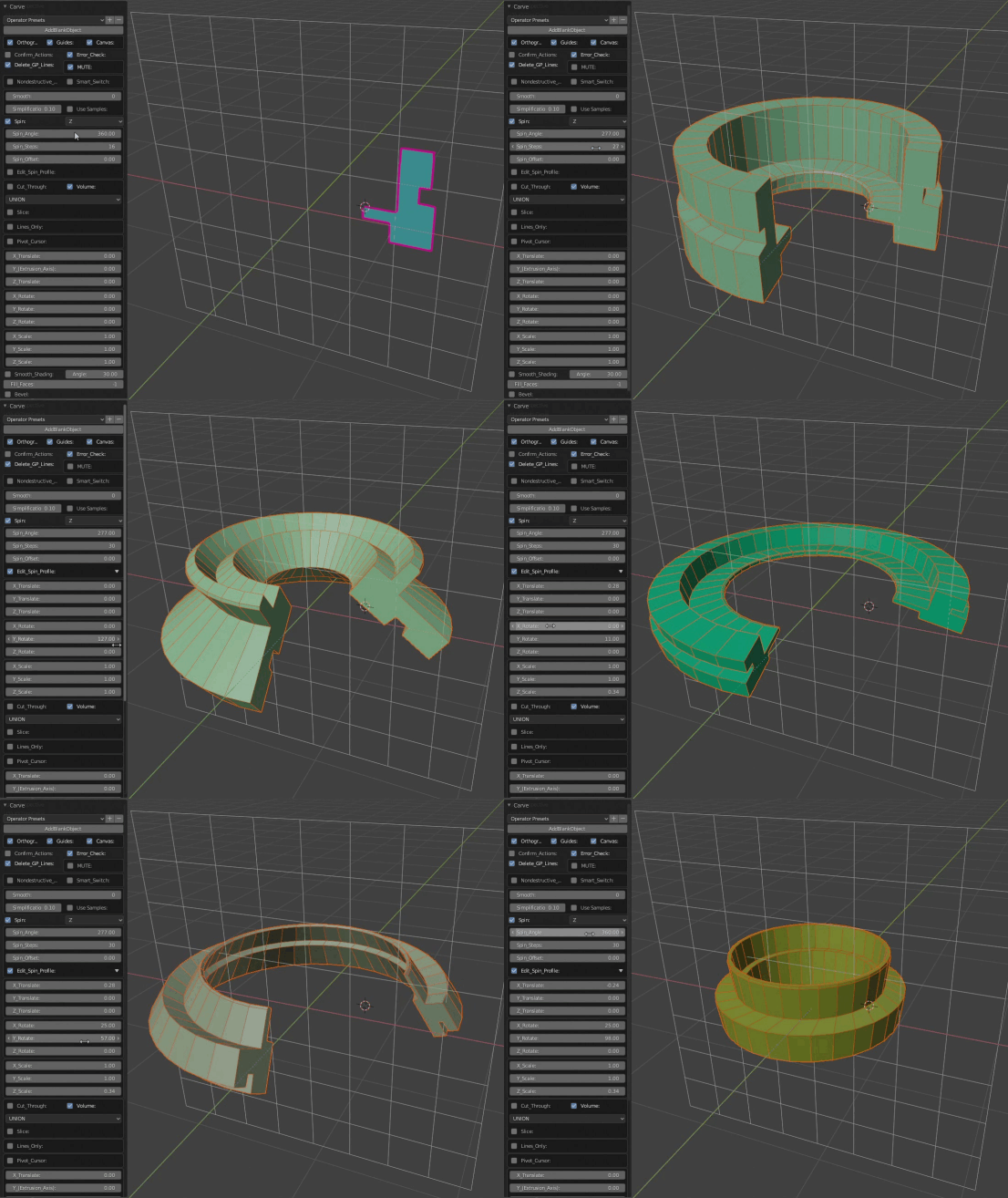
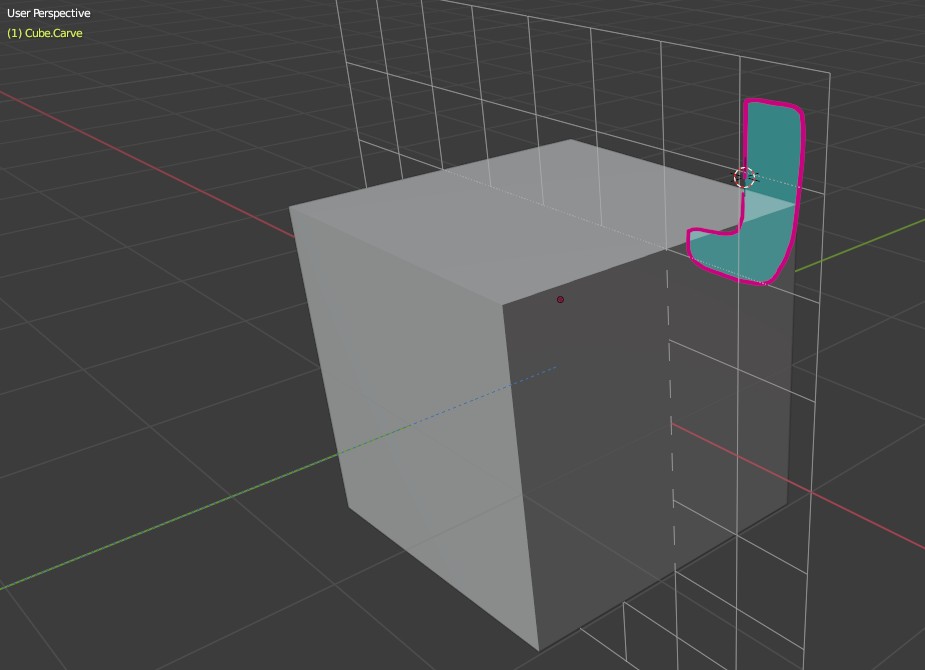
Using the drawing pen draw a shape near the main object.
spin

Press K. If you have not turned off the "Confirm Actions" press OK or ENTER.

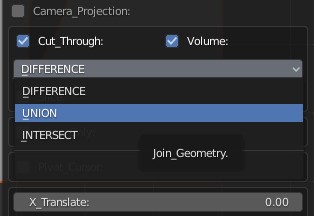
Expand the menu from the bottom left corner of the screen. Select "UNION".
dif
Switch to perspective view by pressing "0" on numeric pad.
spin1
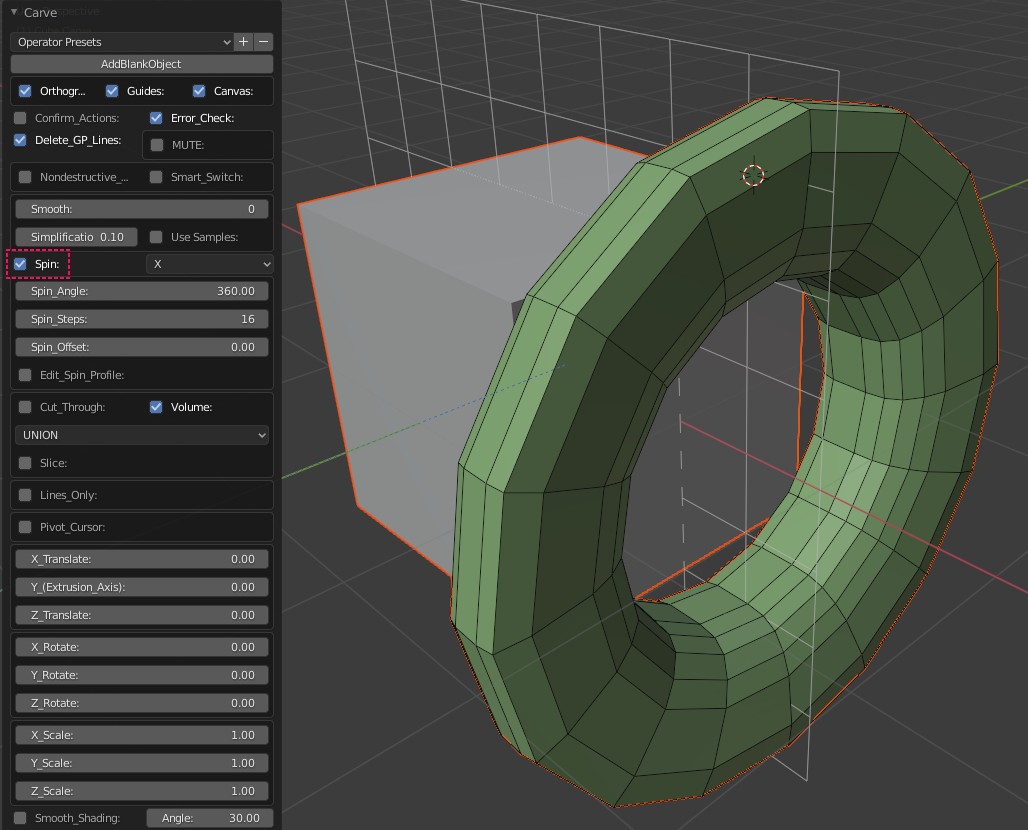
Check "SPIN". This will spin the shape you have drawn around the selected axis. The default axis is "X".
spin2
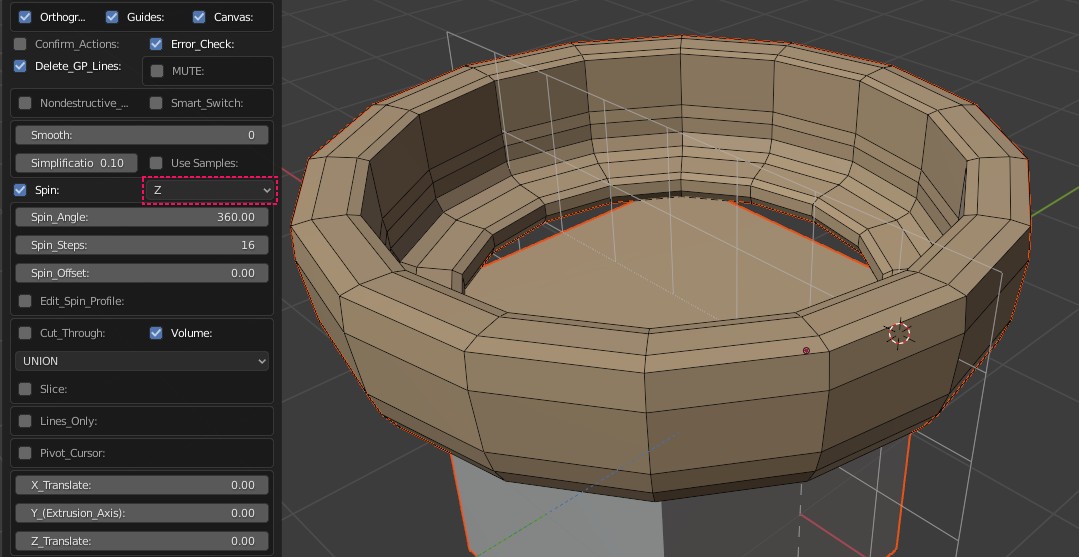
Change the spin axis to "Z".
spin3

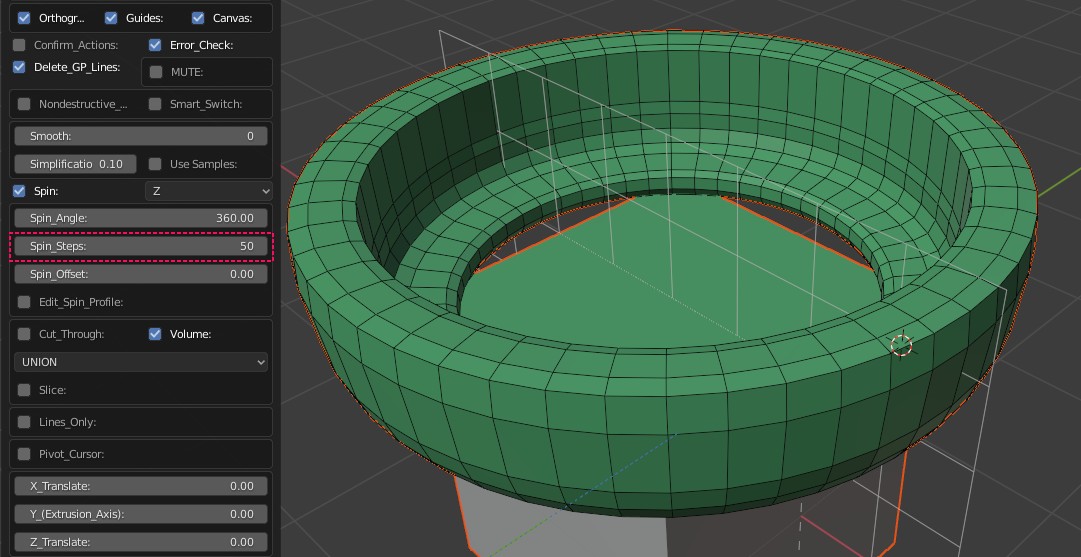
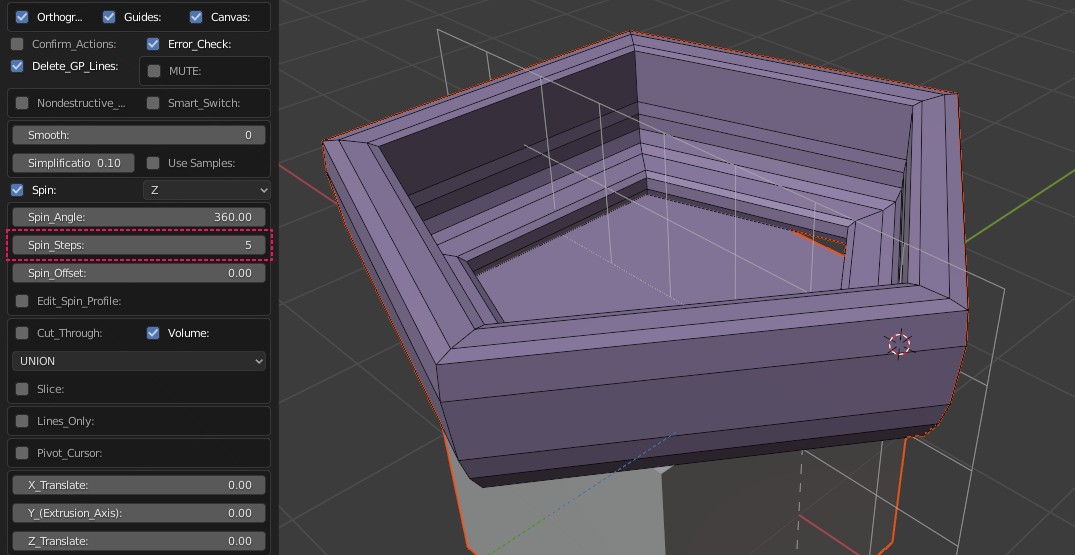
Increase or decrease the "Spin Steps".
spin5
spin6
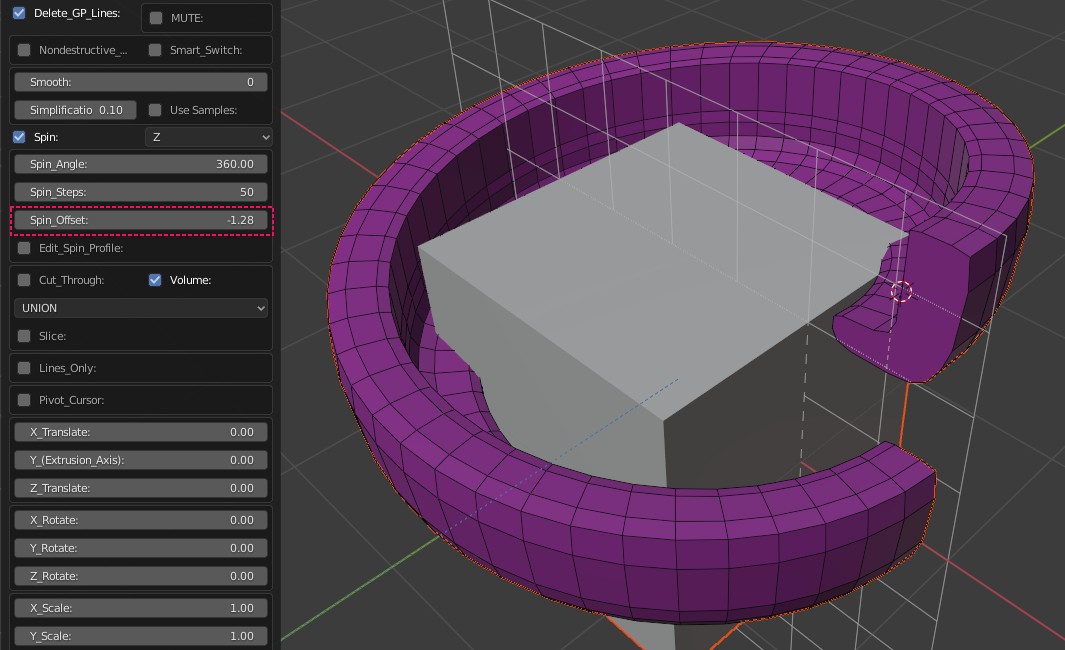
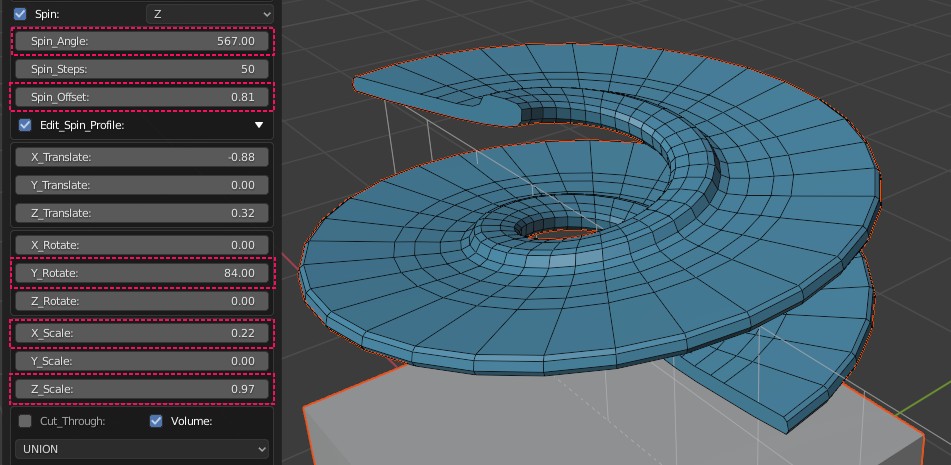
Change "Spin Offset" for a screwy look.
spin7
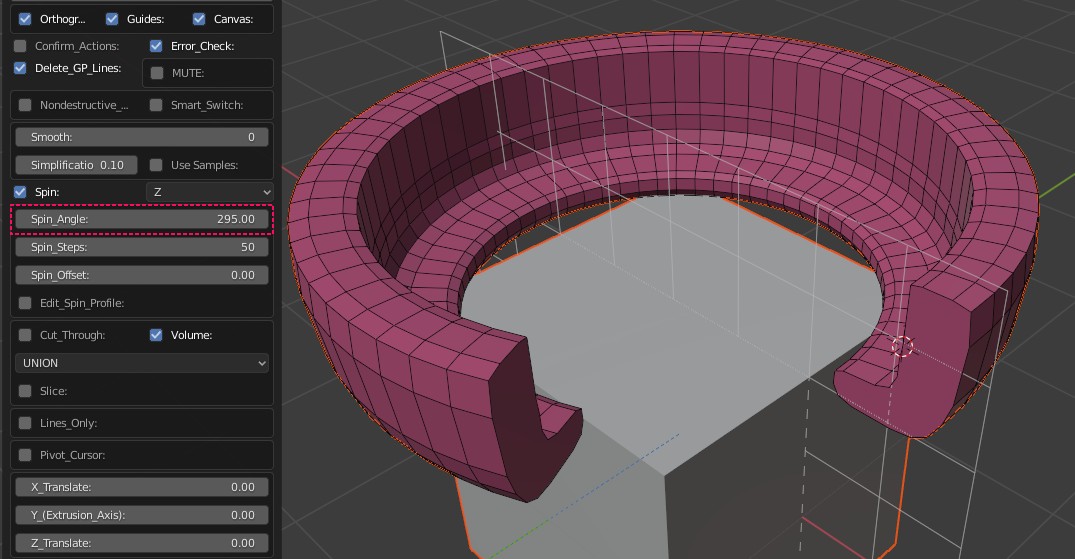
...Or,the "Spin Angle".
spin8
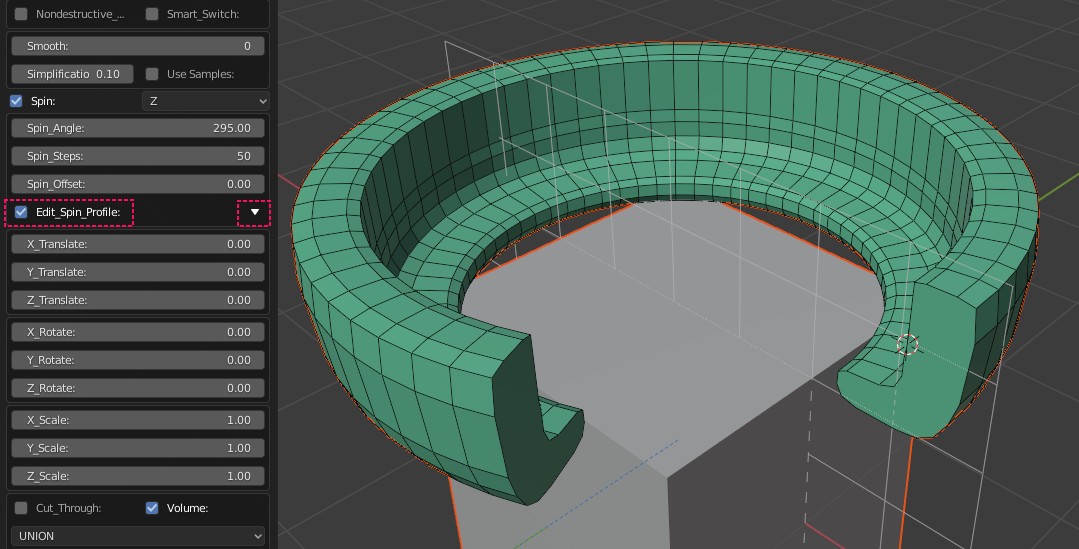
Select "Edit Spin Profile" and expand menu by clicking on the "triangle".
spin8a
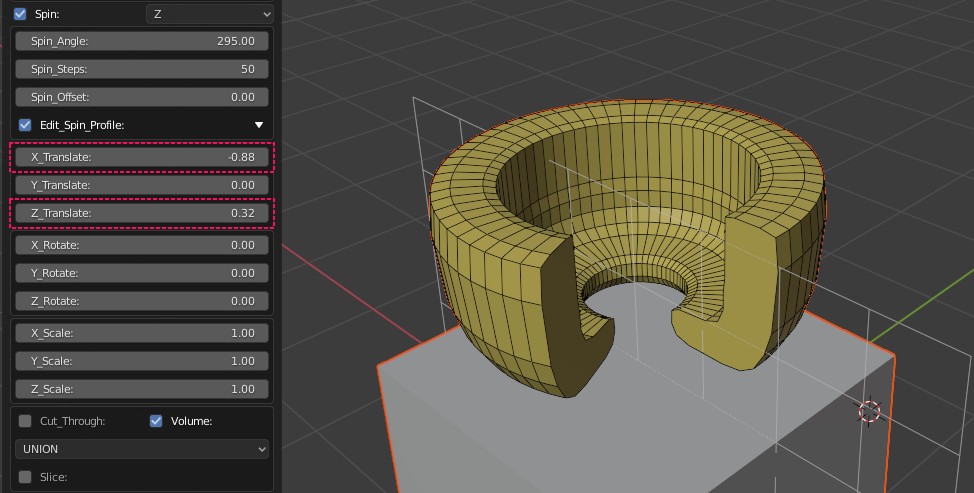
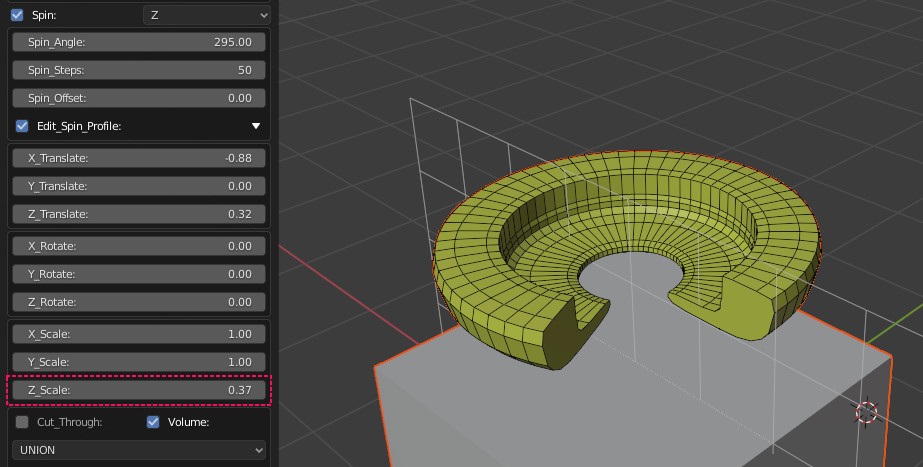
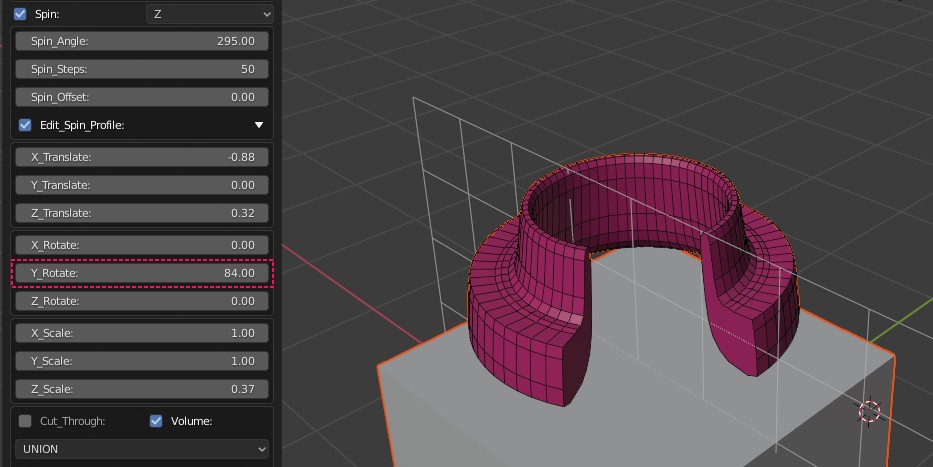
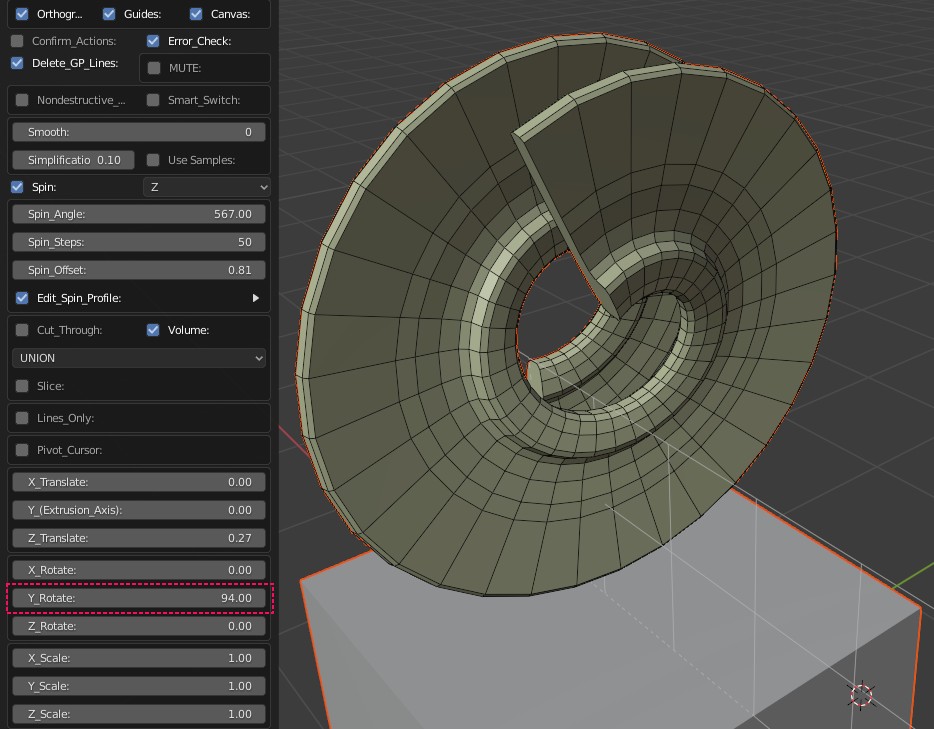
Modify the position, rotation and scale of the cross section of the object.
spin 8b
spin8c
spin8d
Just have fun!
spin8e

Collapse the spin profile transforms by clicking on the triangle again.

Using the main transforms adjust the object as usual.
spin9
Spin_Array_Swap
When used together with Array you might want to change the order of operations. To do that simply turn on Spin_Array_Swap button.