SLICE(THICKNESS)

 
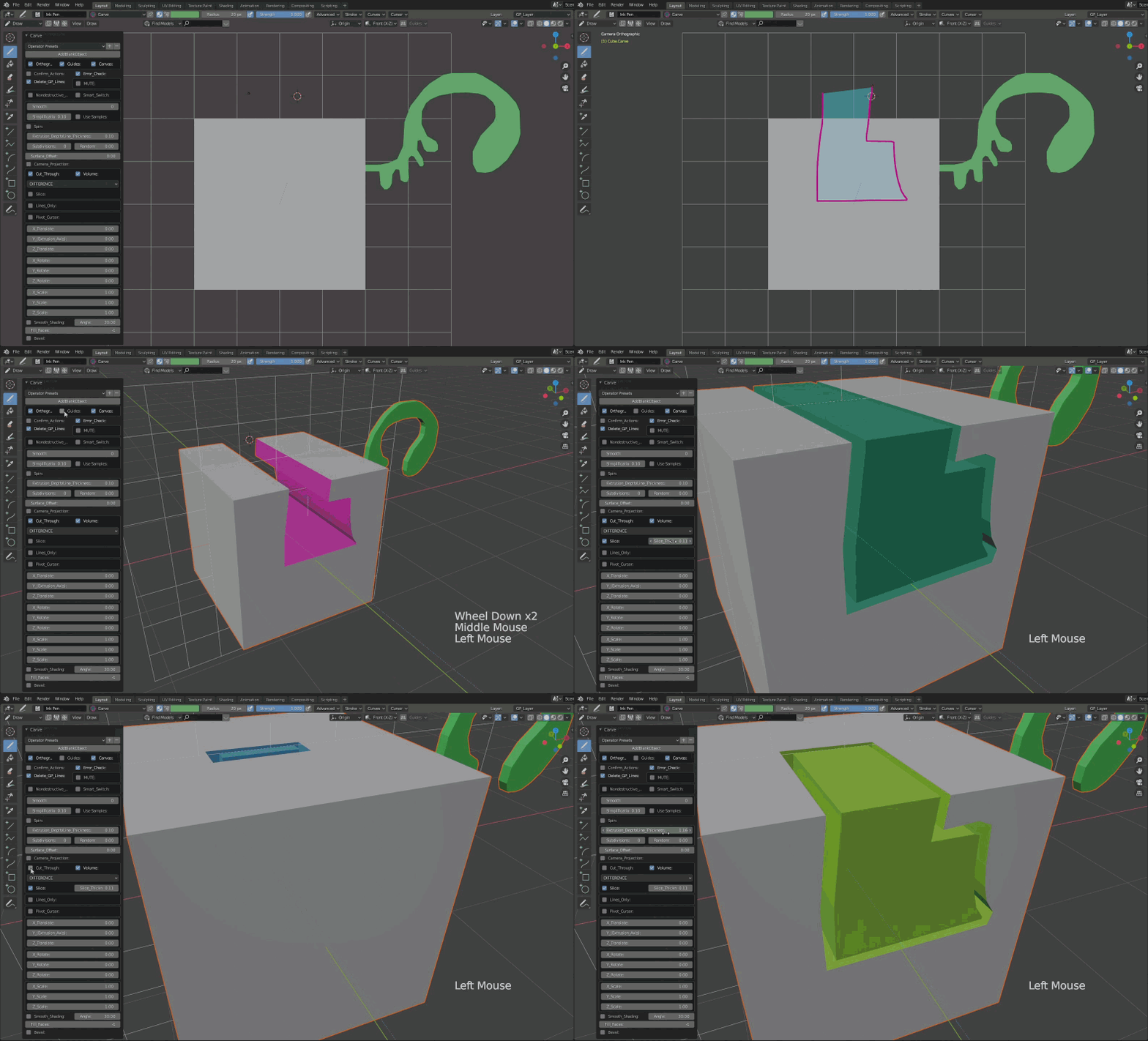
slice gif
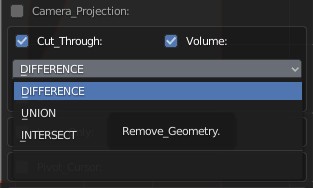
From the drop down menu choose "DIFFERENCE".
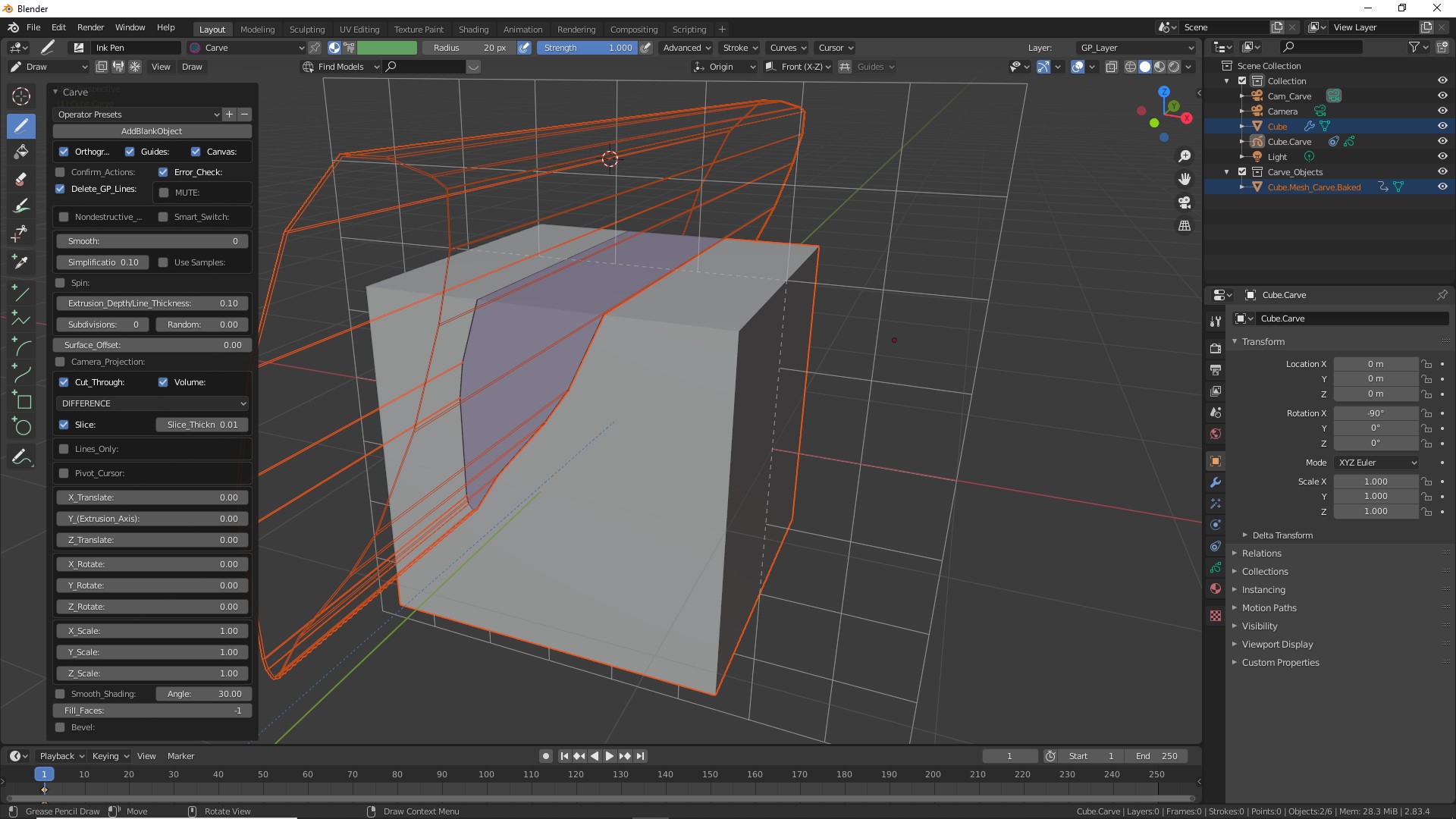
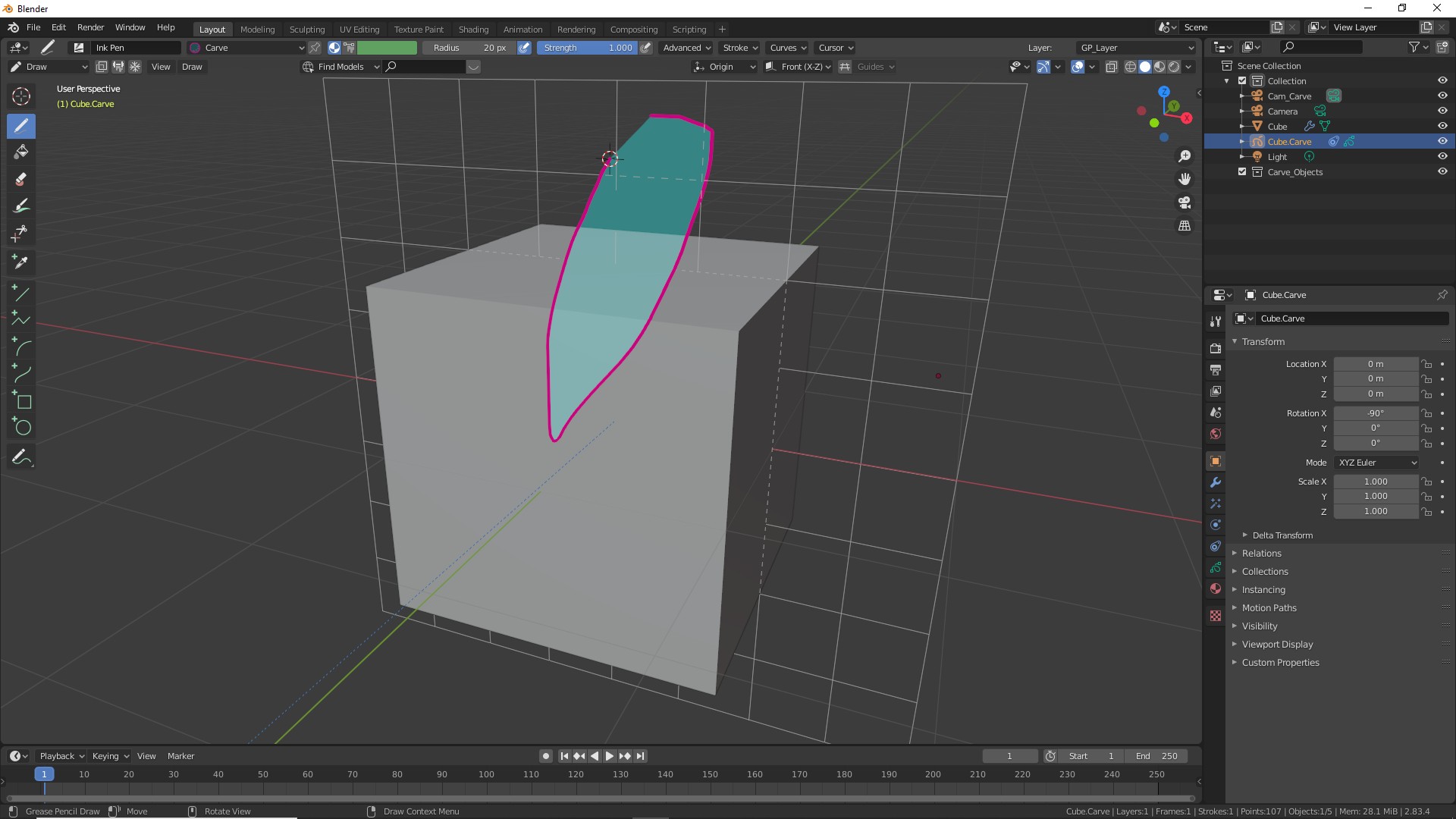
Using the drawing pen draw a shape overlapping the main object.
Slice0

Press K. If you have not turned off the "Confirm Actions" press OK or ENTER.

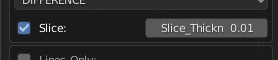
Expand the menu from the bottom left corner of the screen. Select "Difference" mode. Check the "Slice" button.
Union_Menu
Menu slice
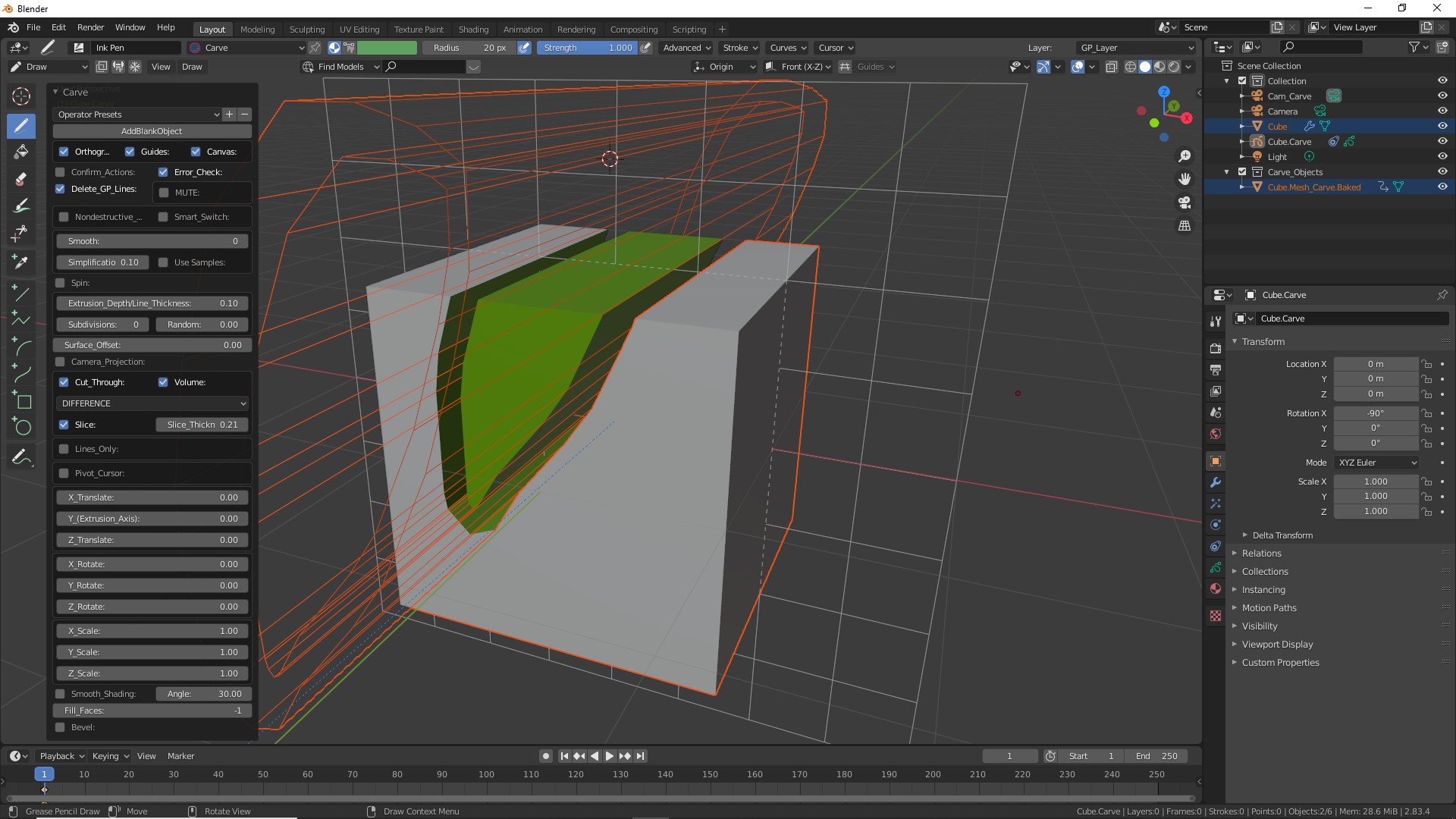
This will add thickness to the newly drawn shape..
slice1

Adjust the "Thickness" slider next to the Slice button to increase or decrease the thickness.

slice thickness
slice2

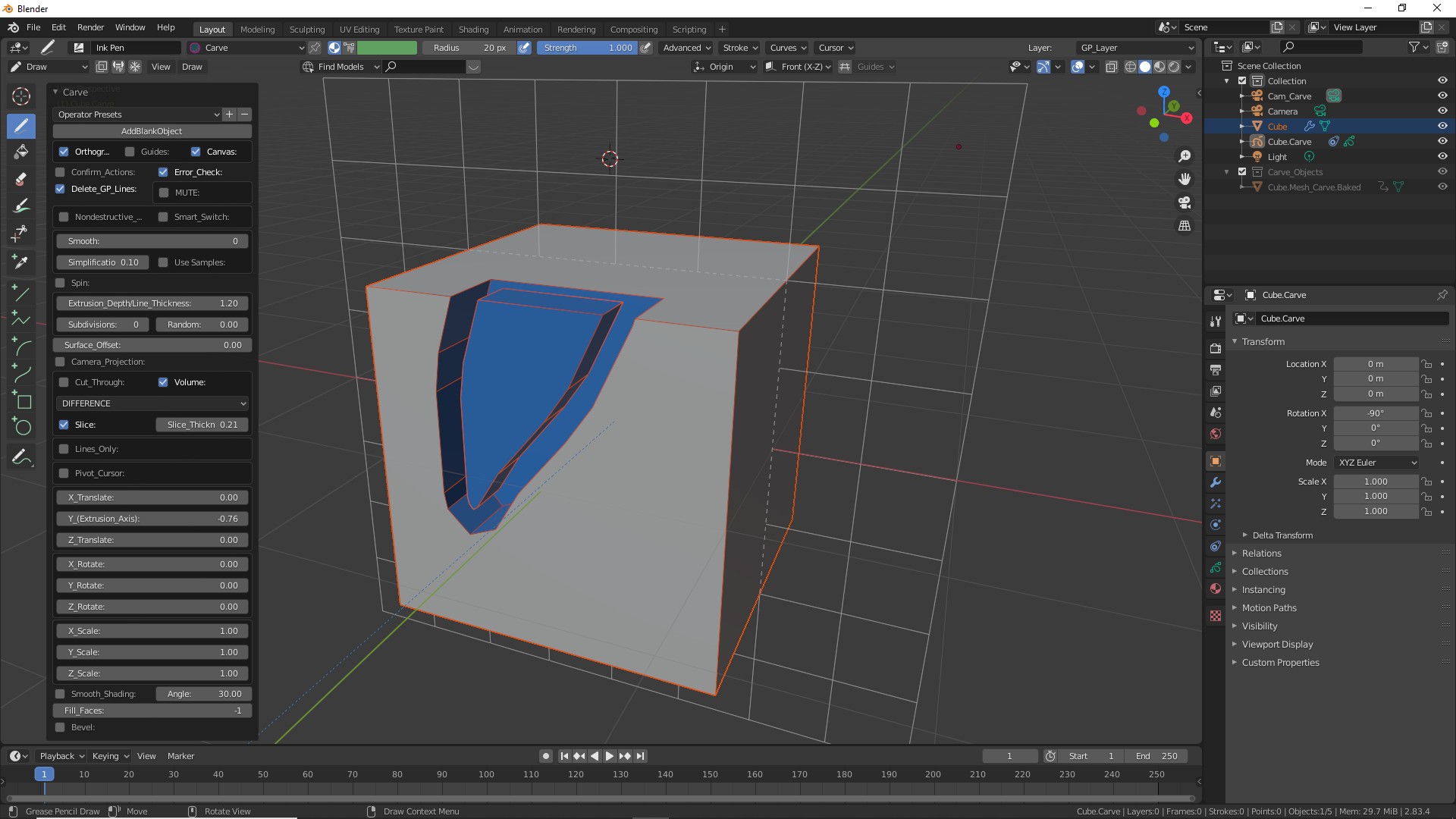
Expand the MENU at the left bottom corner of the screen.

Turn off "CUT THROUGH" option.
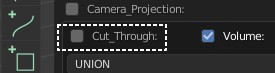
CutThrough
This will set the EXTRUSION length to the DEFAULT value. Translate, rotate and scale to get the desired result.
slice3
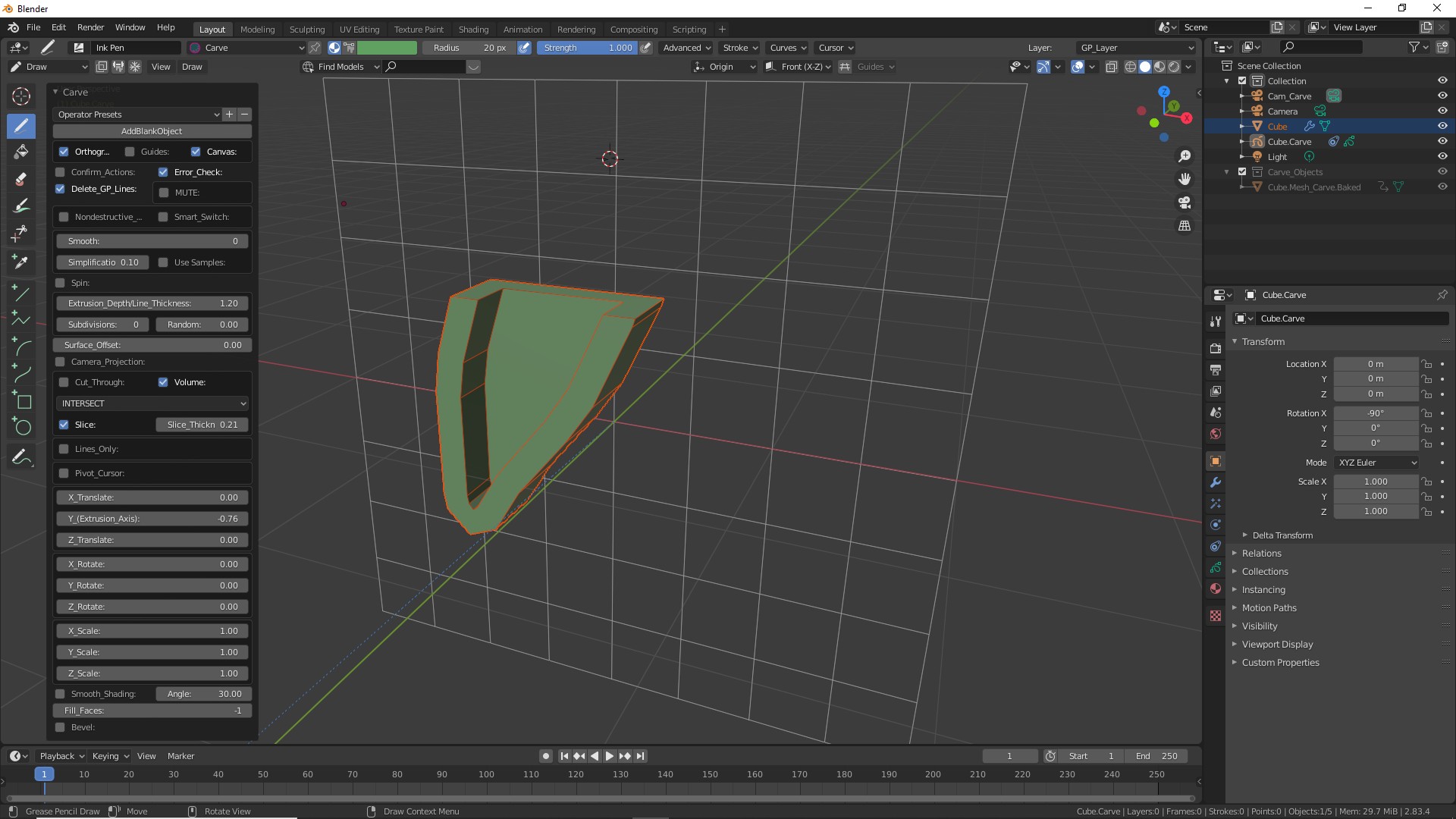
As usual you can use any one of the Boolean option. Below is with the "Intersect" mode.
slice4
Adjust the "Simplification" and "Smooth" sliders to your liking.