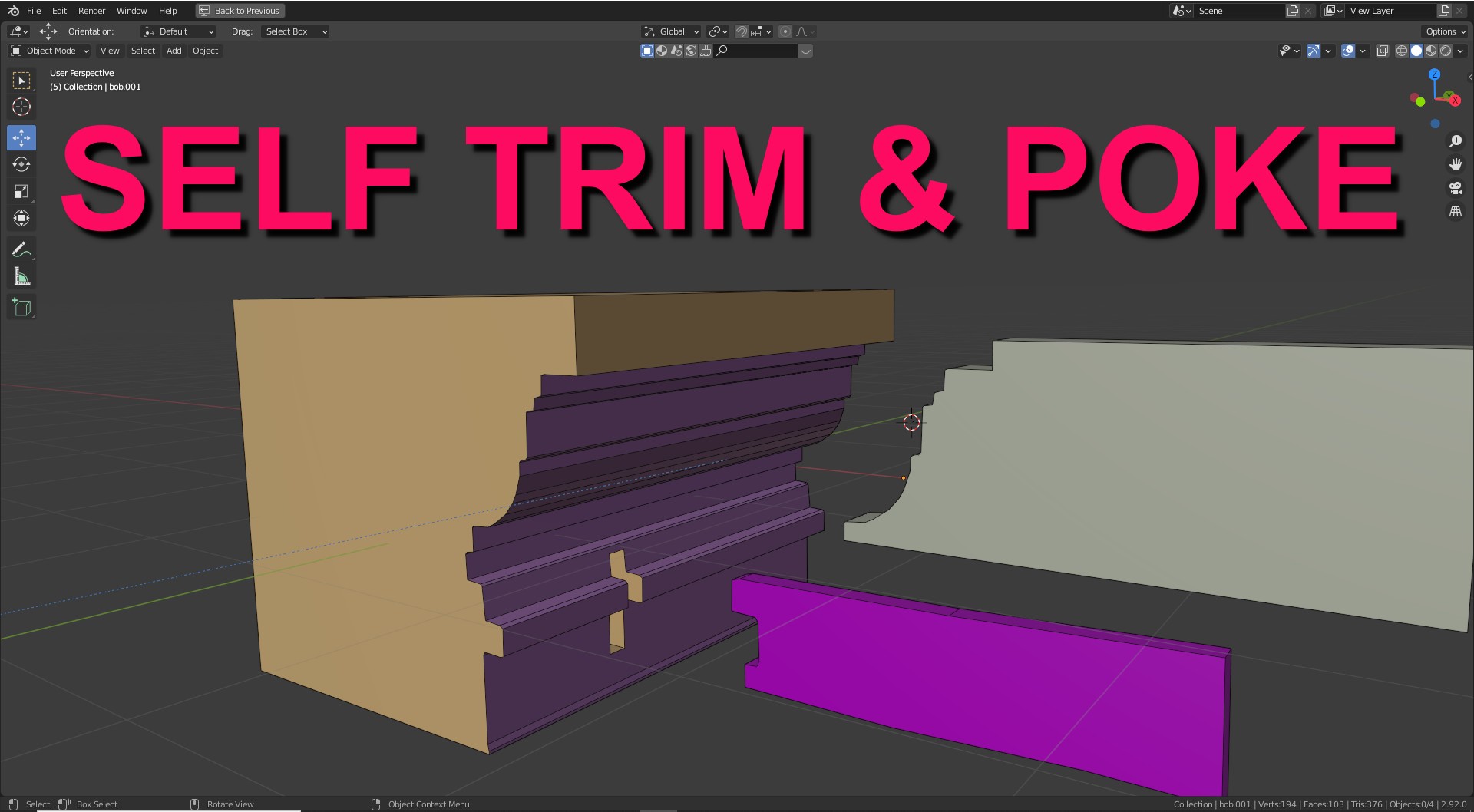
SELF TRIM / POKE / PLUG
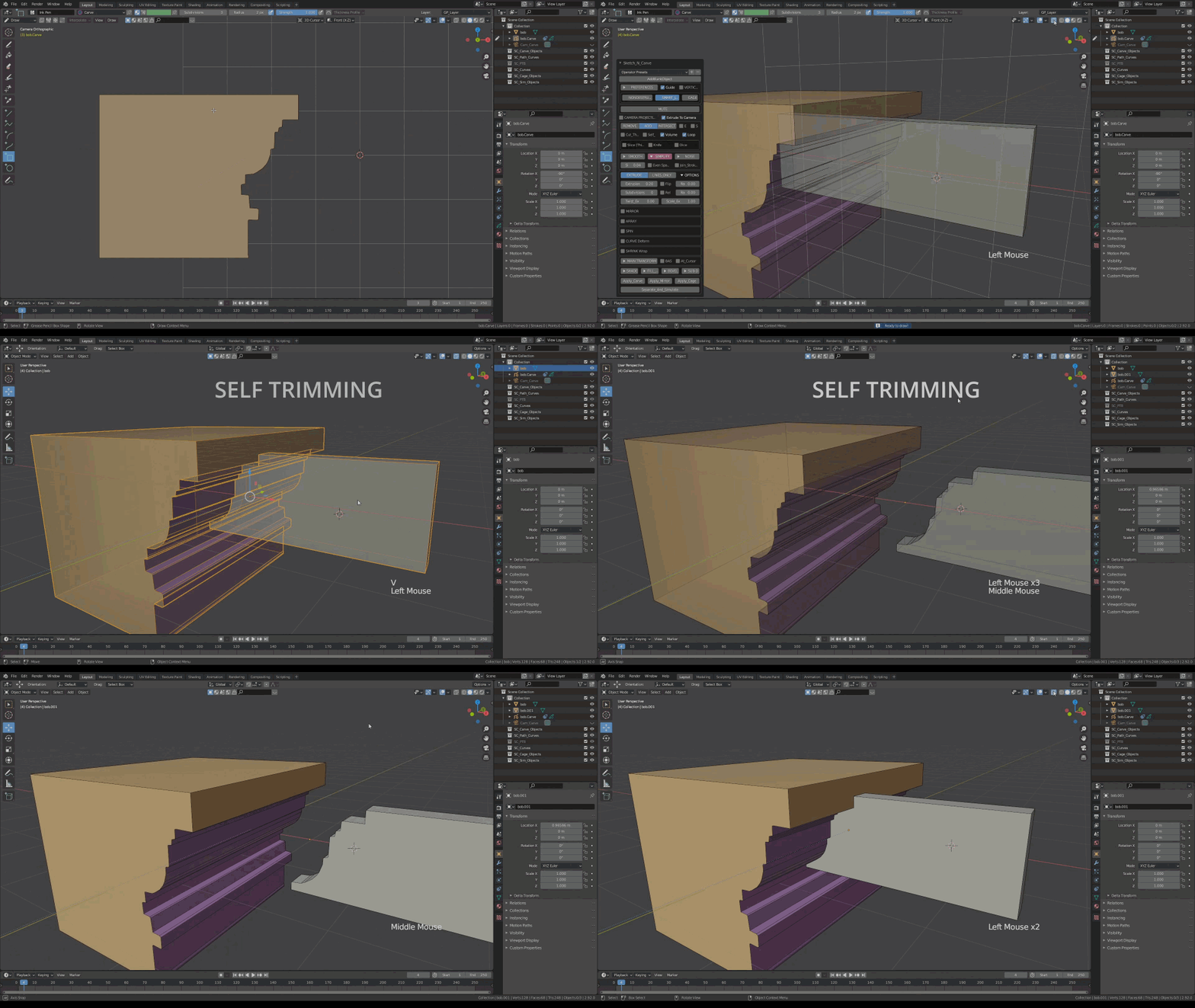
SELF TRIM
POKE / PLUG
In order the have the "carving shape" also turned into a mesh object (while also carving the base object ) you can turn on "Poke".
This will simultaneously perform a "Remove"(Difference) and "Add"(Union) operation, keeping the hole and the carving shape.
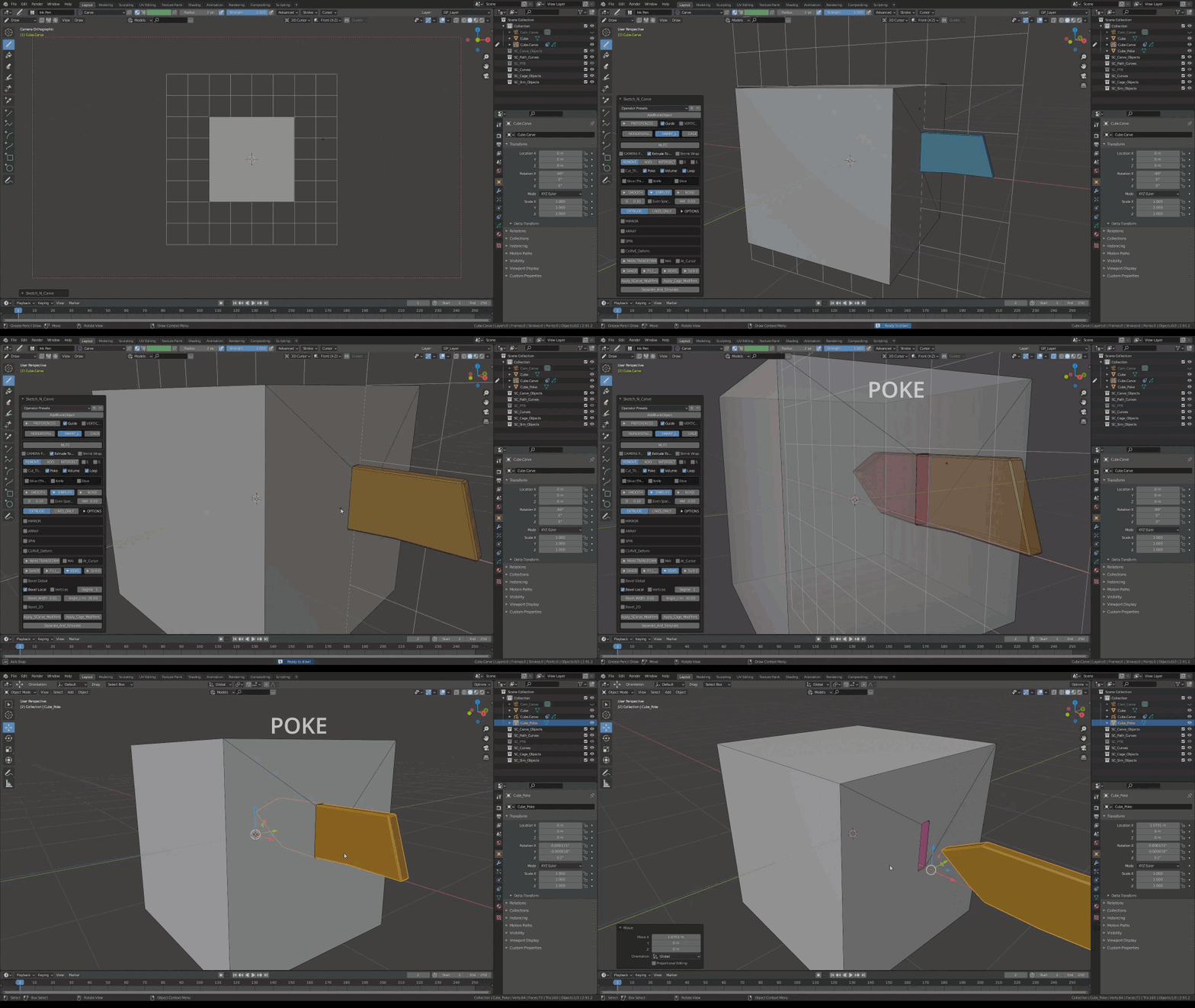
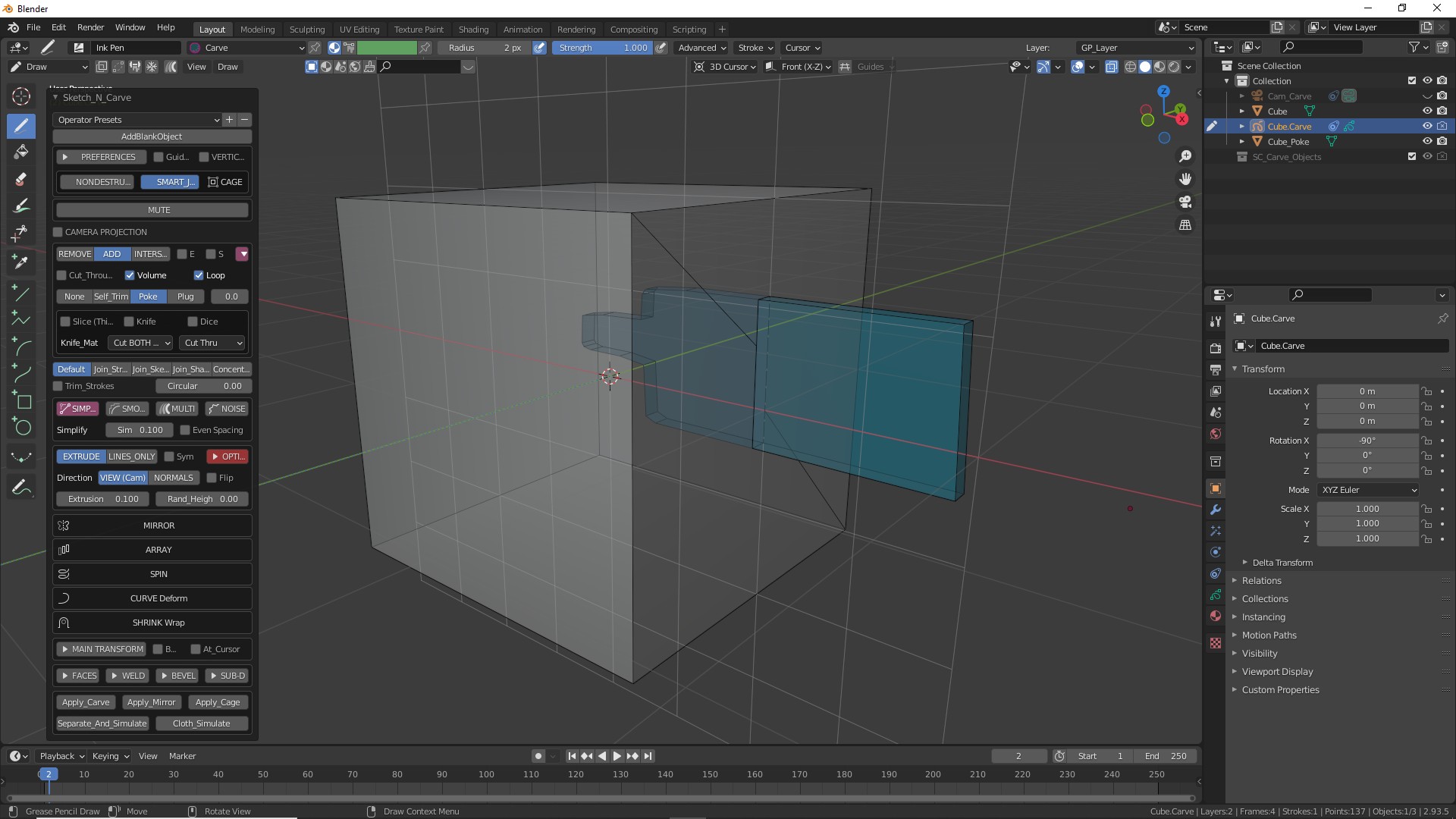
Poke
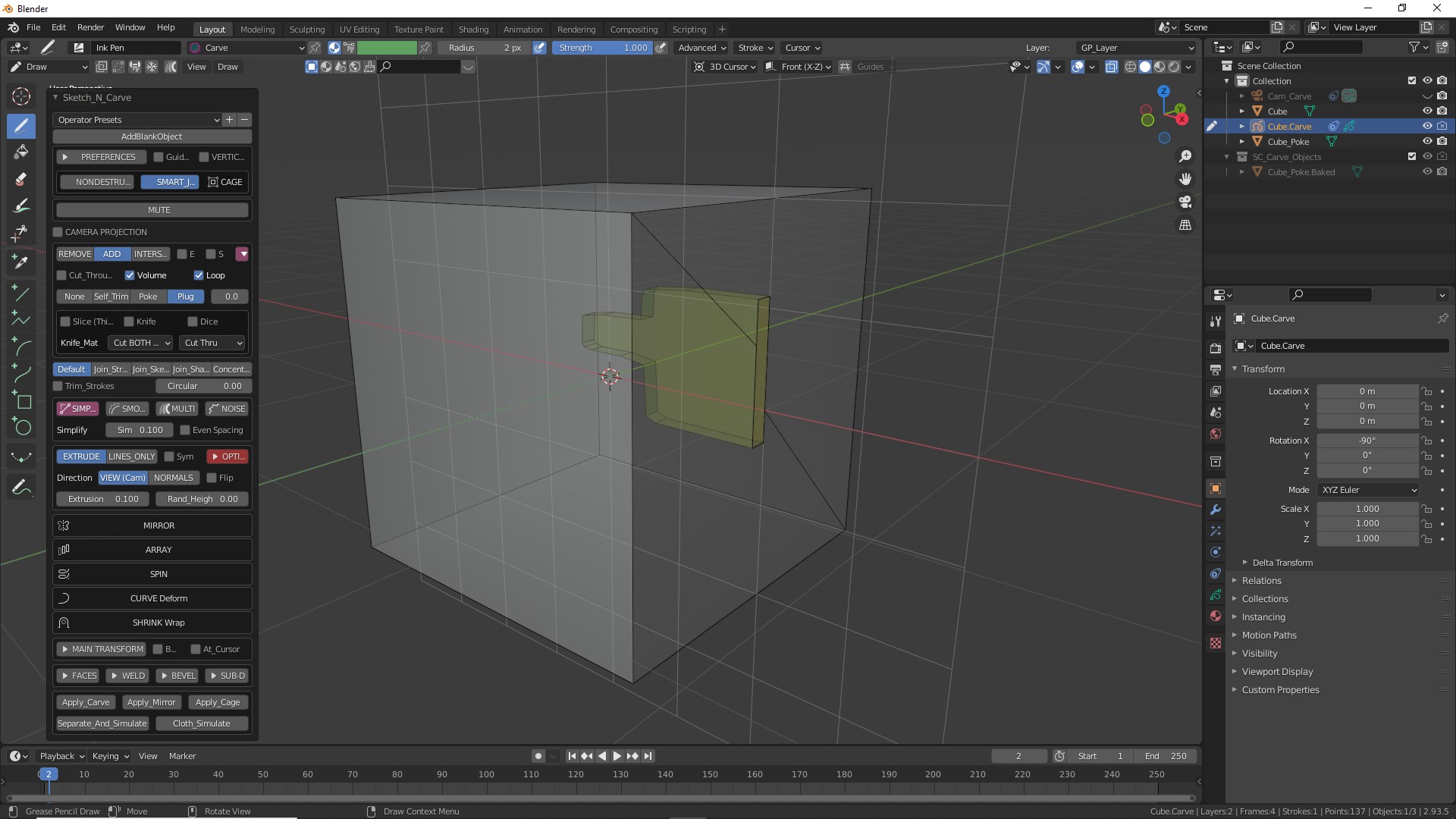
Plug