PREFERENCES
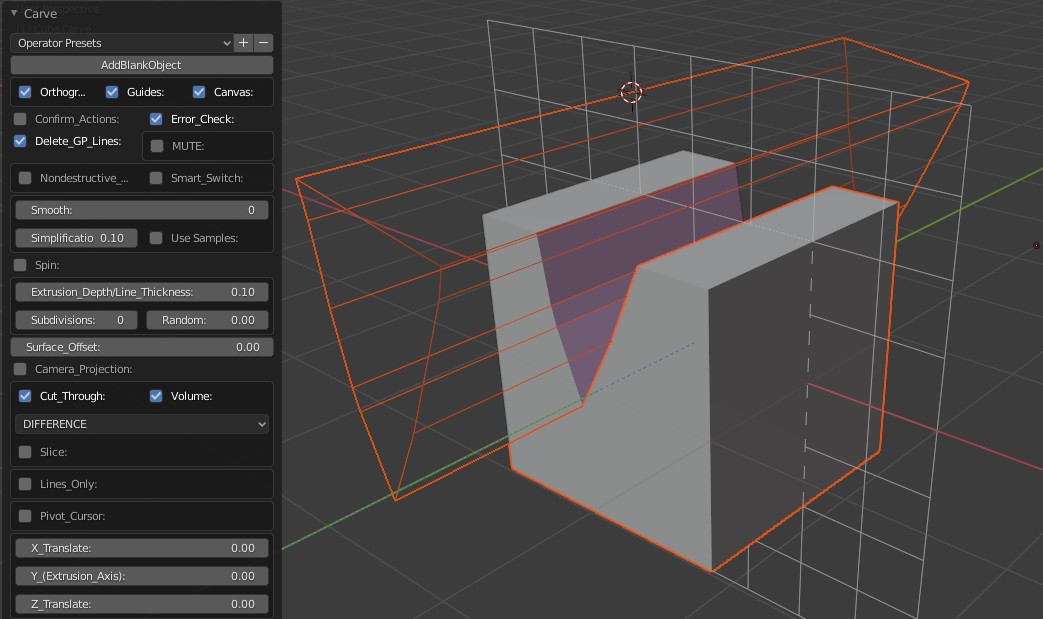
Wire frame: Display the object with the wire frames on.
PREFERENCES |
| Guides: Show or hide the wire frame representations of the shape you have created. |
|
| Vertical: Keep the new geometry vertical to the ground plane no matter which angle the canvas was during creation. |
| Orthographic View: Toggle the camera perspective. |
Wire frame: Display the object with the wire frames on. |
| Canvas: Show or hide the Grease Pencil canvas. The Default is "show". |
| Canvas Options: Display the controls to change the Canvas Color, Scale, Subdivisions and Fade. |
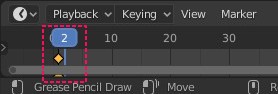
| Keep Strokes: Keep the Grease Pencil strokes after each operation instead of deleting them. This will also advance the timeline by one frame, keeping the original drawing intact at the previous frame. |
|
| Uniform Stroke Thickness: Disable Pen pressure effect from the strokes. |
| Origin To Center: Because the carved object needs to be at the global center, it will be automatically translated there every time you activate the add on. This can be undesirable at times so when the button is pressed the object origin will be translated to the global center, instead of moving the object itself. |
| Material Assign: When on, all newly created geometry will be assigned a random or user defined material. |
| Random Material: Toggle between randomly assigned material or user defined material. When off, it will display a color picker to allow the user to choose a custom color. |
| Mute: Mute all operations temporarily (like undo), allowing you to make changes to your Grease Pencil lines. After you are done with the lines un-mute to see the updated version of your object instantly. |