MAIN TRANSFORMS
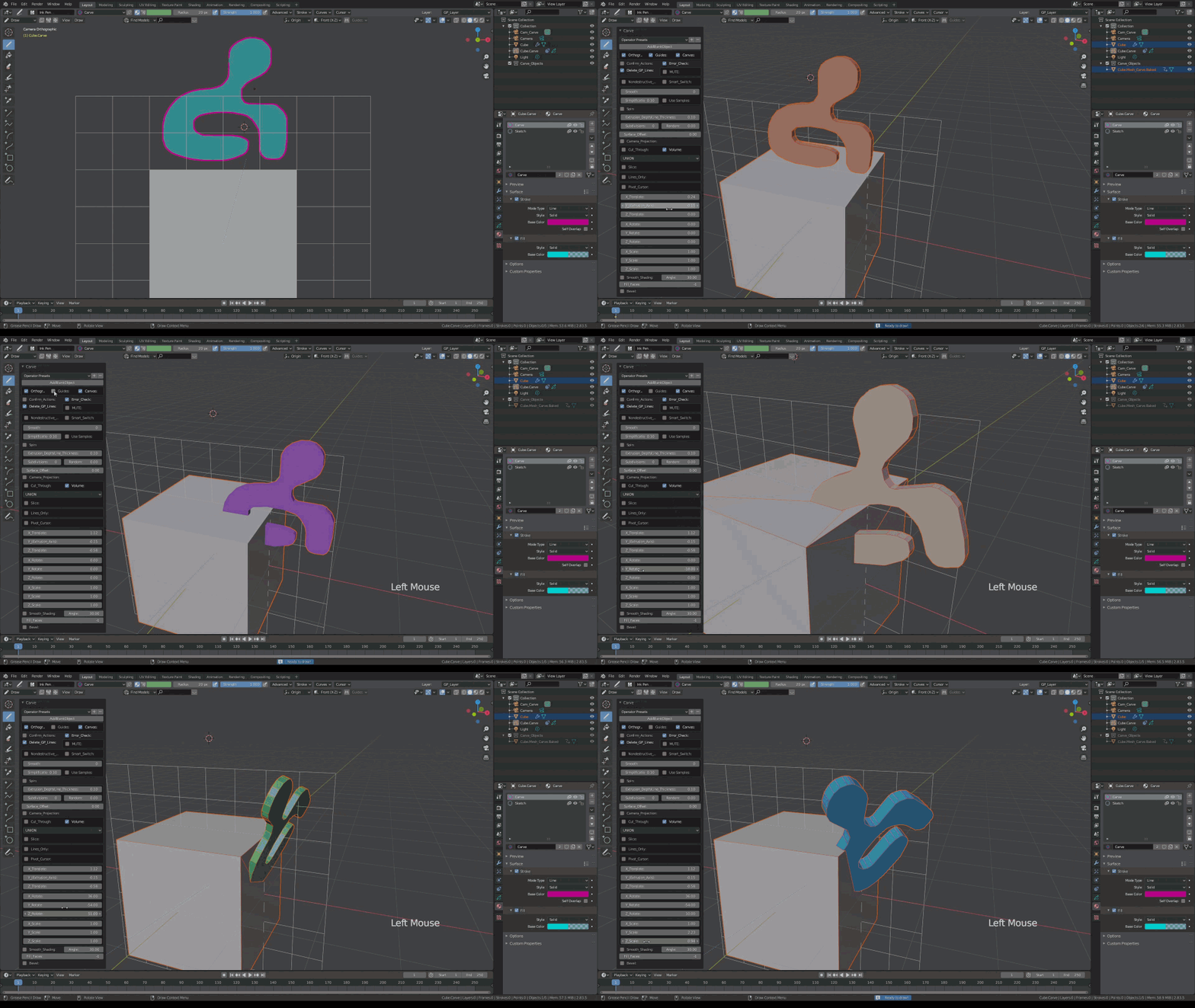
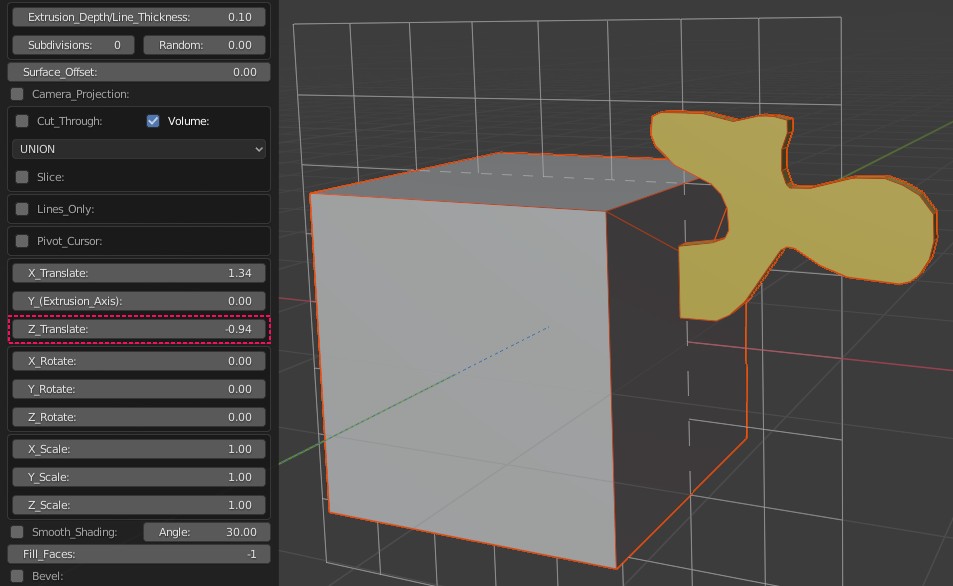
Using the "Y_Translate" slider move the object closer. This will move the object along the extrusion axis, towards the camera (Cam_Carve) or away from the camera.
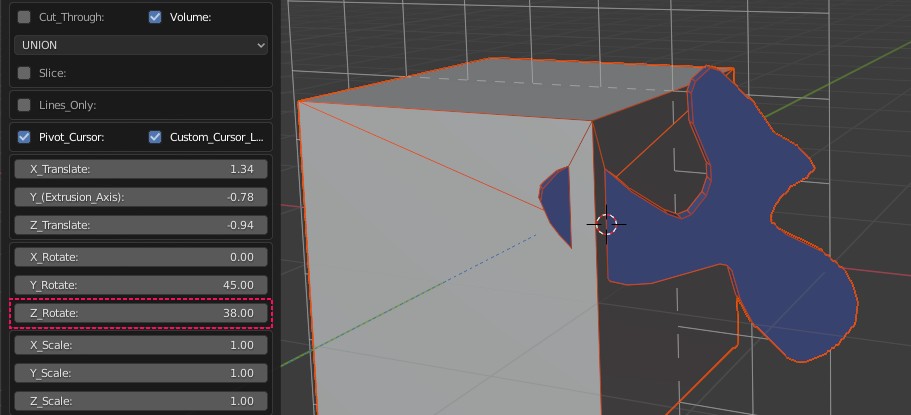
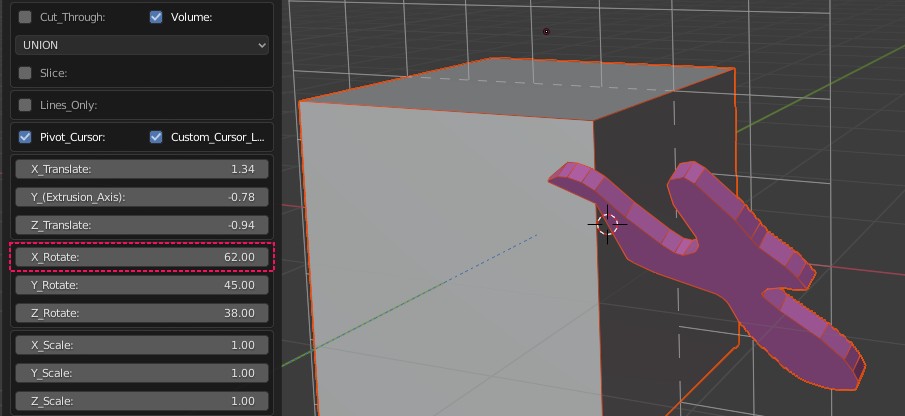
MAIN TRANSFORMS |
|
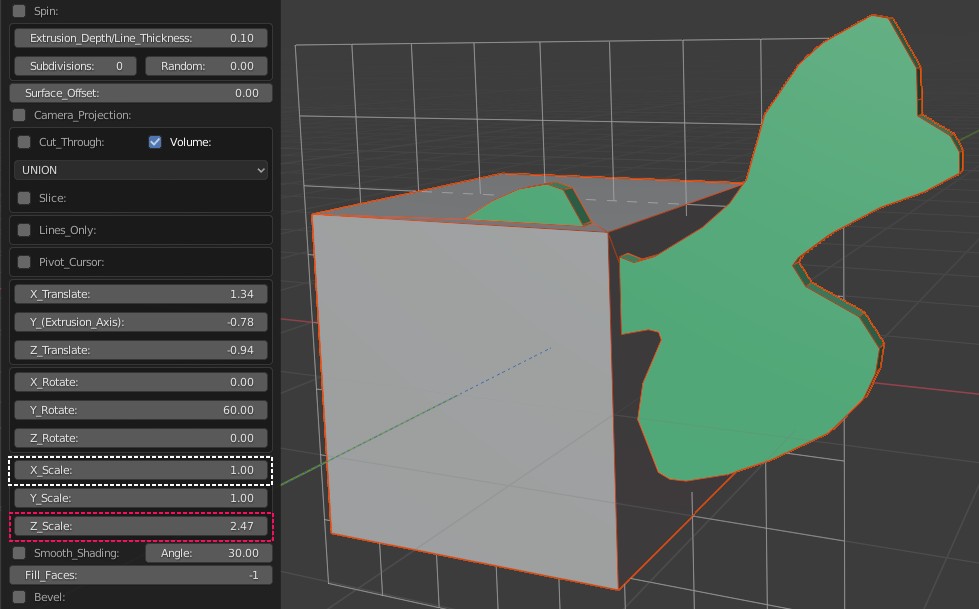
| Main Transforms are applied at the end of all other operations and modifications. It can be used in conjunction with other transforms found under various modifiers such as "Array", "Spin", "Curve_Deform" etc. Main Transforms are additive and do not over ride them. It is simply to scale, rotate and position the final result. |
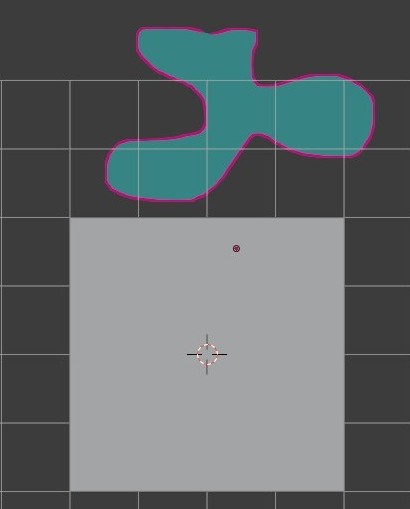
| Using the drawing pen draw a shape near the main object. |
|
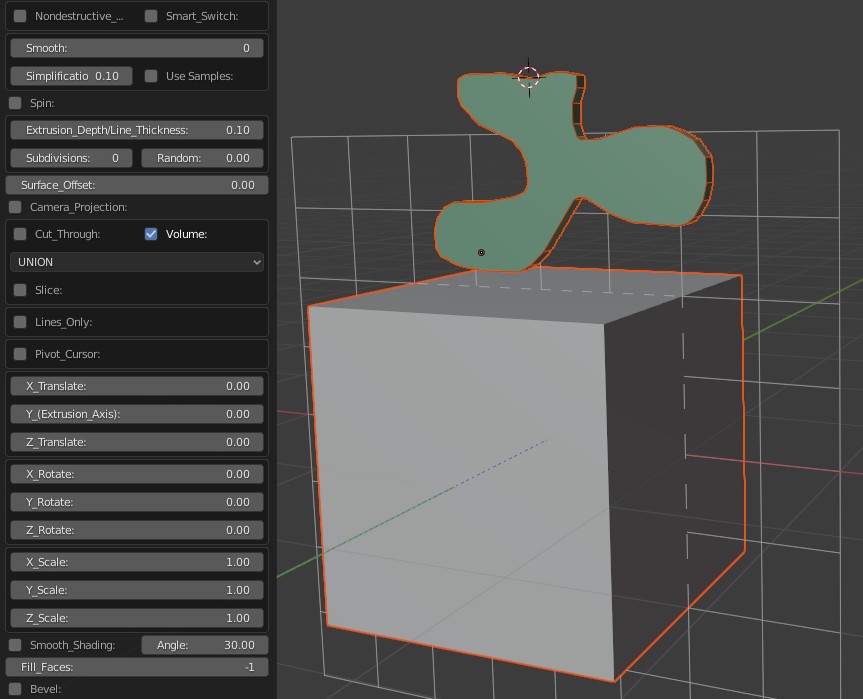
| In "UNION" mode your object should look like the image below. |
|
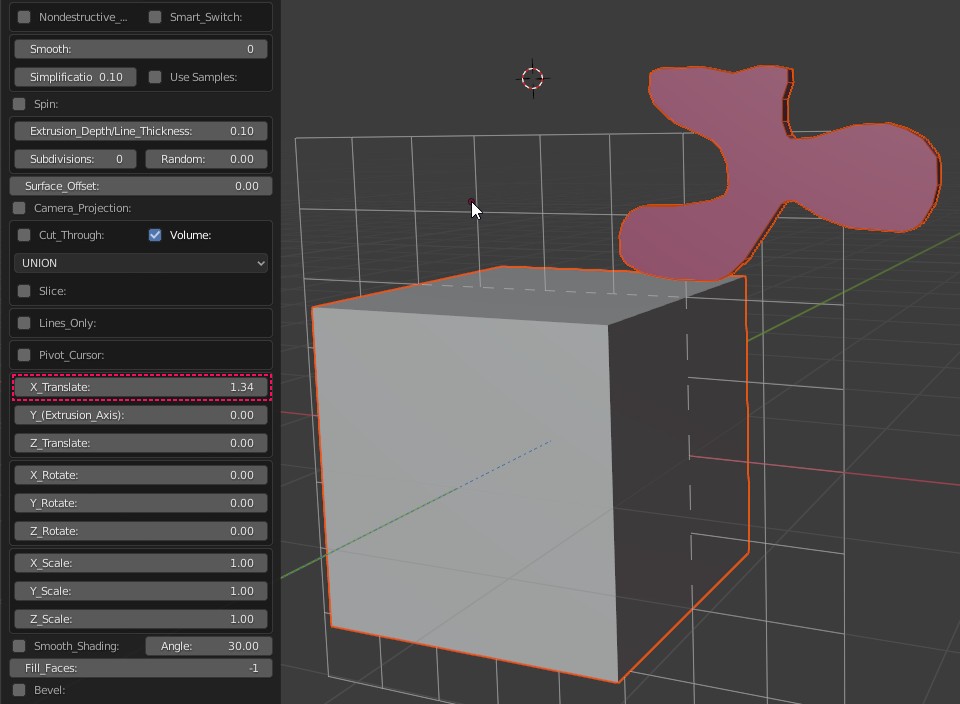
| Using the "X_Translate" slider move the object to the right. Transforms are relative to the Grease Pencil object's orientation. |
|
| Using the "Z_Translate" slider move the object up or down. |
|
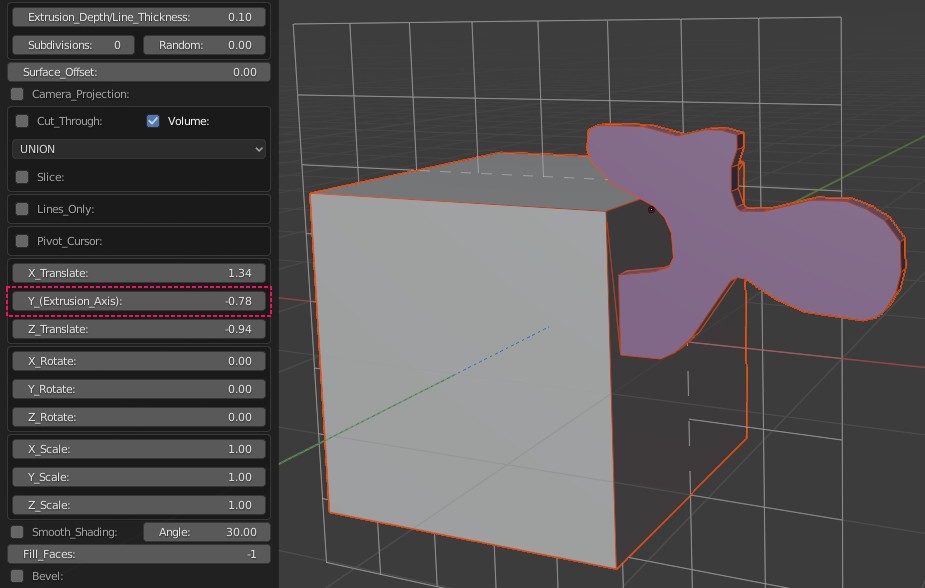
Using the "Y_Translate" slider move the object closer. This will move the object along the extrusion axis, towards the camera (Cam_Carve) or away from the camera. |
|
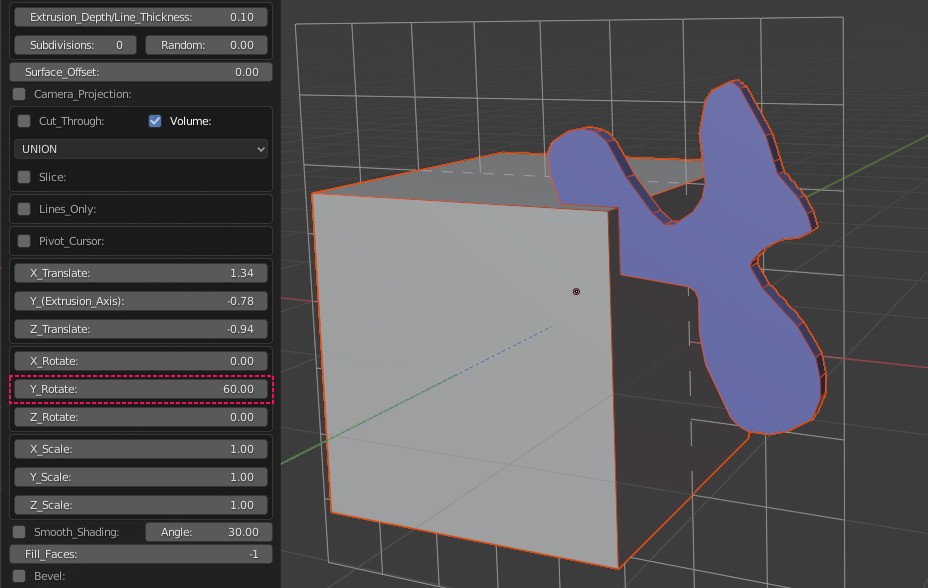
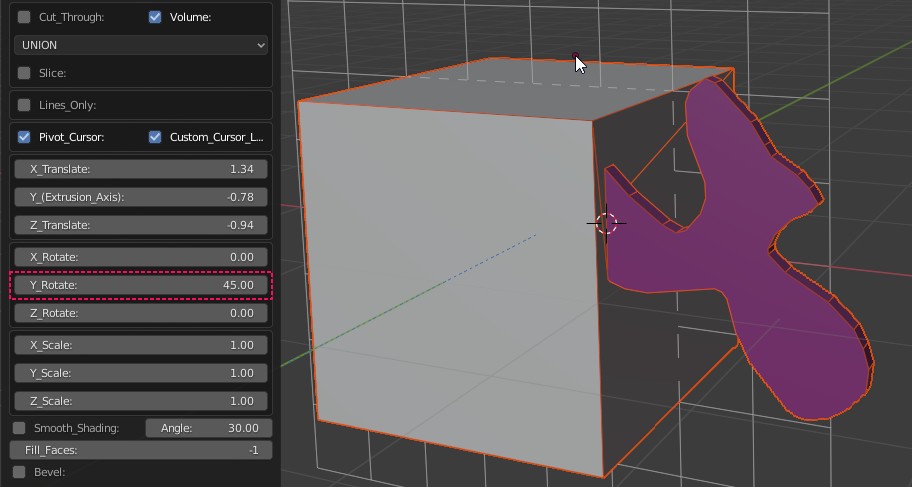
| Rotate, |
|
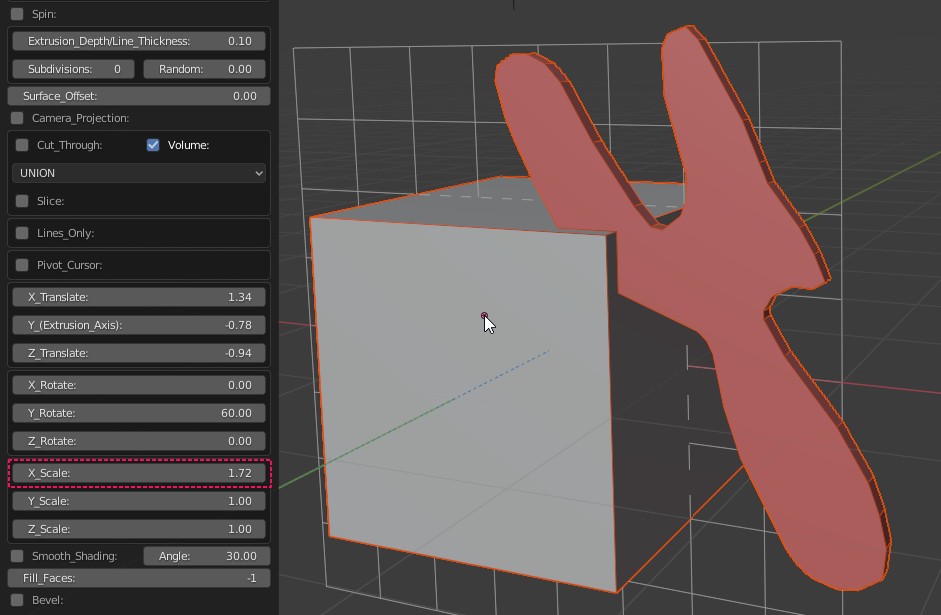
| X_Scale, |
|
| Z_Scale. |
|
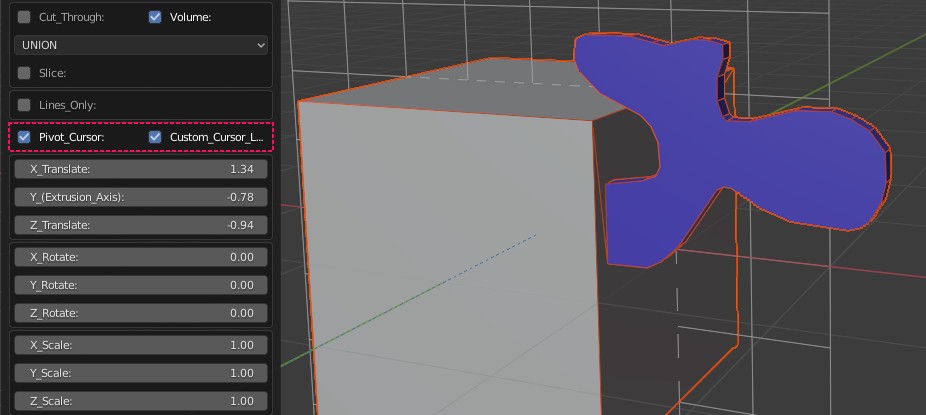
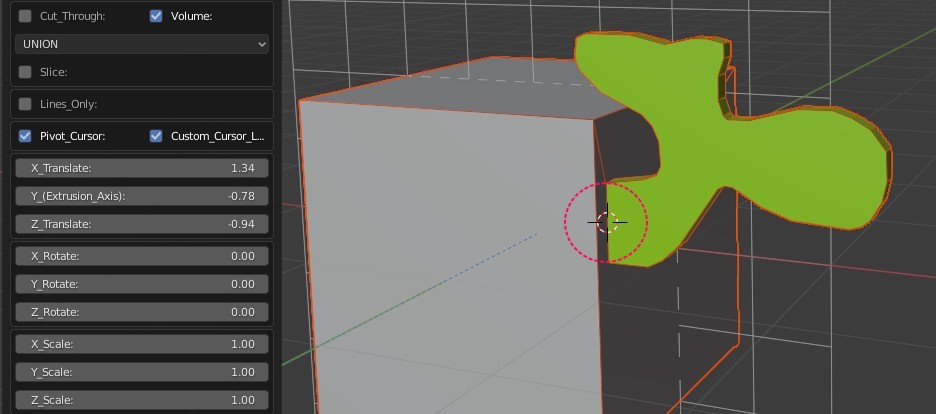
| Pivot Cursor |
|
|
|
|
|
|