INTERSECT
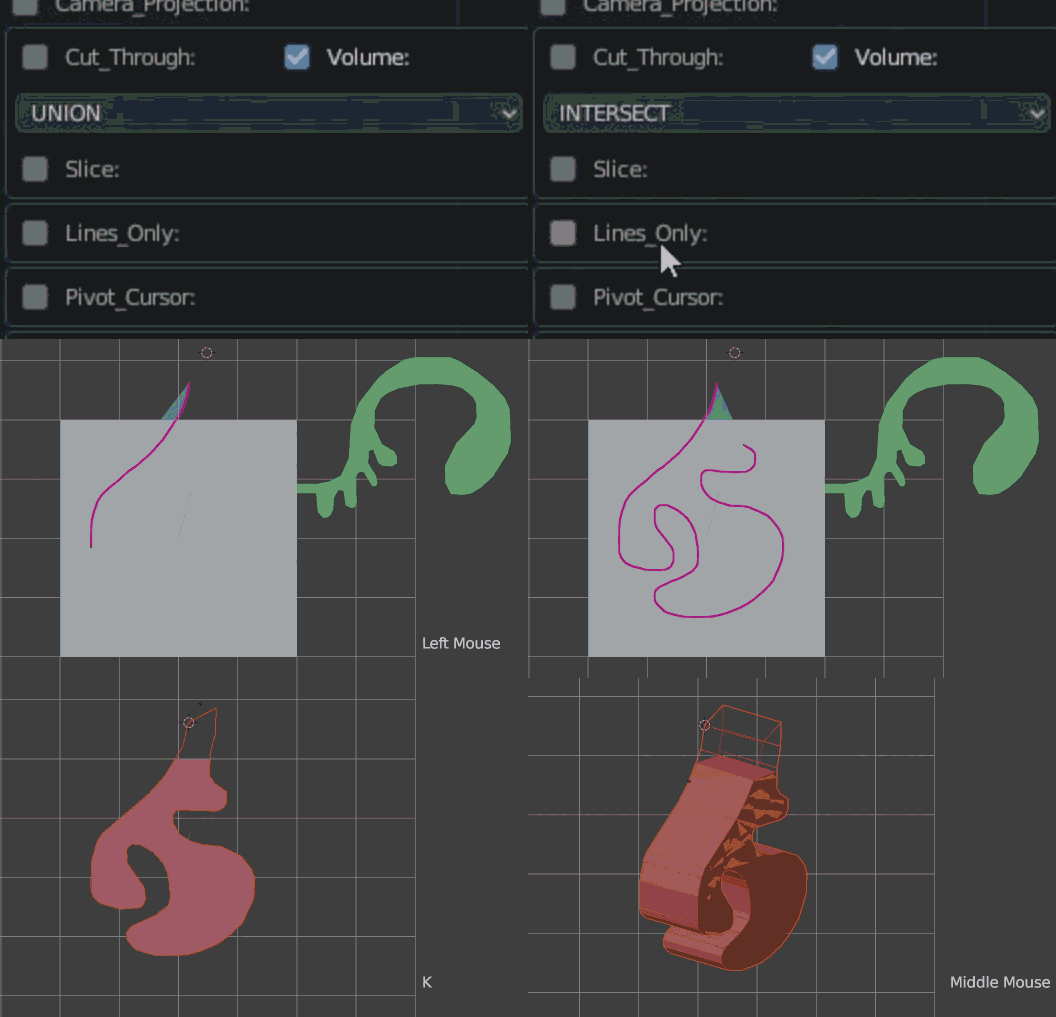
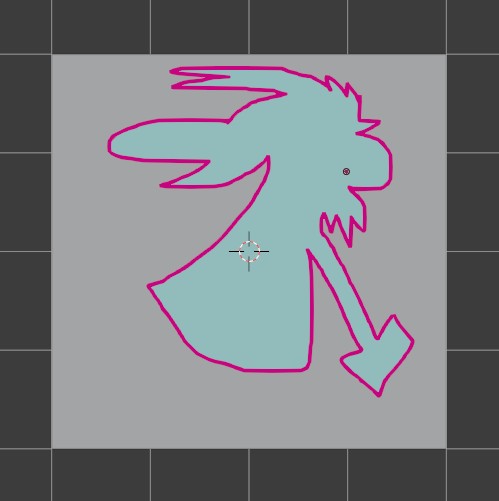
Press K.
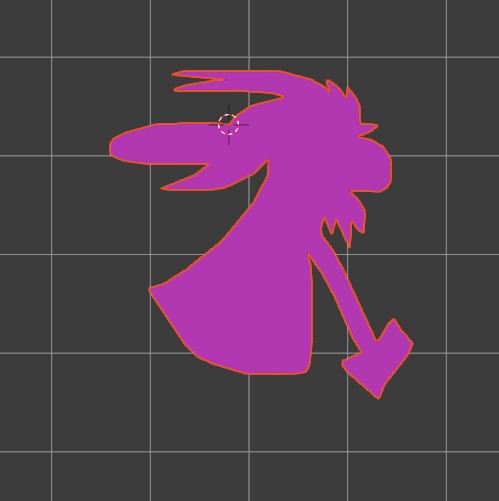
This will convert your drawing into a MESH object and intersecting the base object with it, keeping only the overlapping volume and deleting the rest..
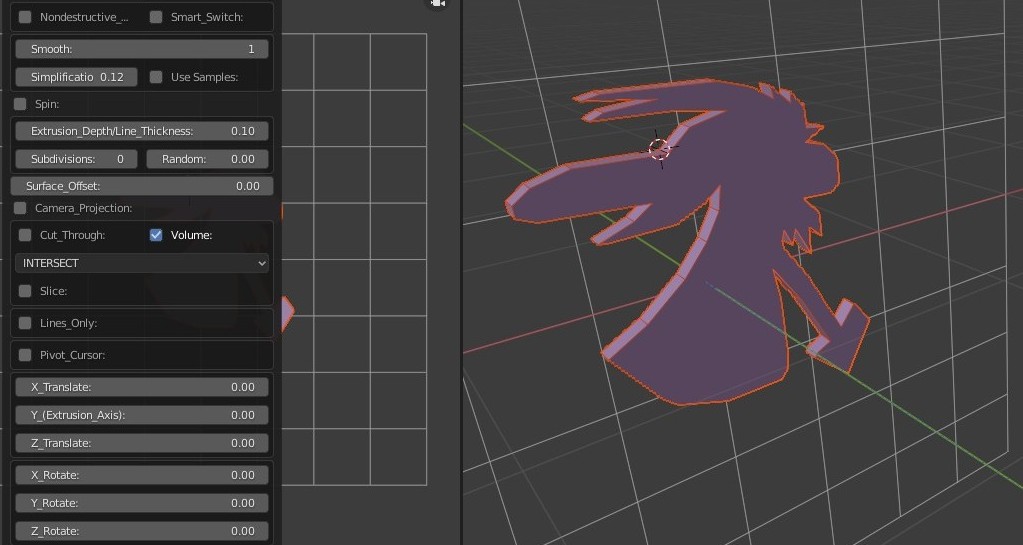
You can rotate the camera to another angle to see it in perspective. If you have not changed the "CUT THROUGH" option you will see something like below:
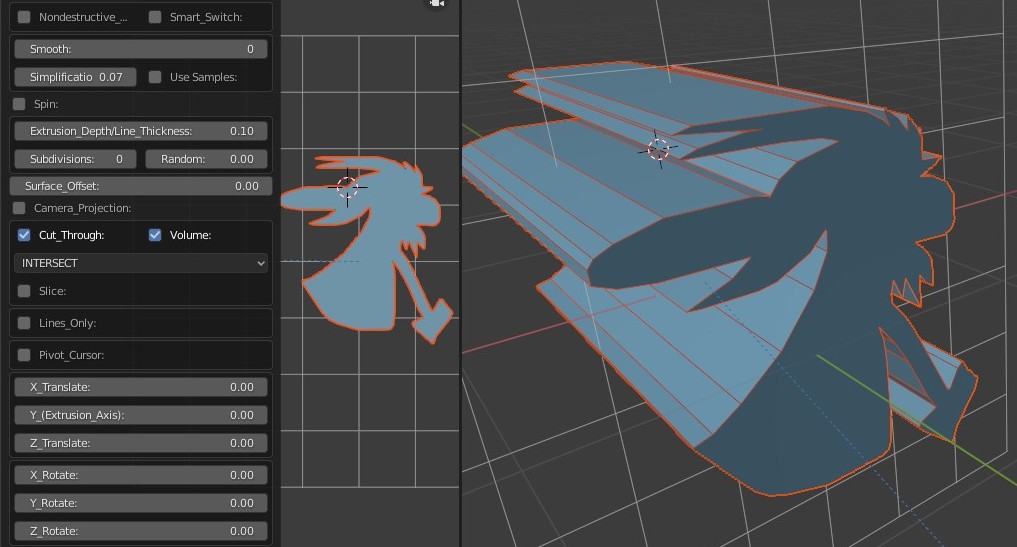
If you haven't already expand the MENU at the left bottom corner of the screen.
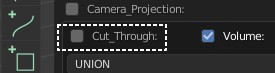
Turn off "CUT THROUGH" option.