INSTALLATION
Installing the Addon
Please remember to uninstall the previous version of SketchN'Carve before installing the new version.
To install the addon:
-
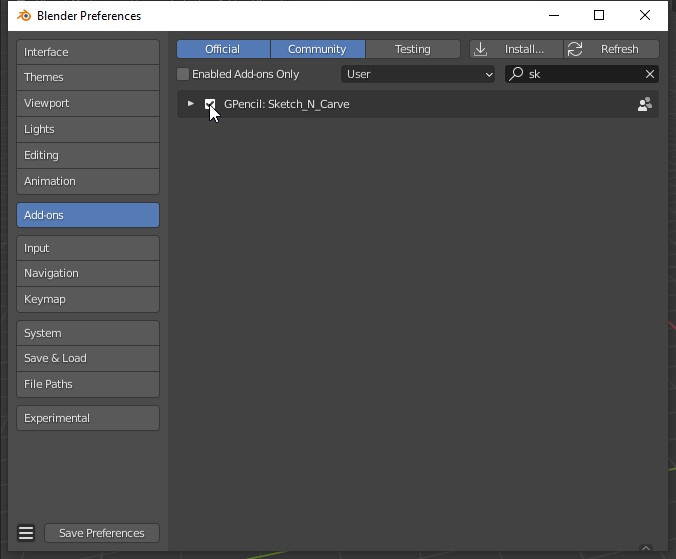
In Blender, click Edit > Preferences in the top bar menu, Add-ons > Install…
-
Browse to the directory where your addon file is saved, select Sketch_And_Carve_R.zip then click Install Addon.
-
Check the box next to the addon in the list to enable it.
-
Save your preferences if it is not set to save automaticaly.
- You will find SketchNCarve under "Object" menu.