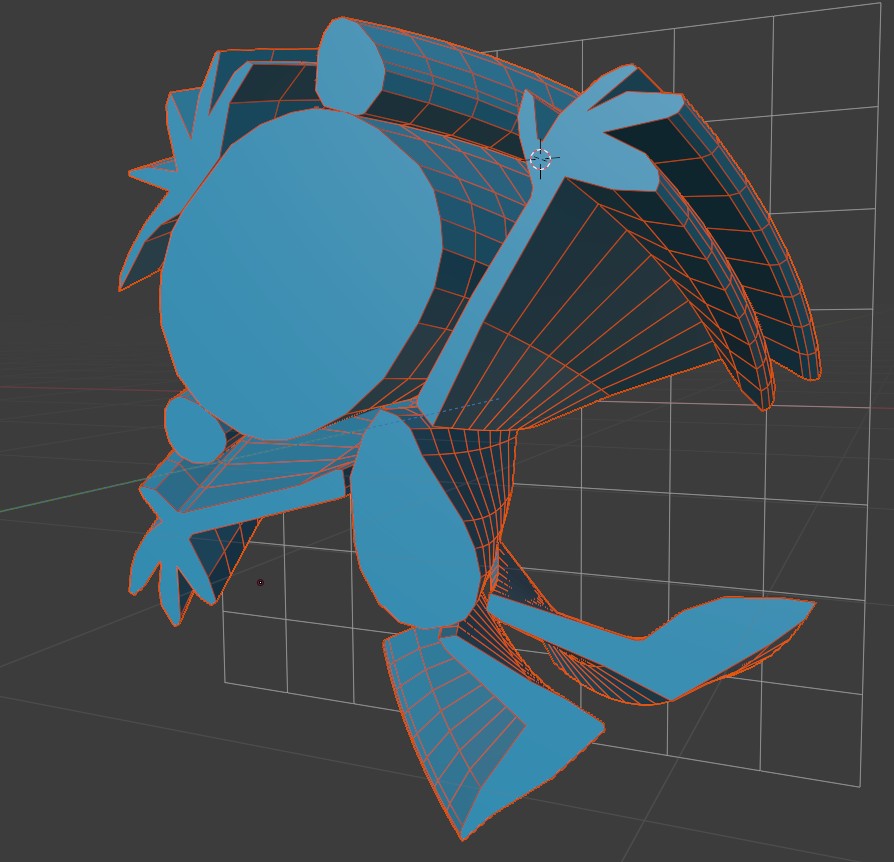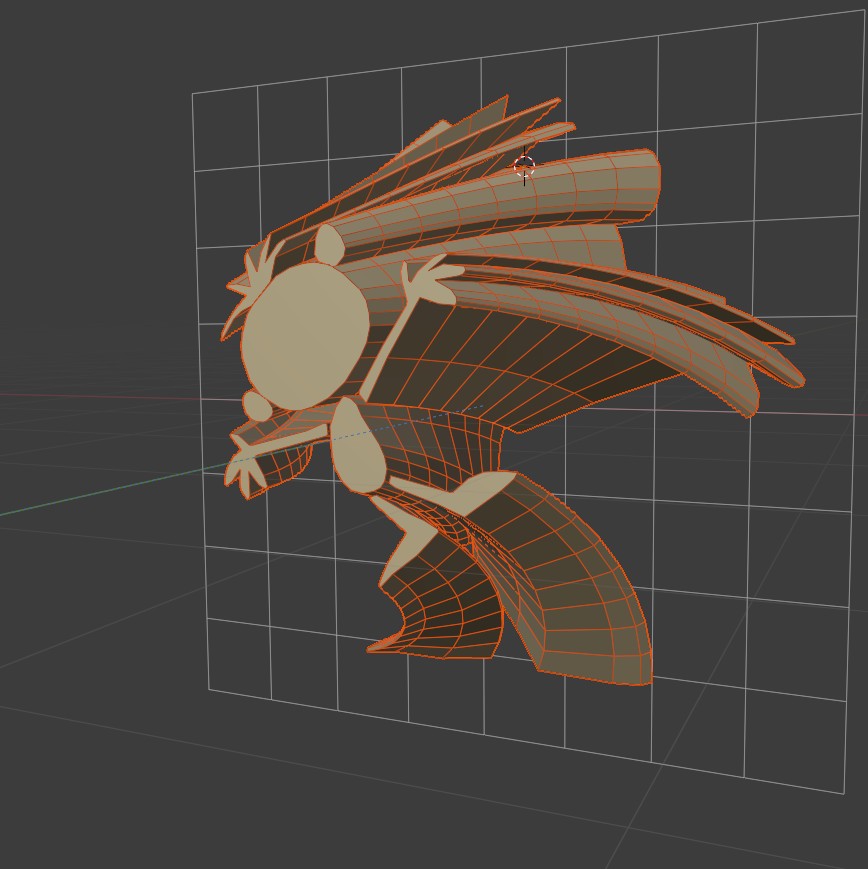
EXTRUDE

 
WATCH: VIDEO TUTORIAL
extrude_gif
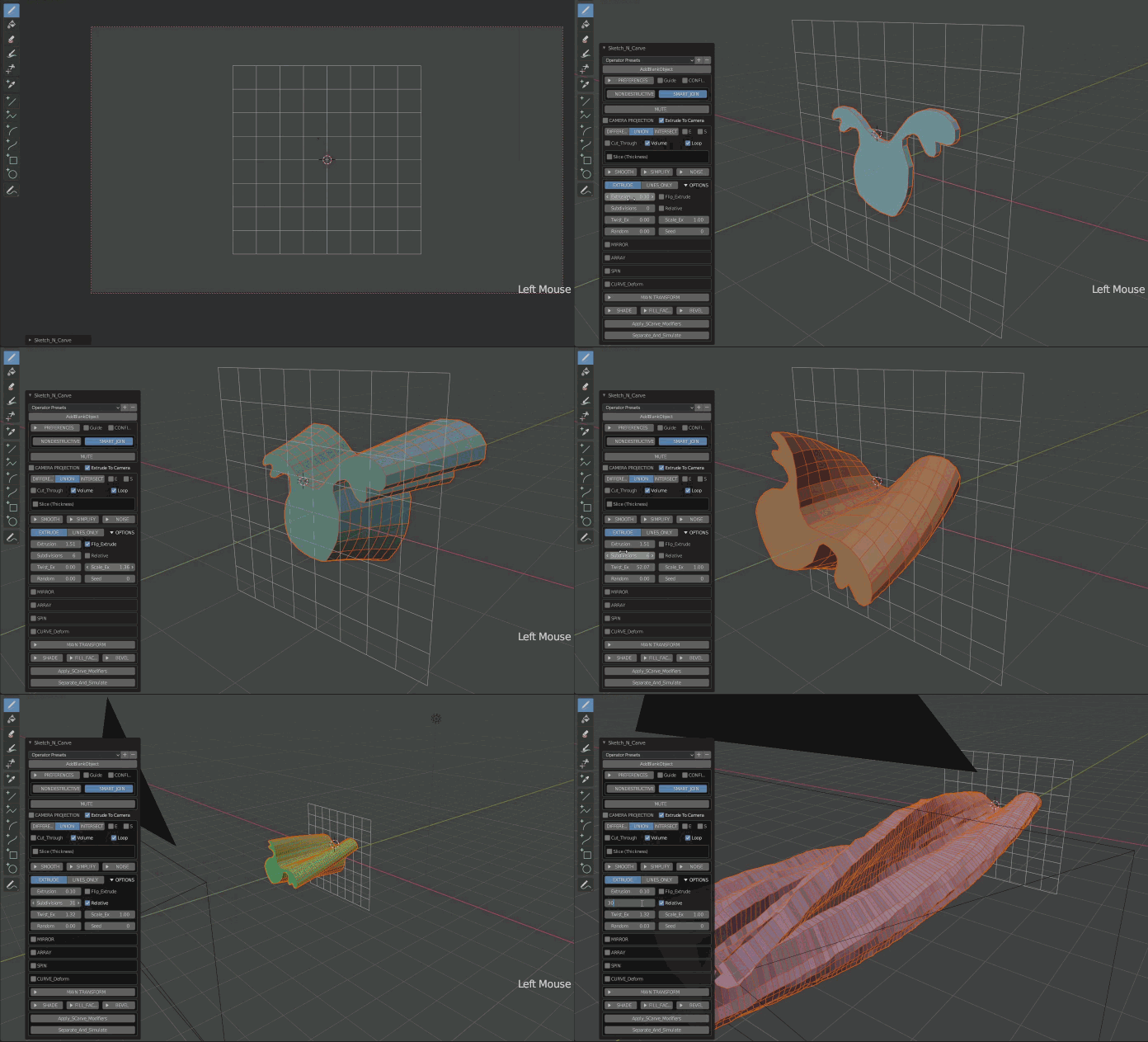
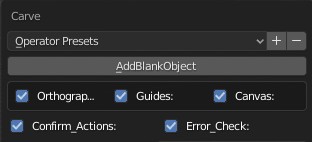
To start with a blank canvas click the "AddBlankObject" button.
addblank

Press K. If you have not turned off the "Confirm Actions" press OK or ENTER.

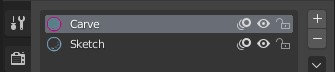
Make sure you have "Carve" material active.
mat1
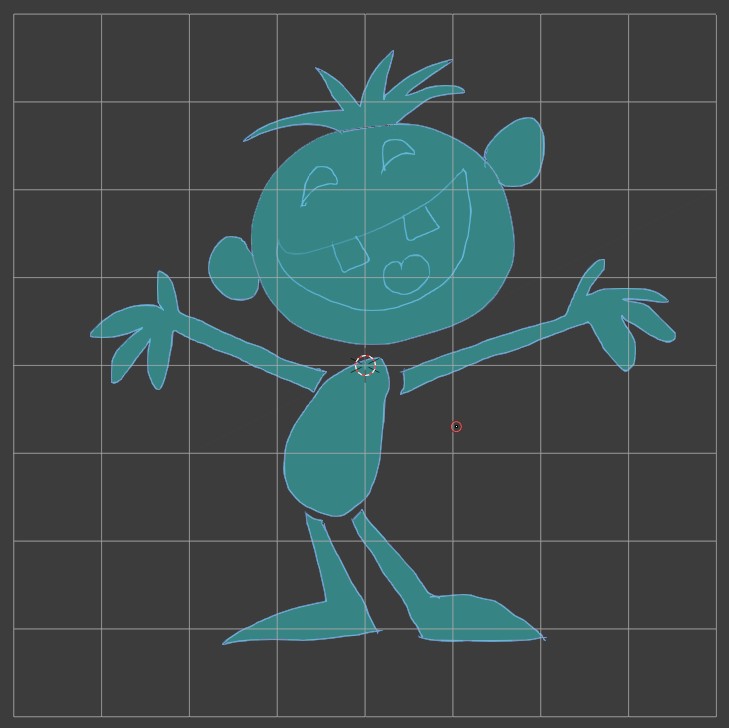
Using the drawing pen draw a shape.
x 0

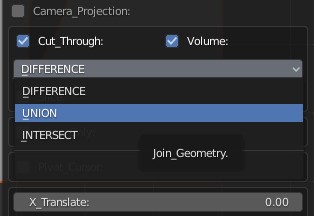
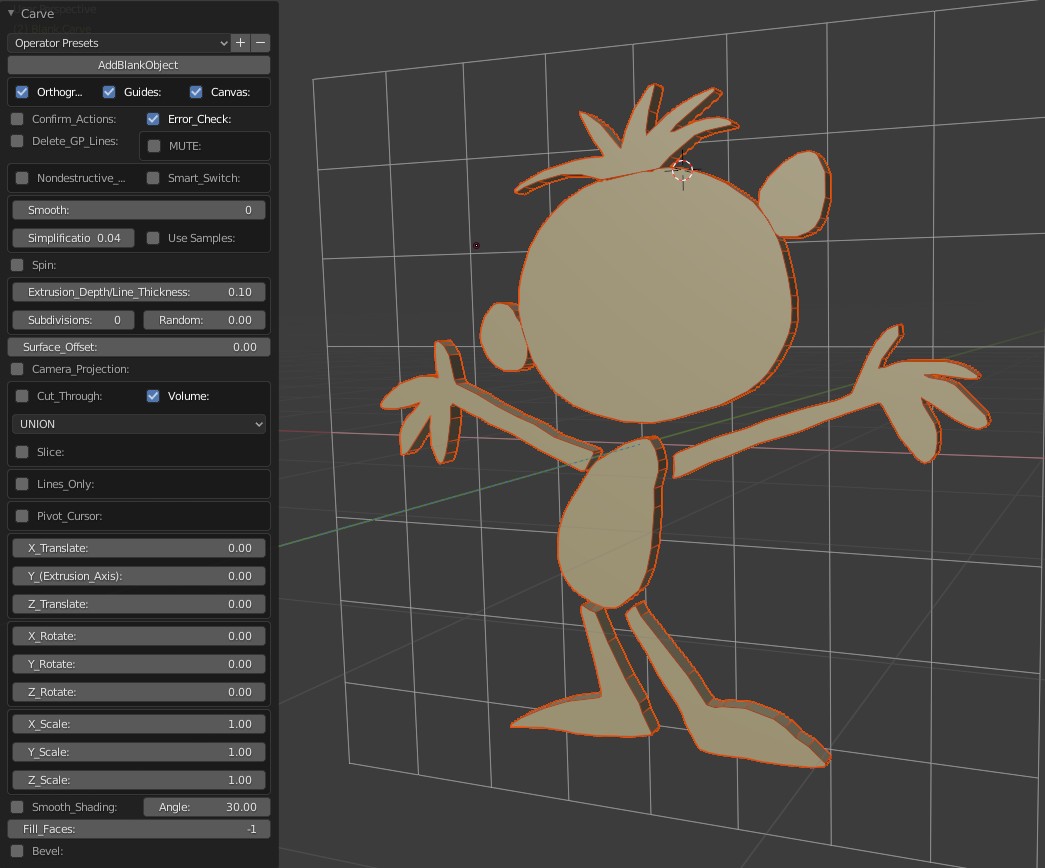
Expand the menu from the bottom left corner of the screen. Since we are just starting select "UNION". This will also turn off "CUT THROUGH".
union
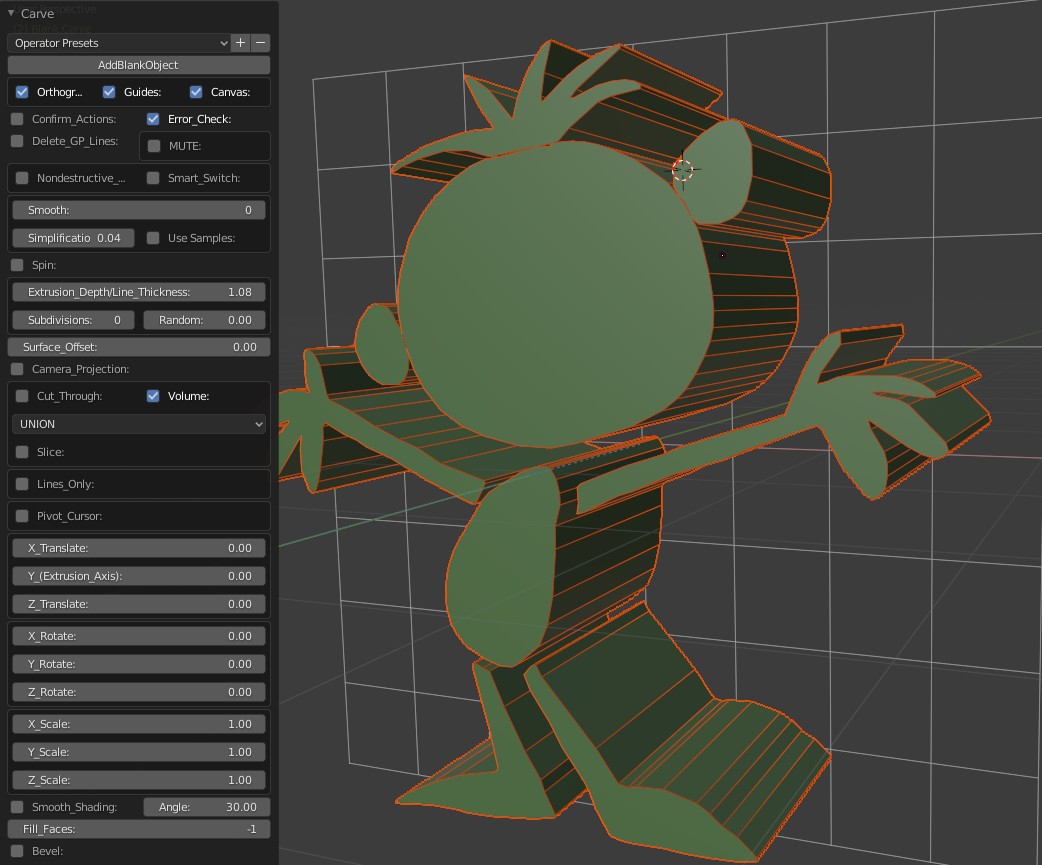
Press "K". Your drawing will be converted to 3D geometry with the default extrusion length. Switch to perspective view by pressing "0" on numeric pad to see the depth.
x 2
Adjust the "Extrusion Length ".
x3

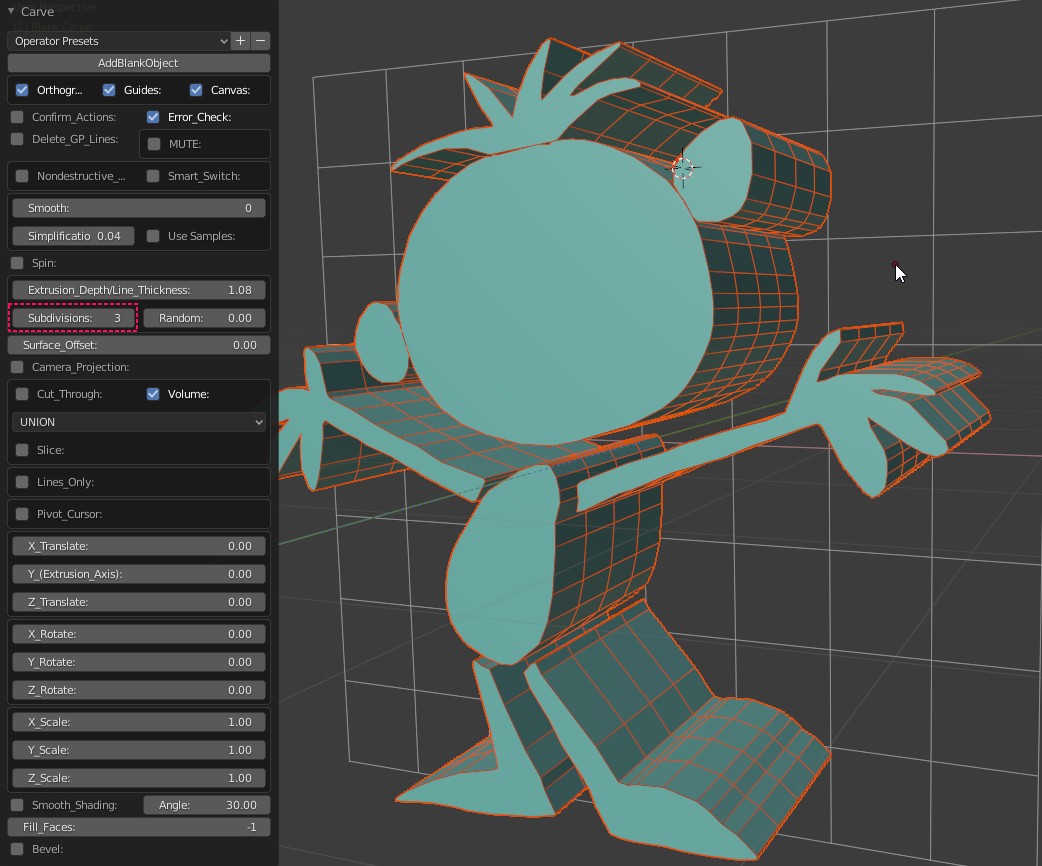
Increase the "Subdivisions".

x4
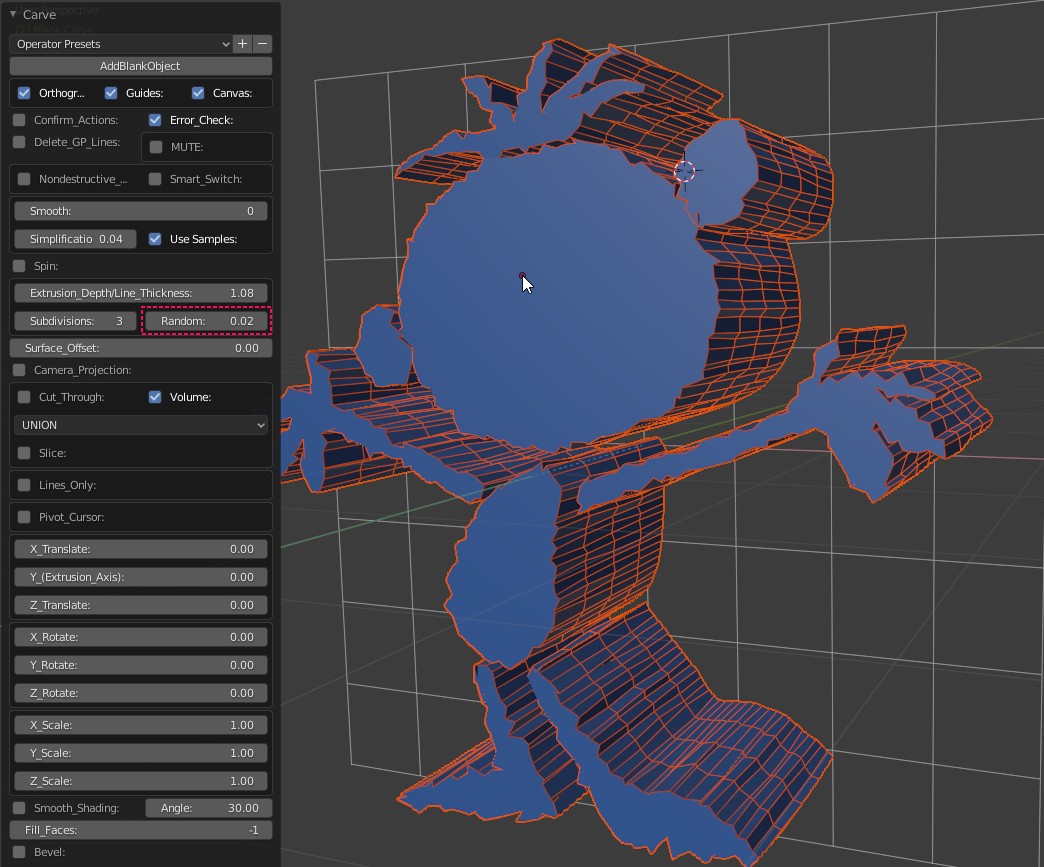
For a look similar to the below image add a little randomness.
x5a
Twist
ex twist
Twist and Scale
ex twist scale
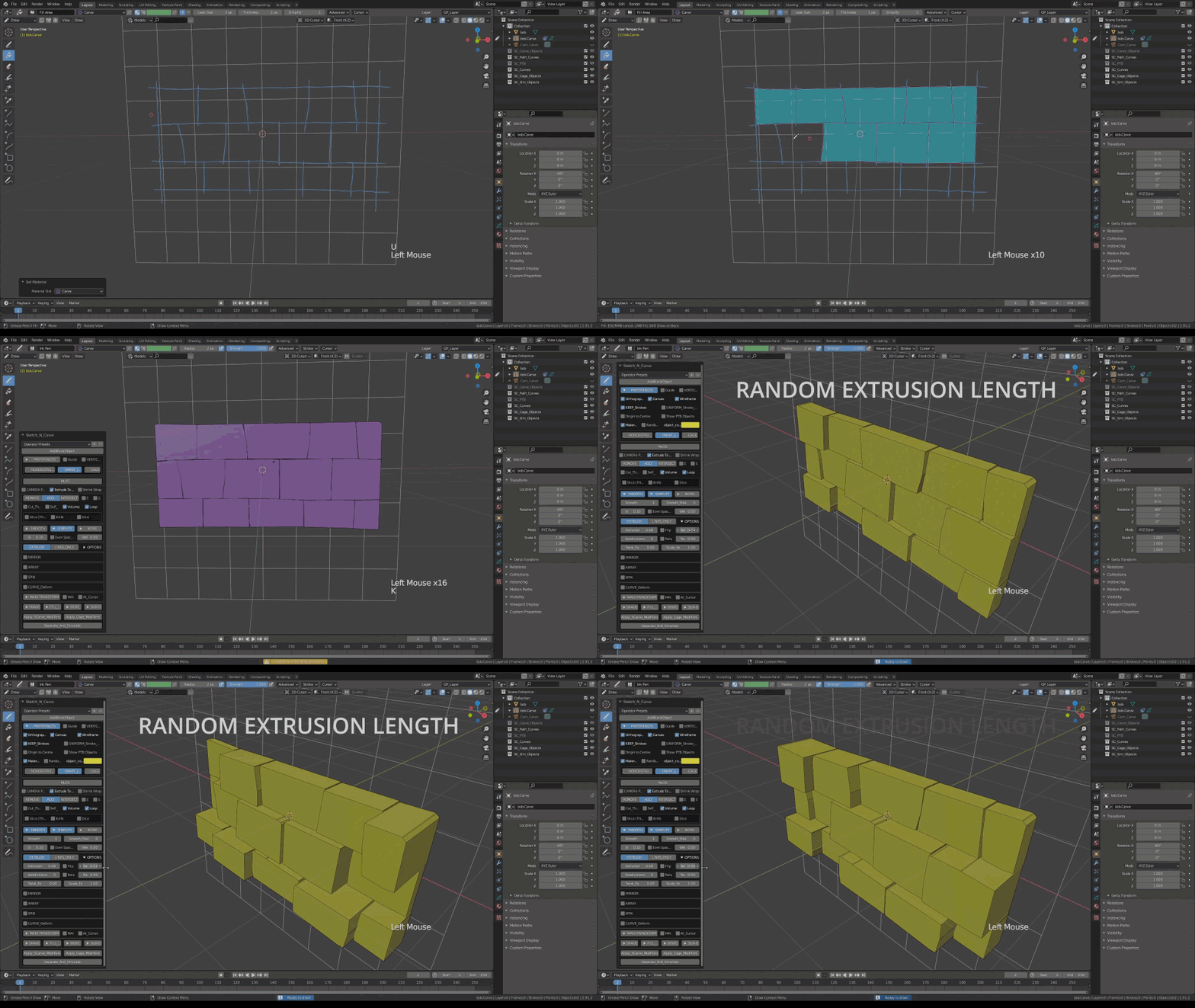
Random Extrusion Length
rand ex