DRAW ON SURFACE

 
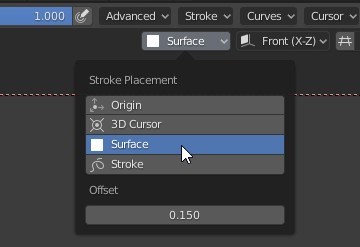
Change Grease Pencil Stroke Placement setting to "Surface".
surface
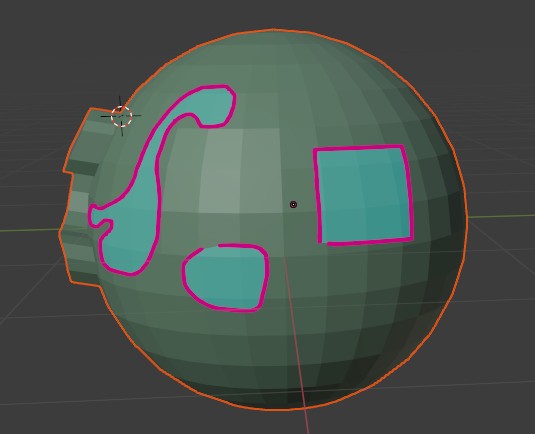
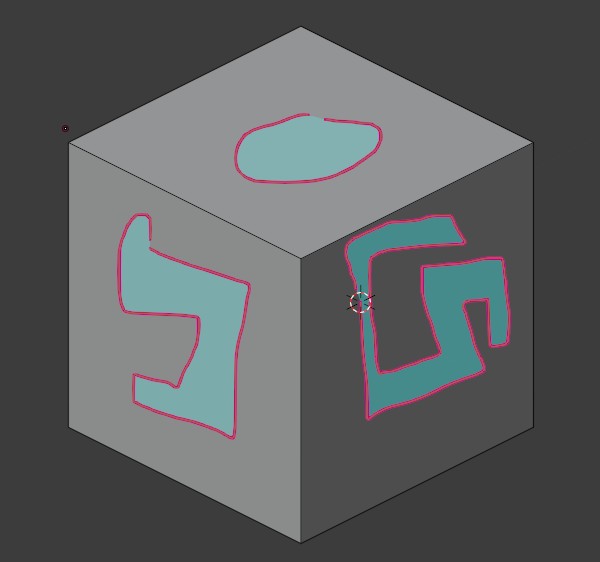
From the Materials tab select the "Carve" material. Using the drawing pen draw some shapes.
surf0

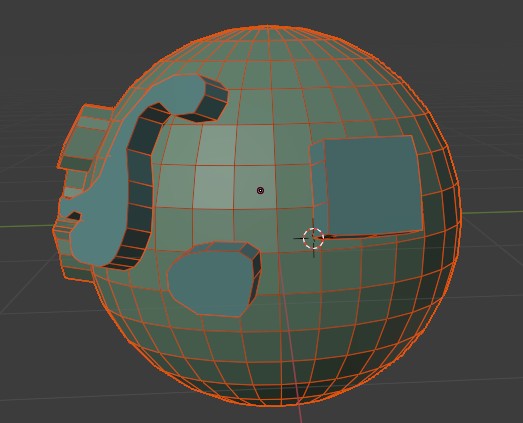
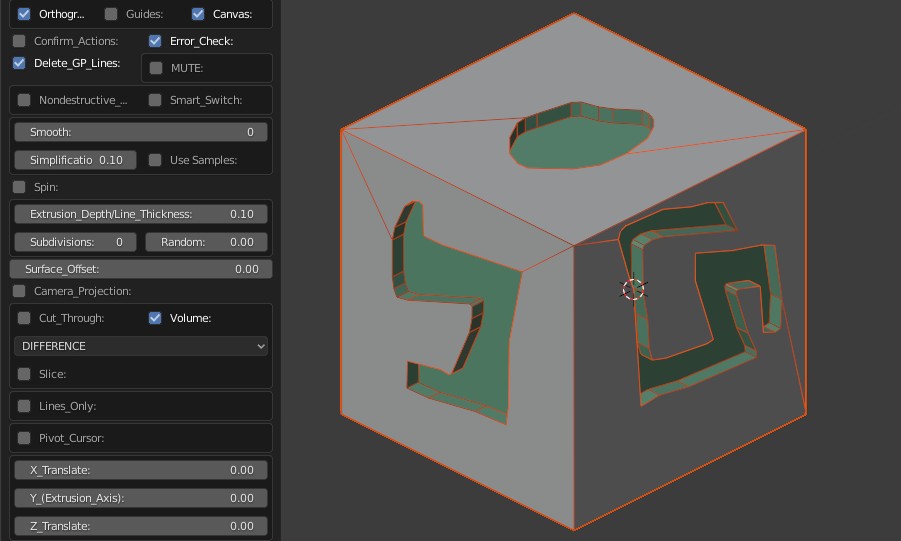
This will produce the mesh below in "DIFFERENCE" mode (with "Cut Through" turned off). Each shape will be extruded along their respective surface normals.
surf1

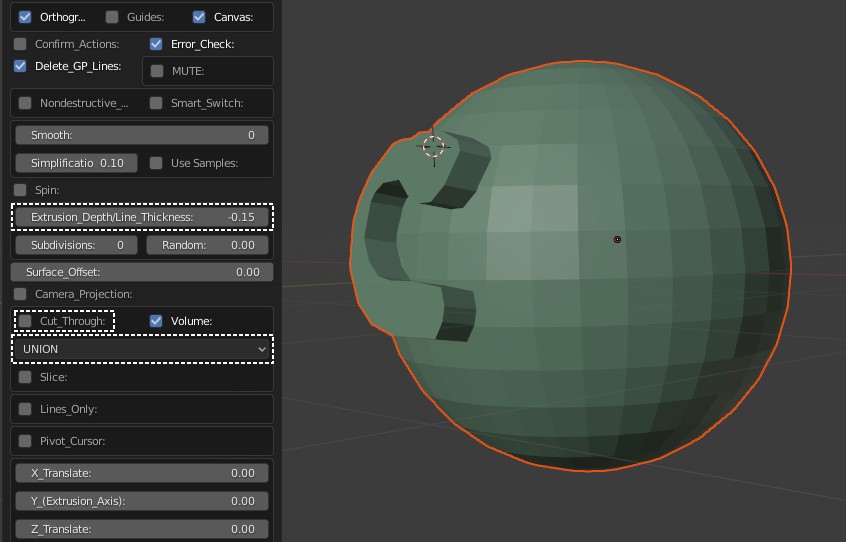
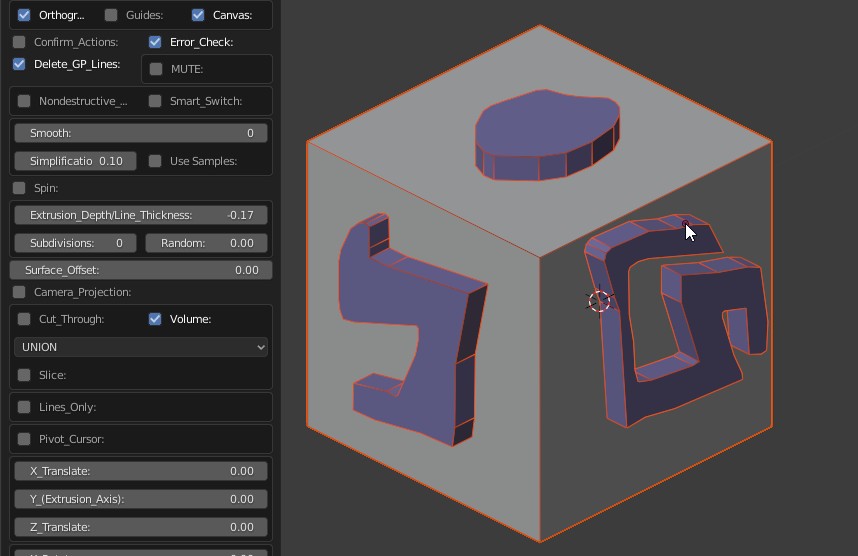
Or, with "Union" and the "Extrusion Depth" set accordingly.
surf1a

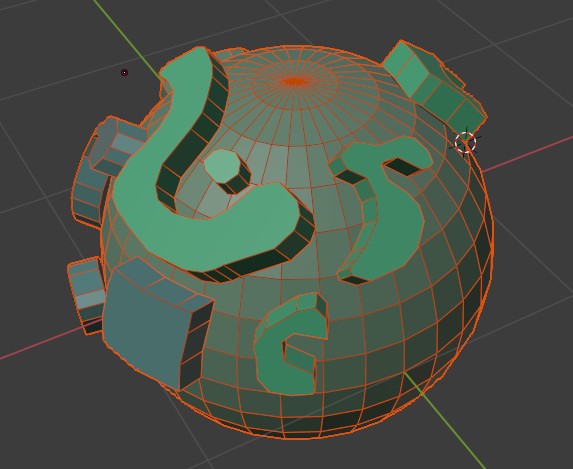
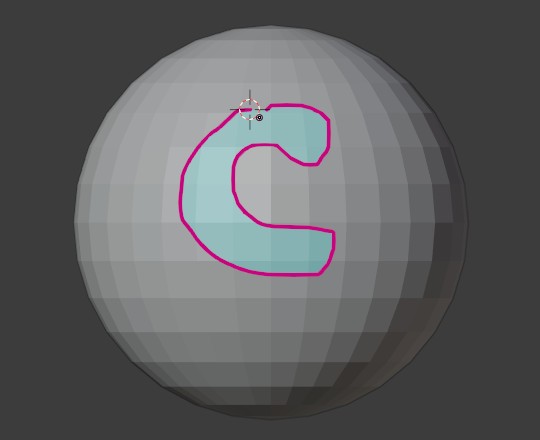
You can draw on any surface. Lines will follow the curvatures.
sph0
sph1
Multiple Strokes.
sph2
 
sph3
sph5
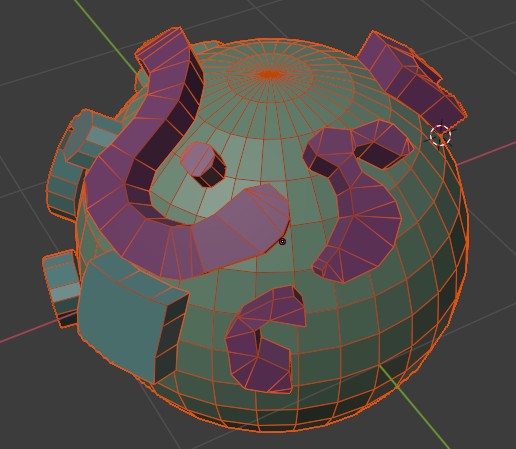
With the "Fill Faces" turned on.
sph5a
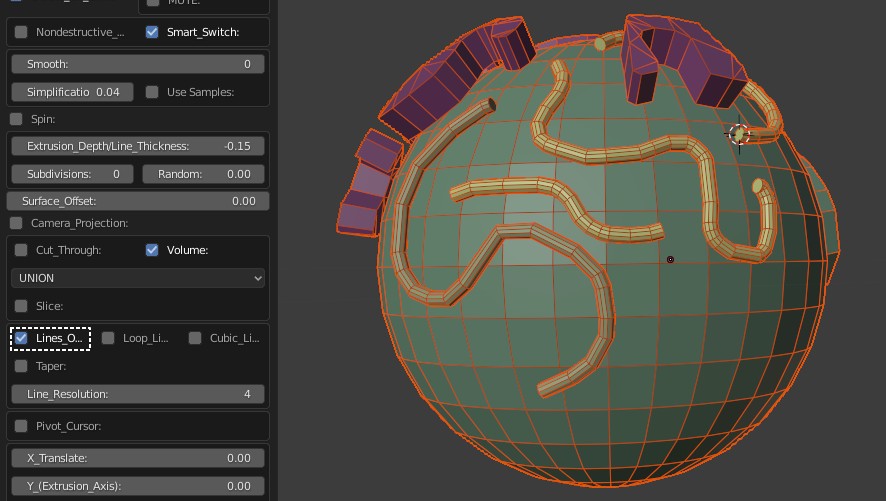
"Lines Only".
sph6
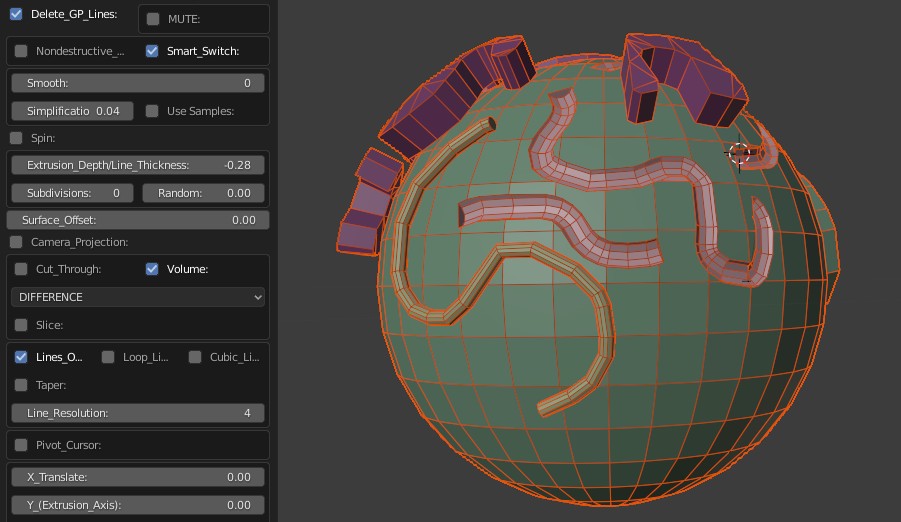
"Lines Only" with "Difference" mode.
sph6a
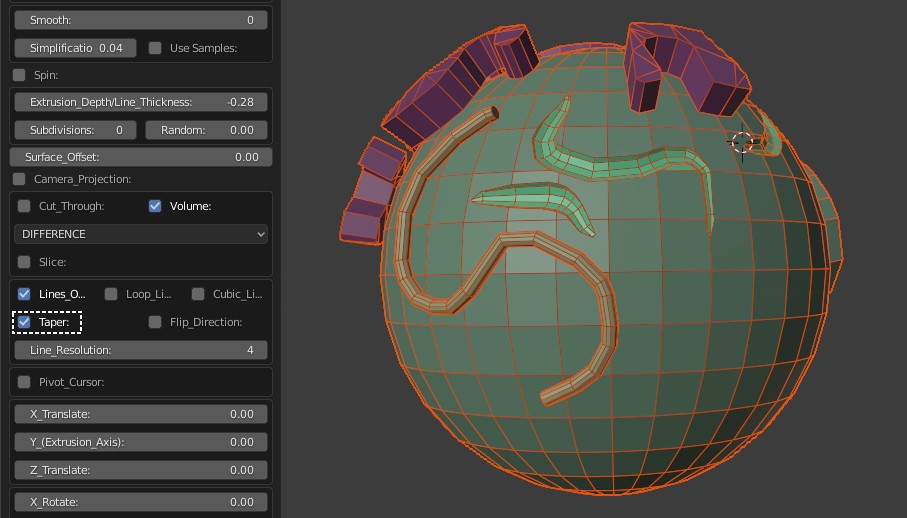
Lines with "Taper" on.
sph6b