DRAW
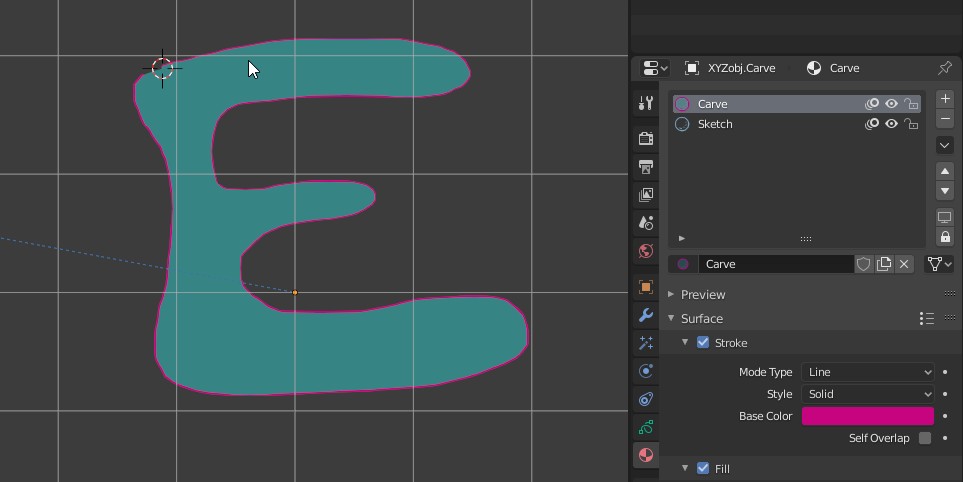
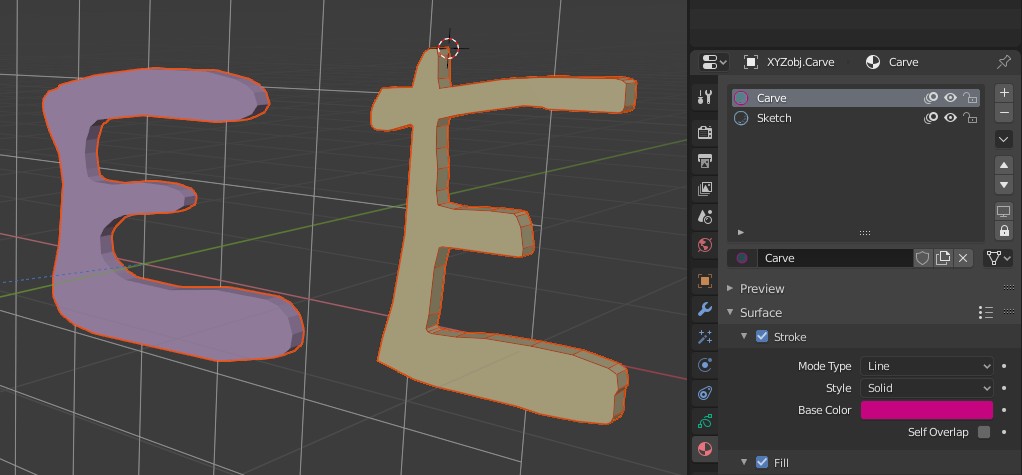
From the Materials tab select the "Carve" material. Using the drawing pen draw a shape in a single stroke..
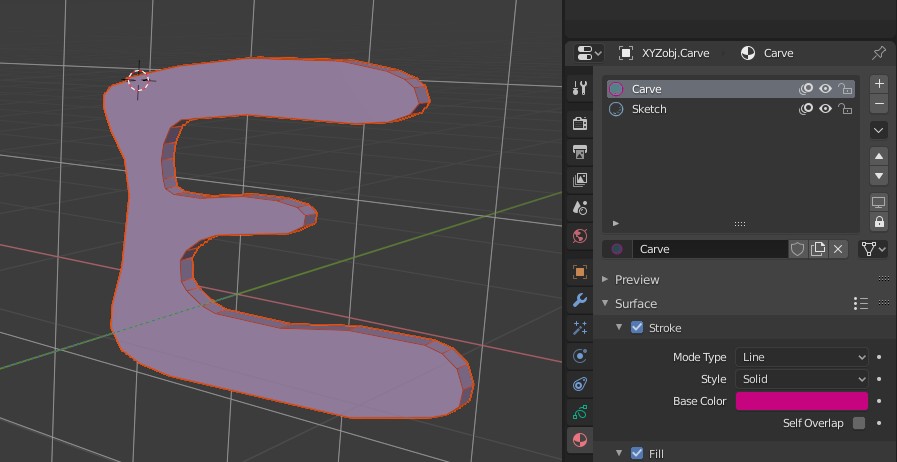
This will produce the mesh above in "UNION" mode with "Cut Through" turned off.
DRAW |
|
|
|
From the Materials tab select the "Carve" material. Using the drawing pen draw a shape in a single stroke.. |
|
|
|
This will produce the mesh above in "UNION" mode with "Cut Through" turned off. |
|
|
|
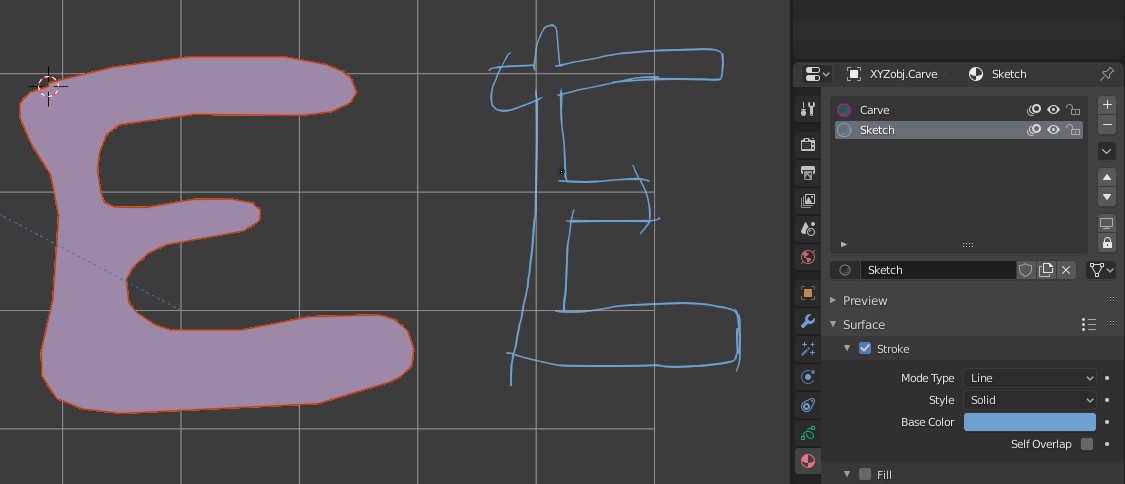
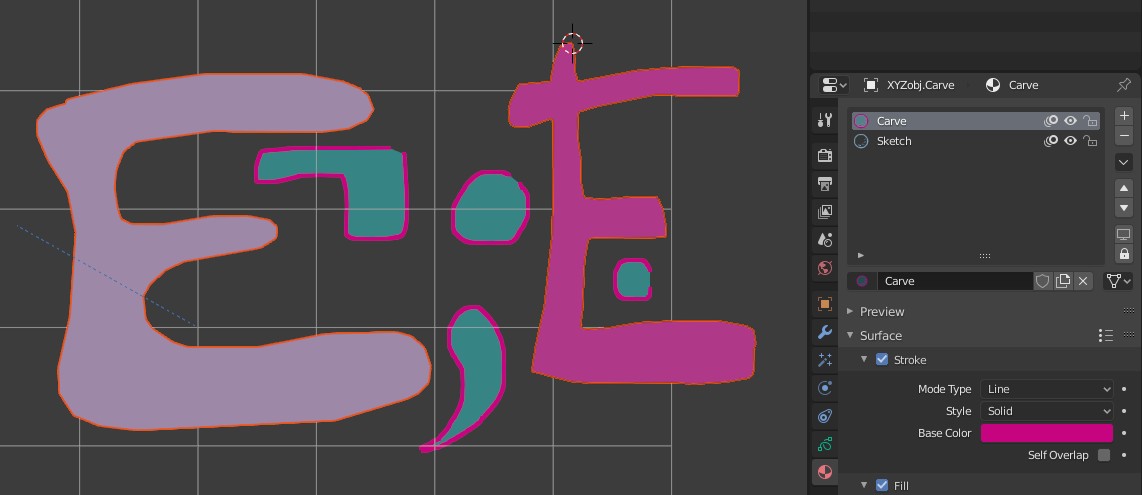
| Instead of a single stroke, you can also first sketch the outlines of the shape using the "Sketch" material. | |
|
|
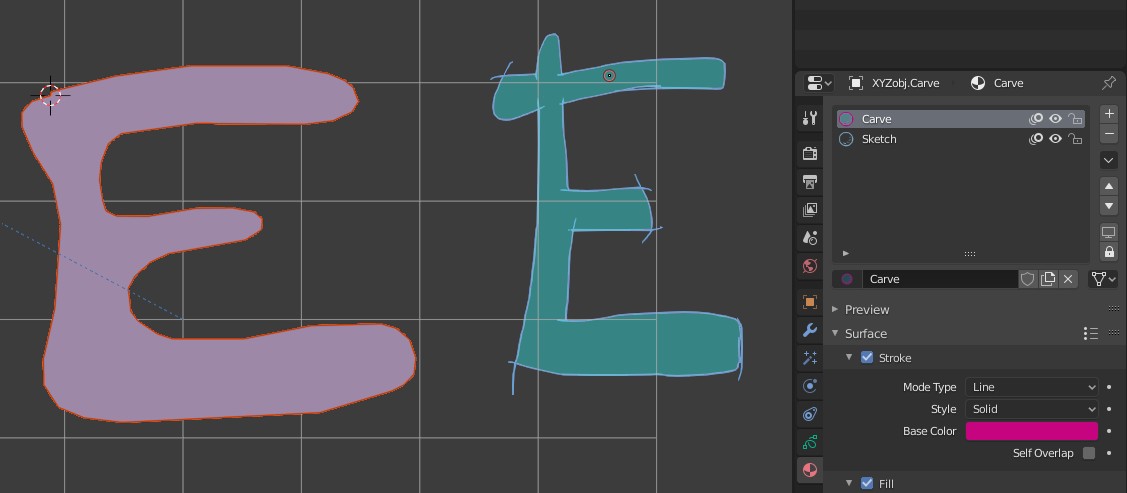
| Switch back to the "Carve" material. With the "Fill" tool fill inside the lines. | |
|
|
| As usual this will produce a mesh also. | |
|
|
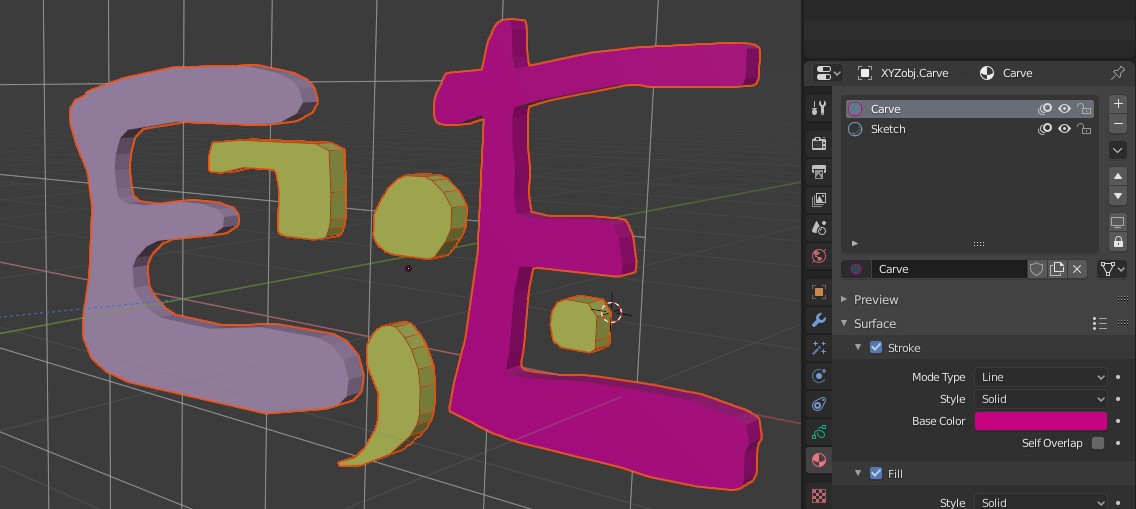
| You can draw multiple shapes. | |
|
|
| The new shapes will be converted to mesh all at once. Notice they will share the same material. This is because new material are created per operation. | |