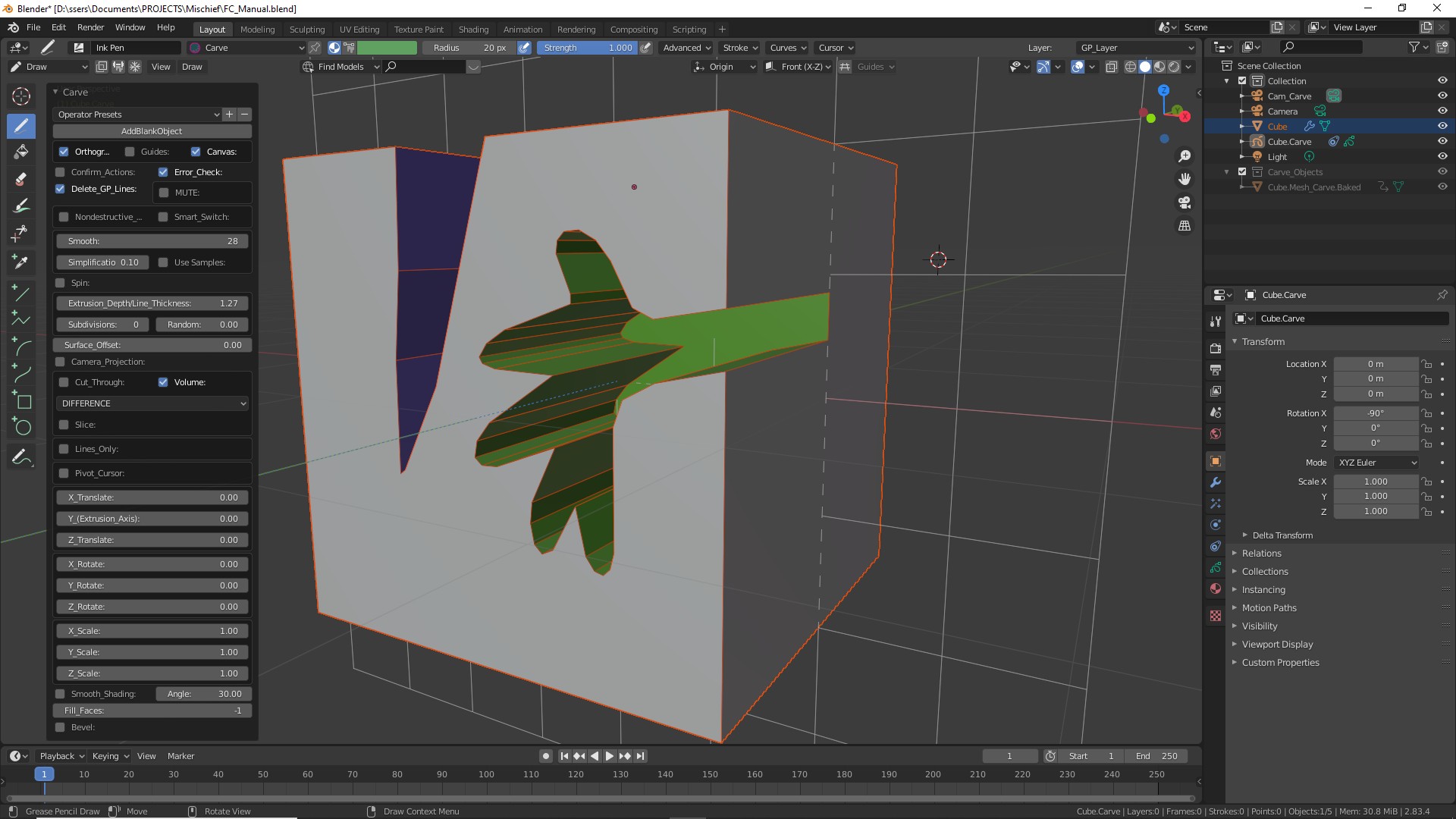
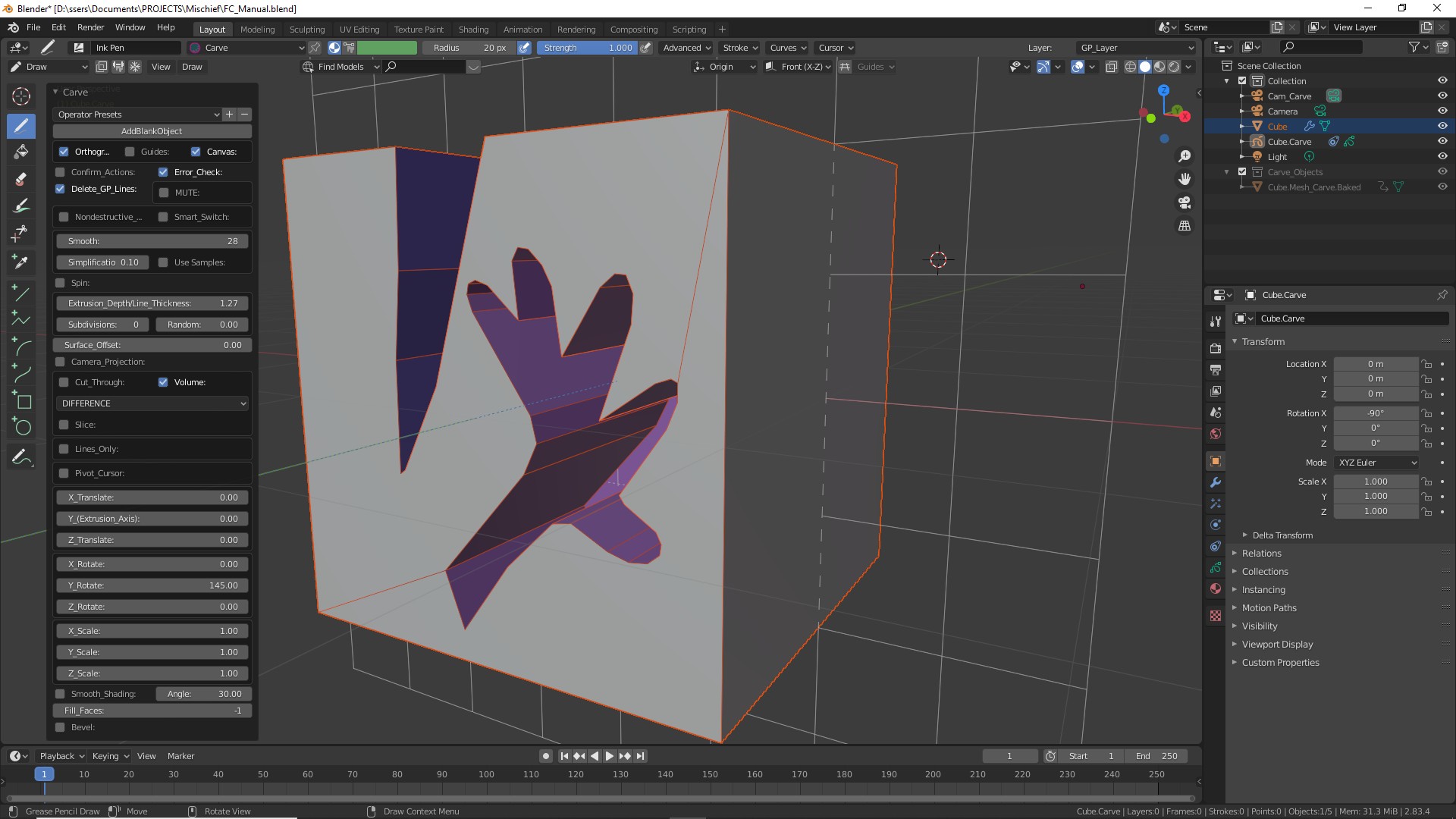
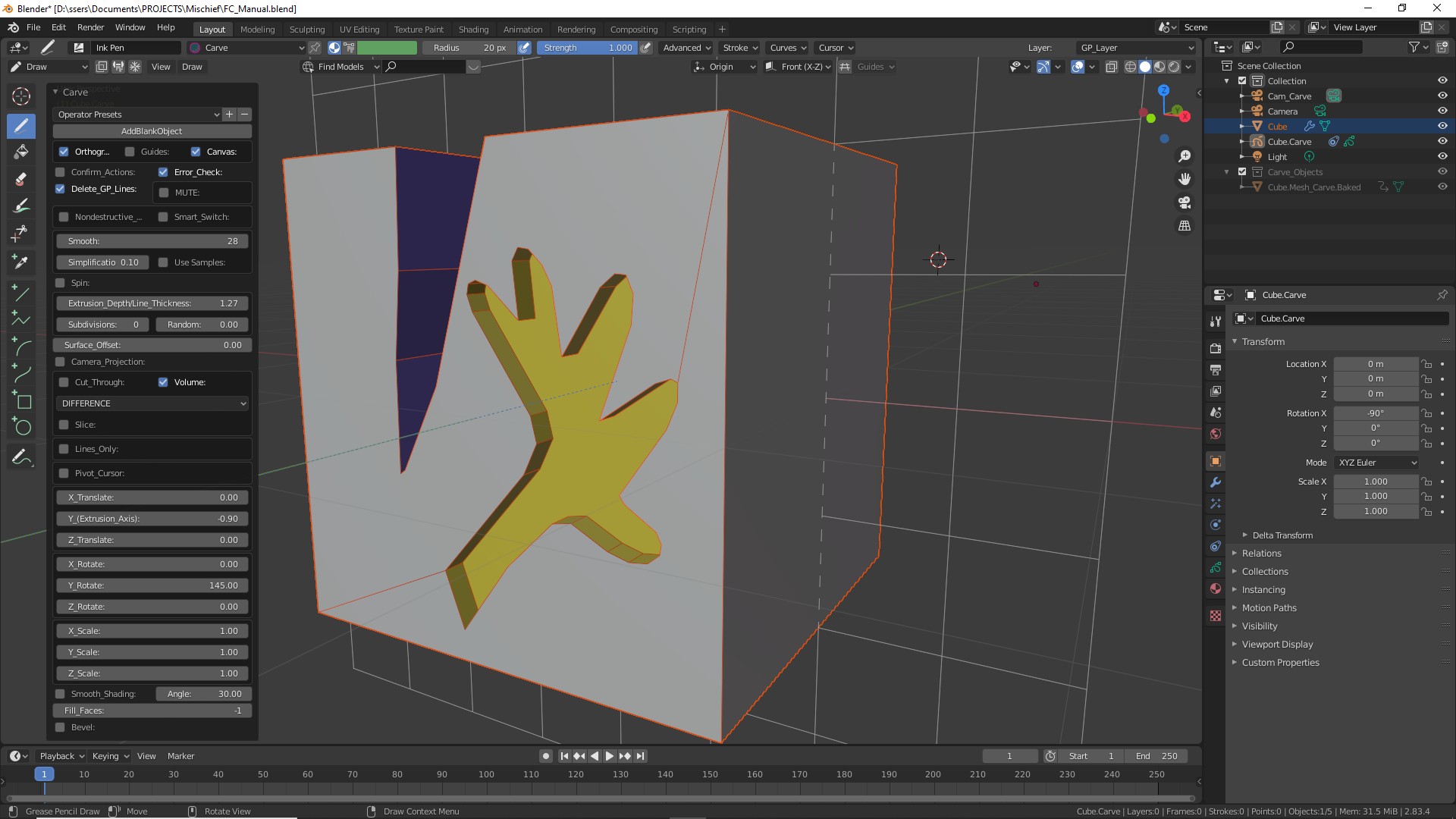
REMOVE (Difference)
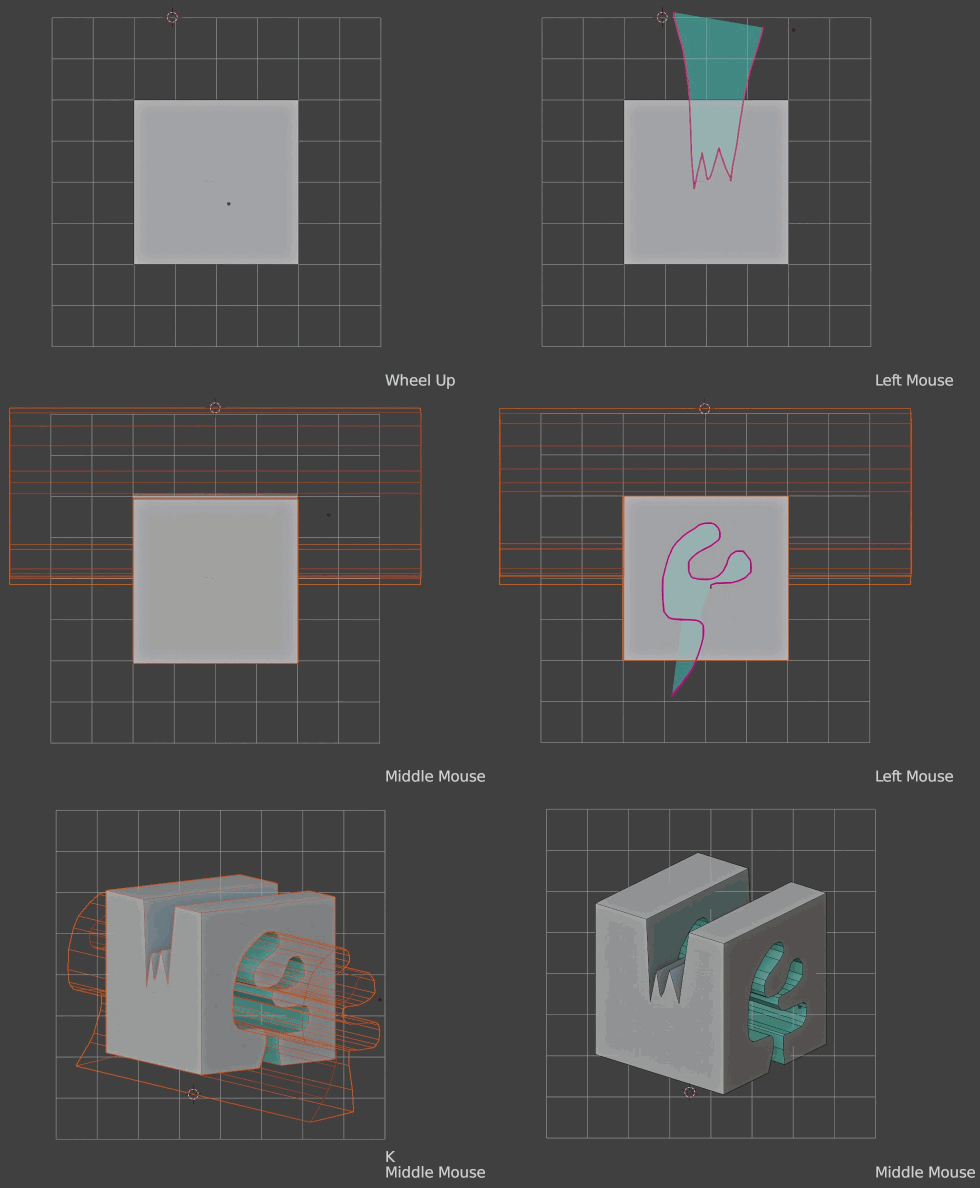
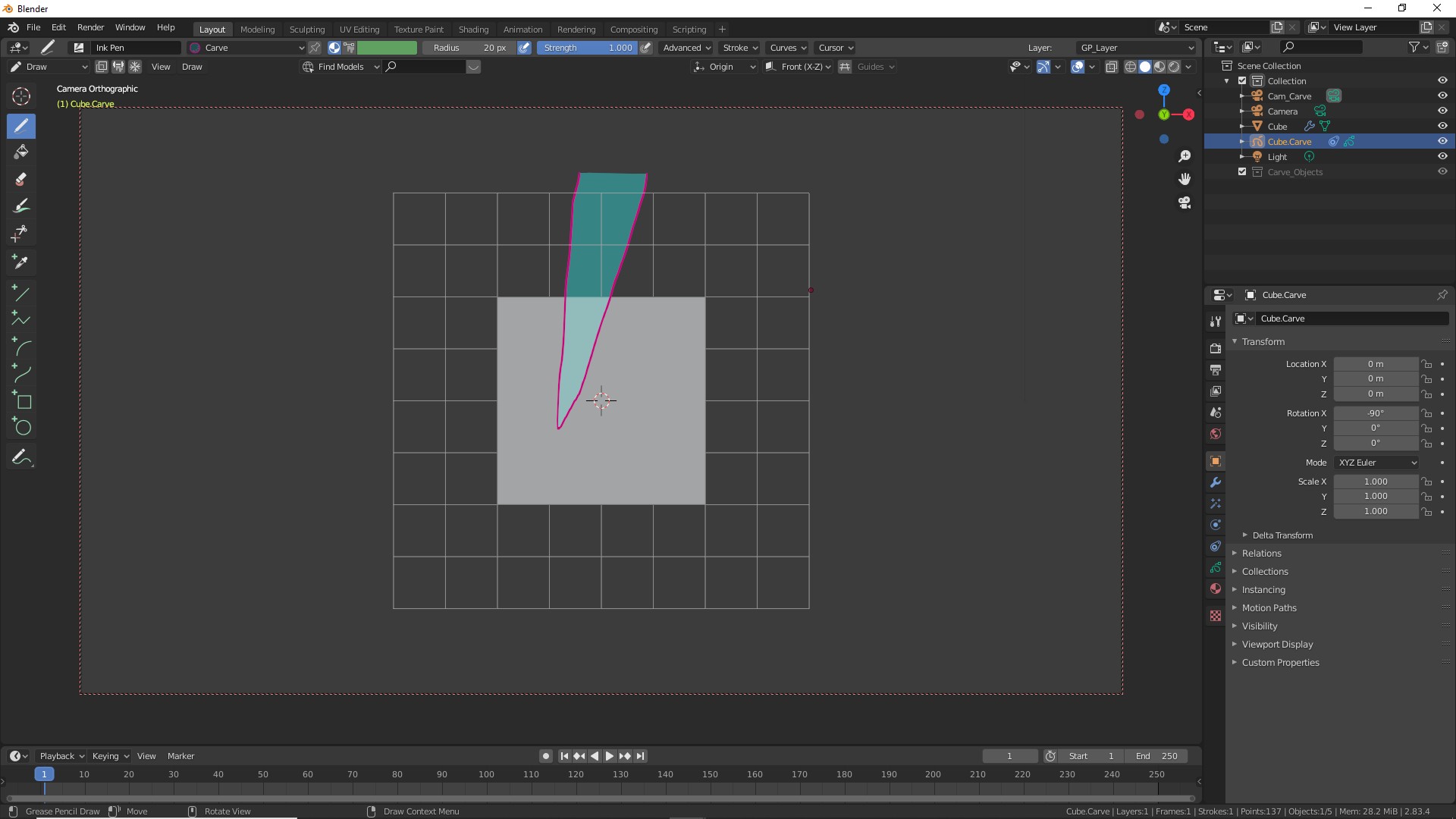
Press K.
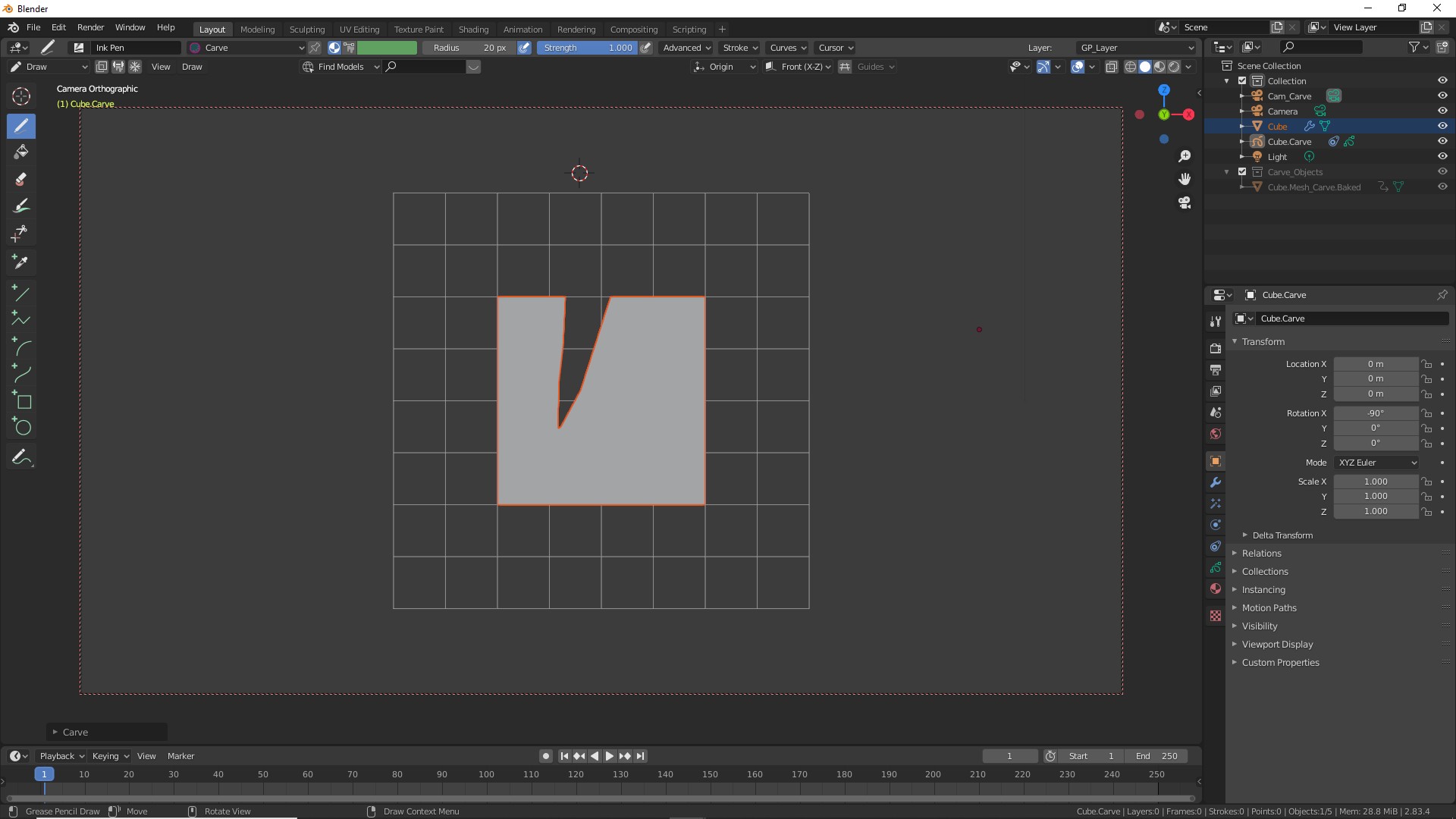
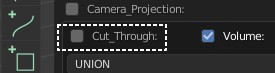
This will CUT the shape you just drew from the object. If "Cut Through" is enabled it will cut across the object.
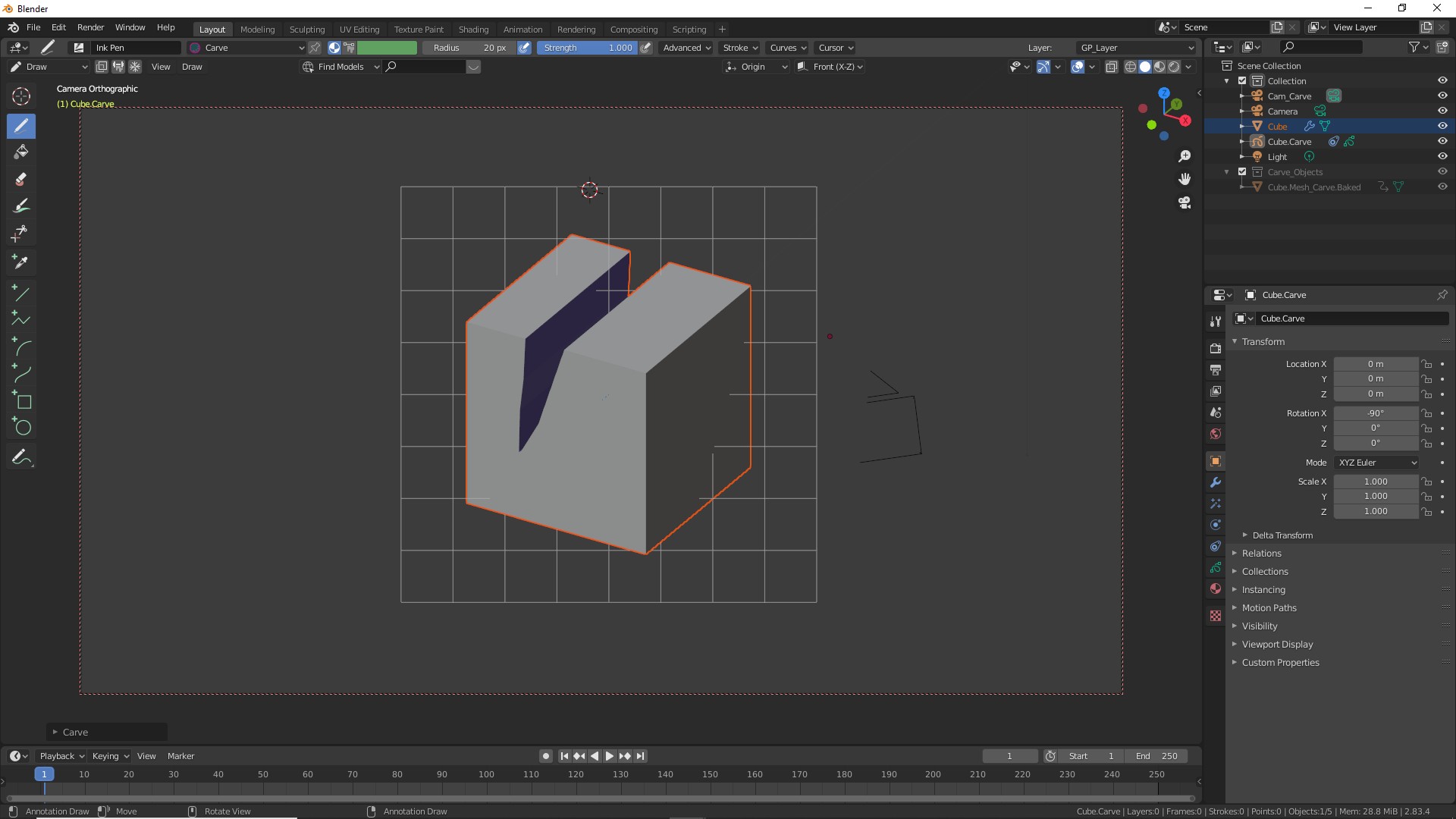
Align the camera to the desired angle and draw a new shape. Make sure that it overlaps the main object.
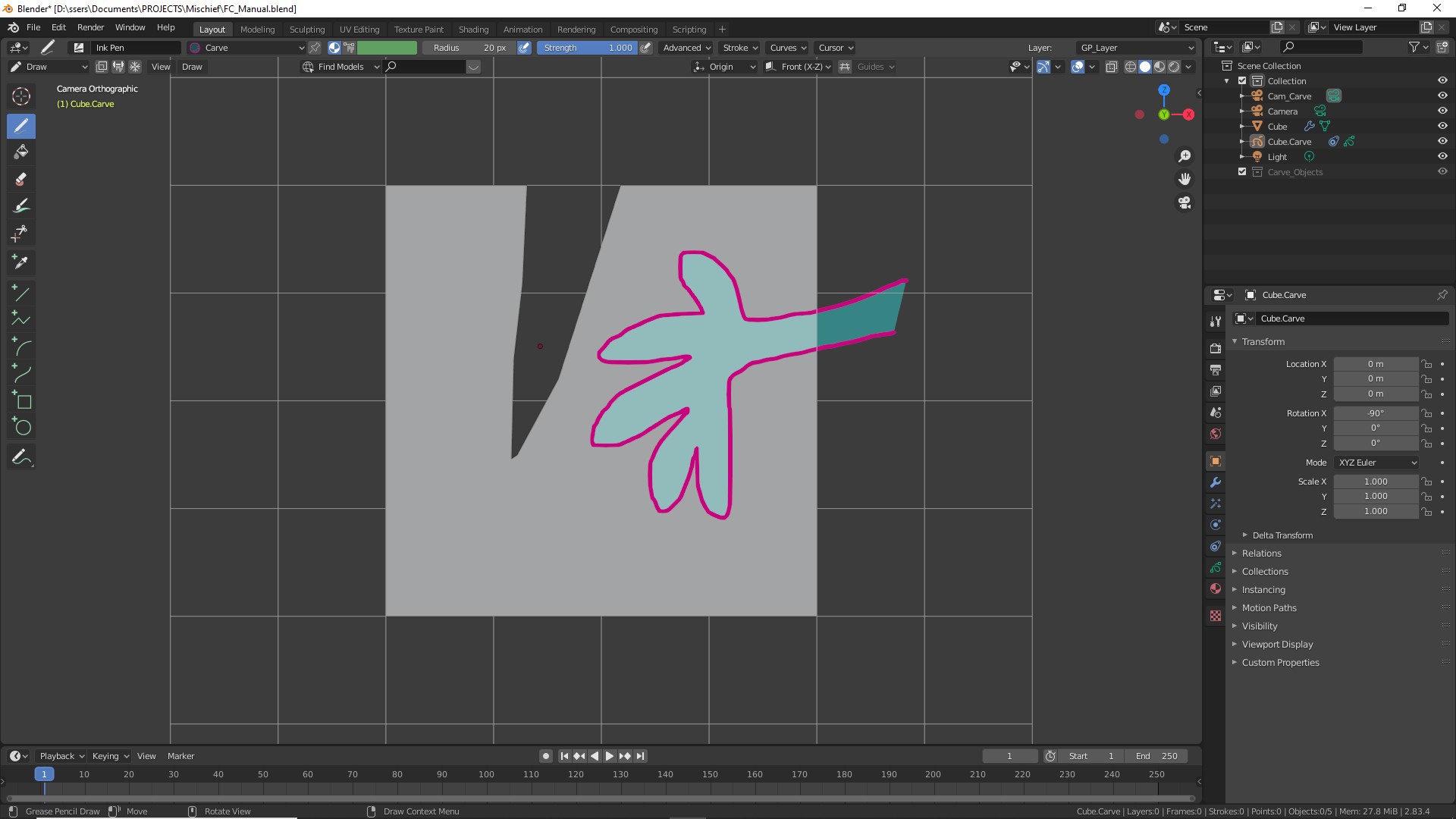
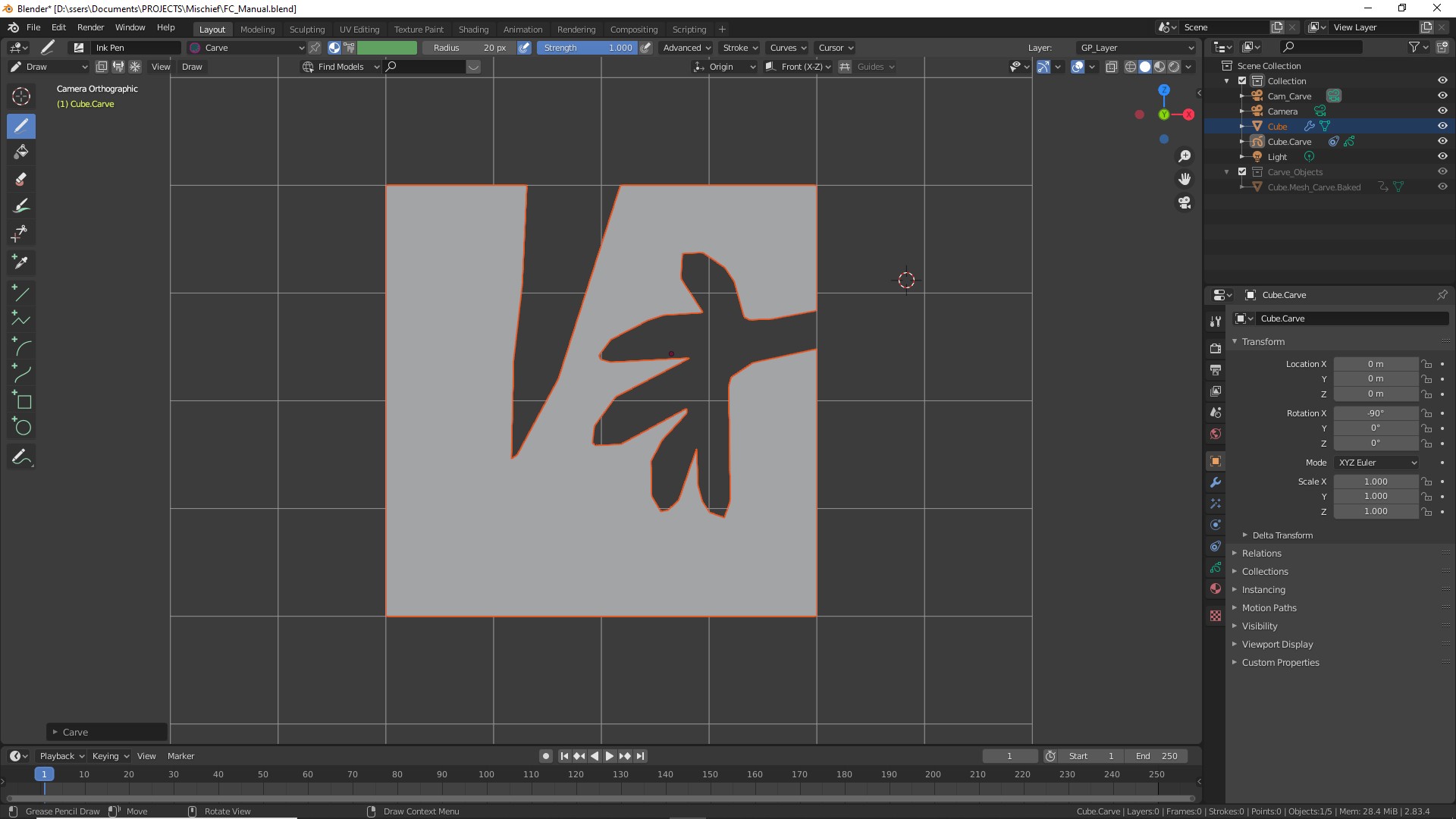
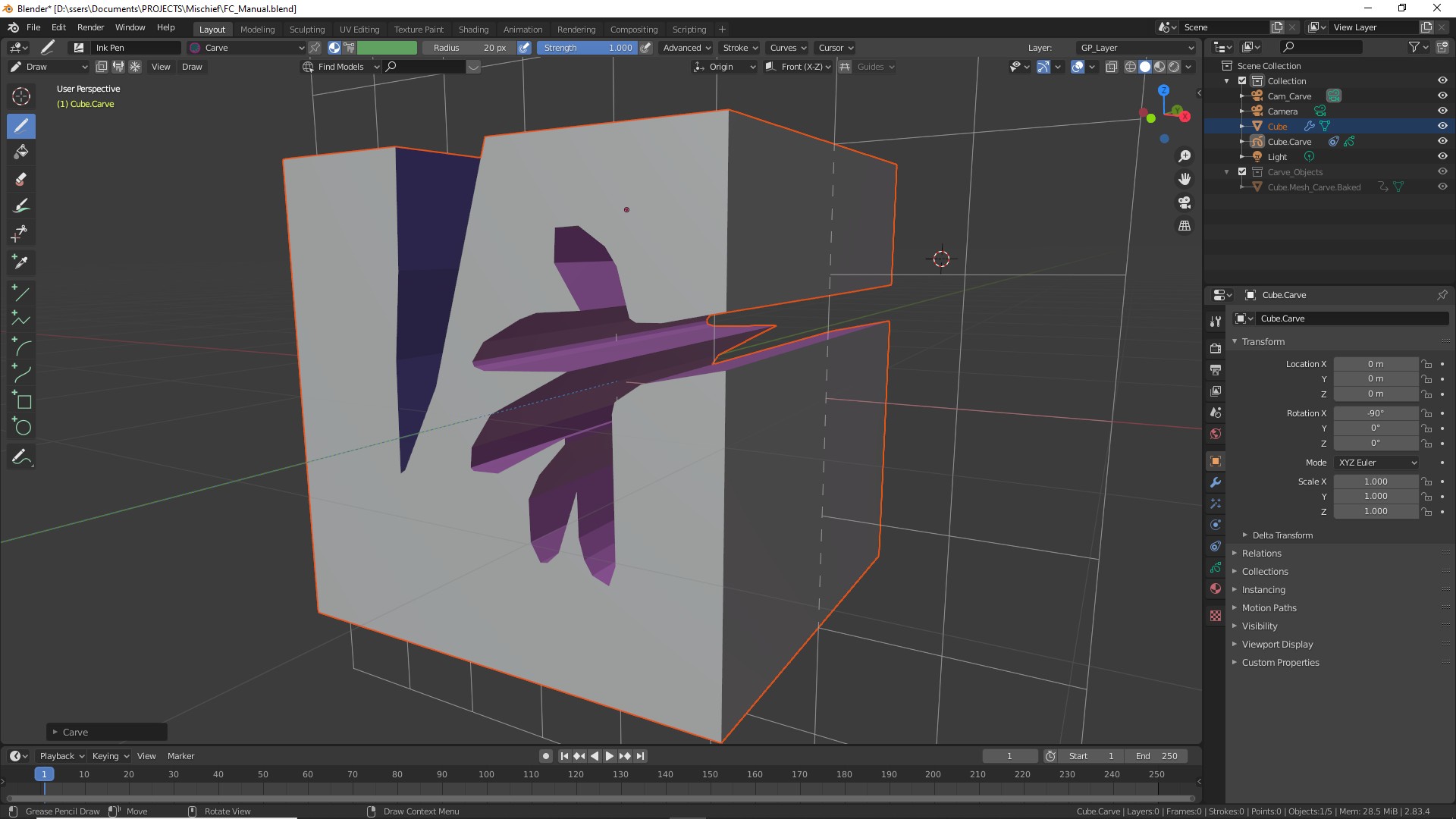
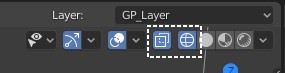
If your shape seems to disappear don't worry, it is probably imbedded in your object as the center is the default position. At the top right corner of the screen turn on "XRay" and optionally "WIREFRAME" display to see better.
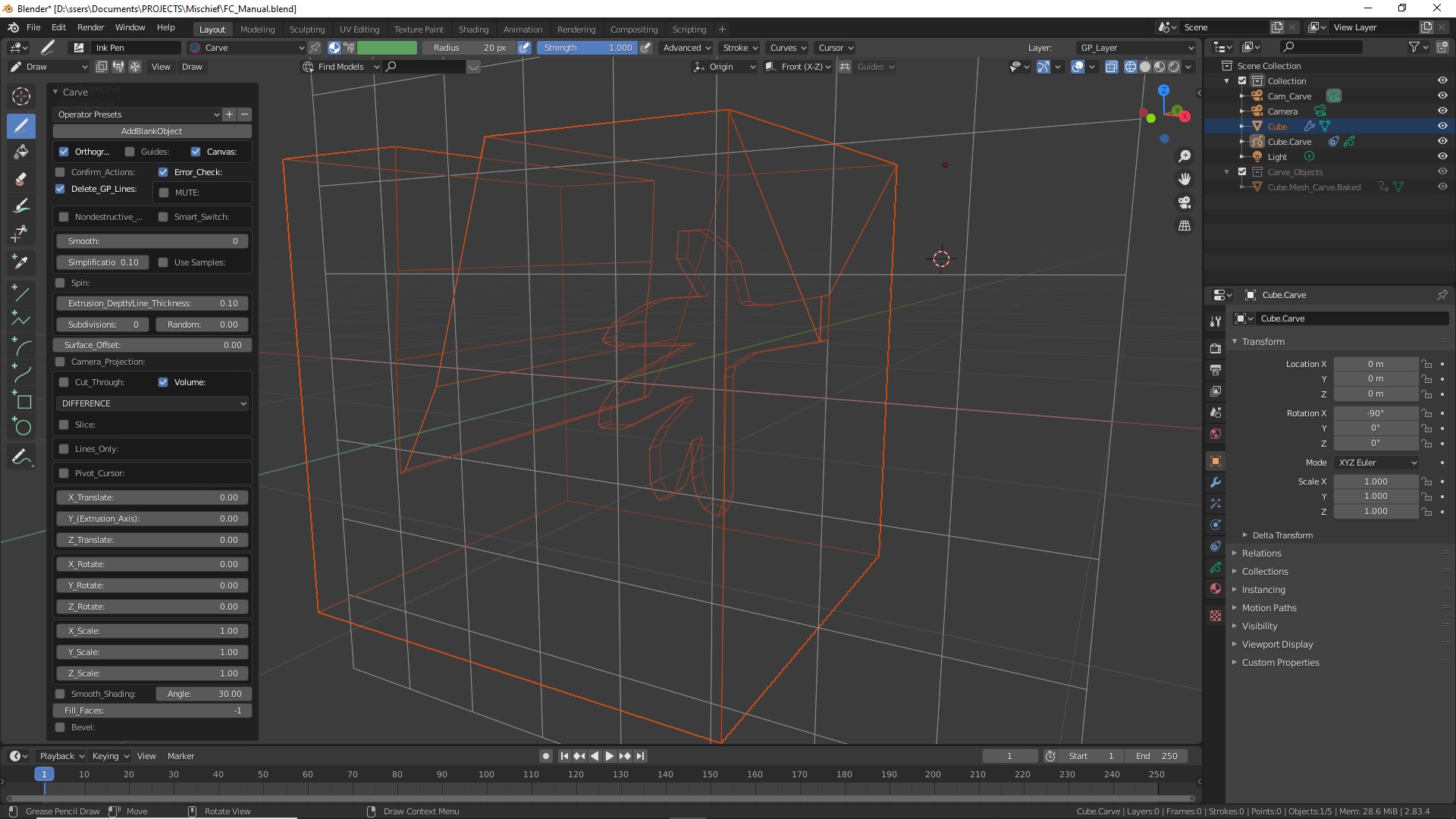
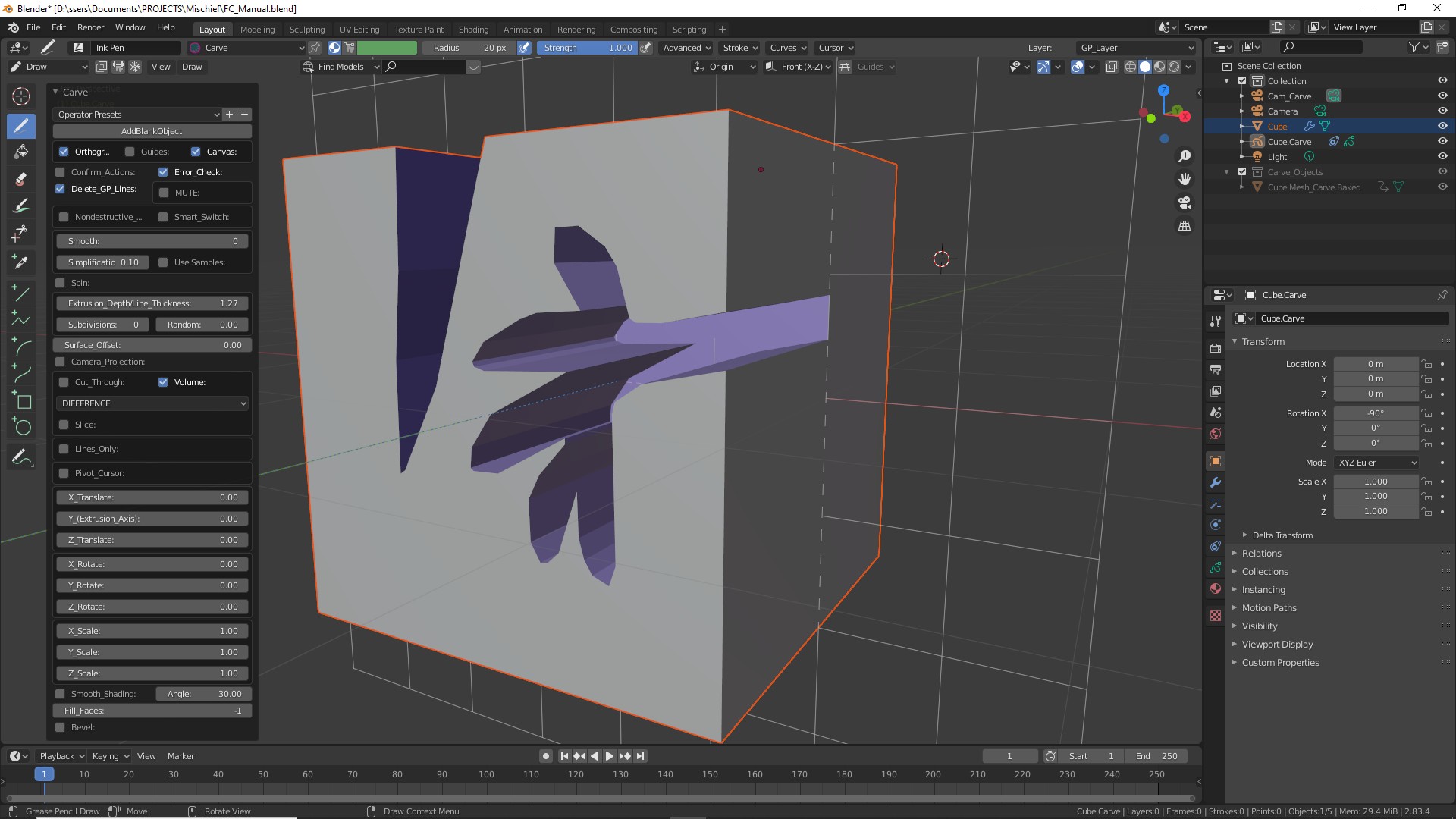
Optionally adjust other settings to alter the resolution, smoothness.
Below, the "SMOOTH" factor is increased to get a softer shape.