Array |
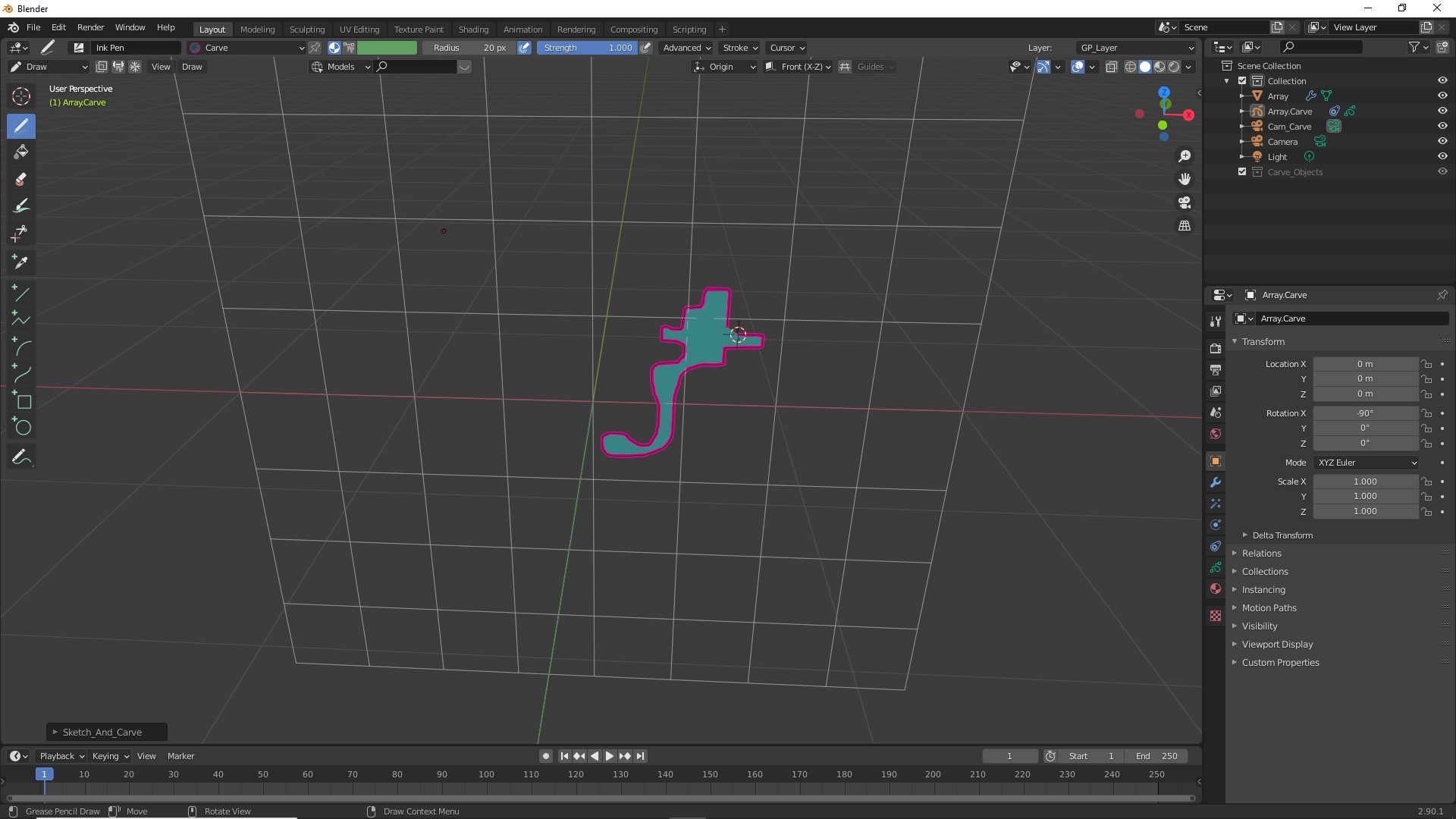
| Using the drawing pen draw a shape. |
![]() |
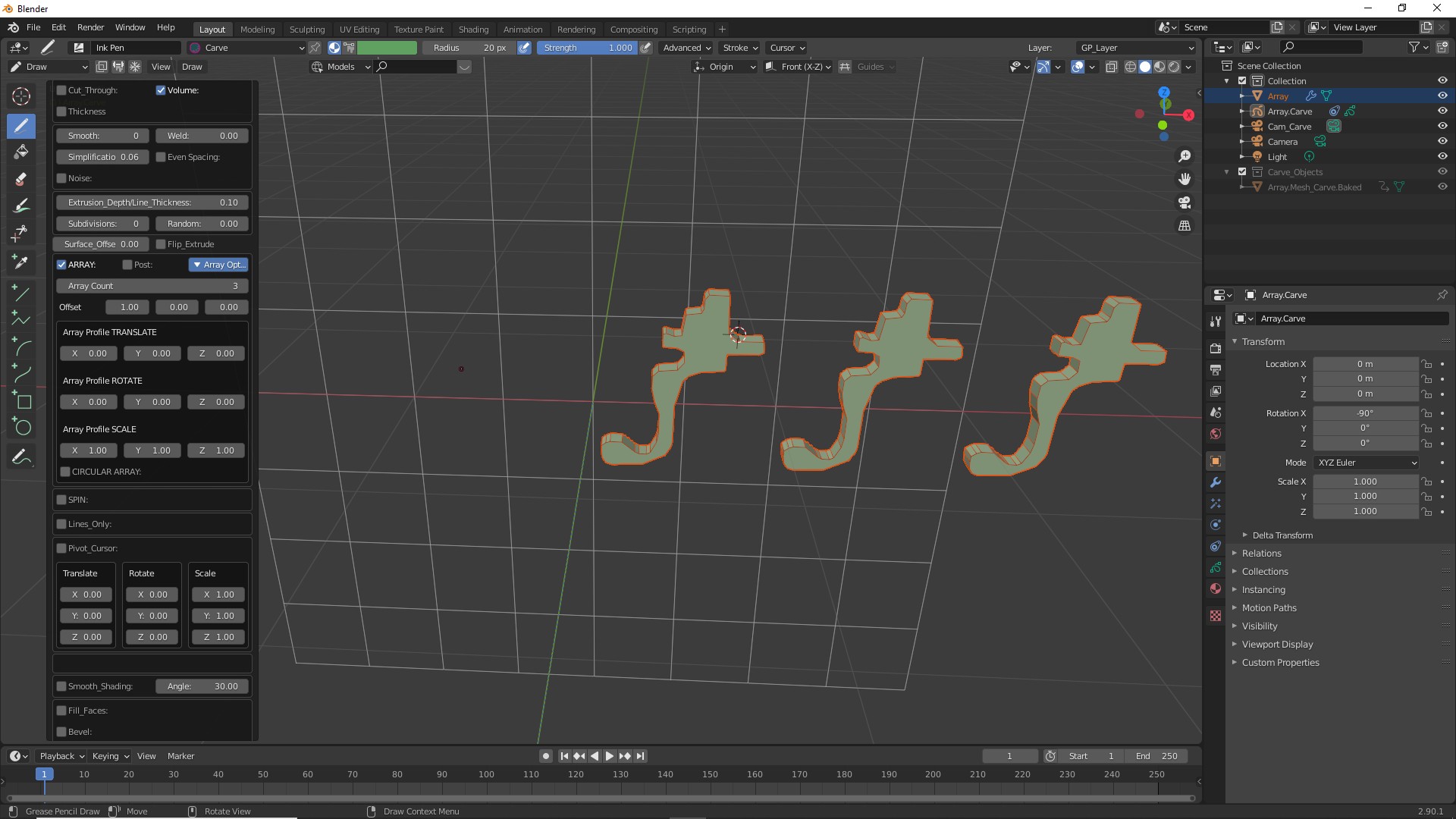
Press K. If you have not turned off the "Confirm Actions" press OK or ENTER. Expand the menu from the bottom left corner of the screen. Select "UNION". Select "Array". Expand the "Array Options". By Default the "Array Count" is 2. Change the value to increase the number of copies. |
![]() |
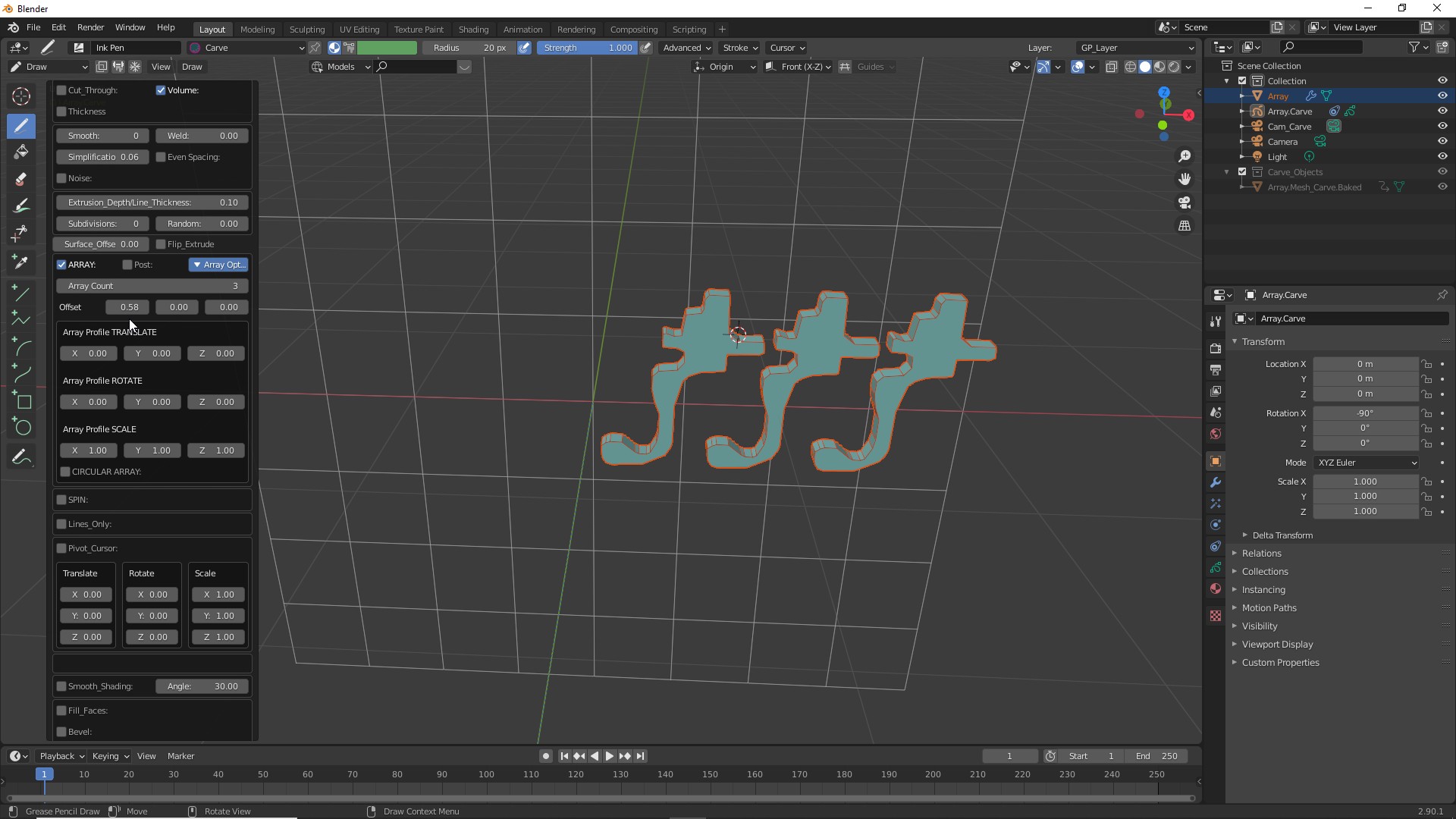
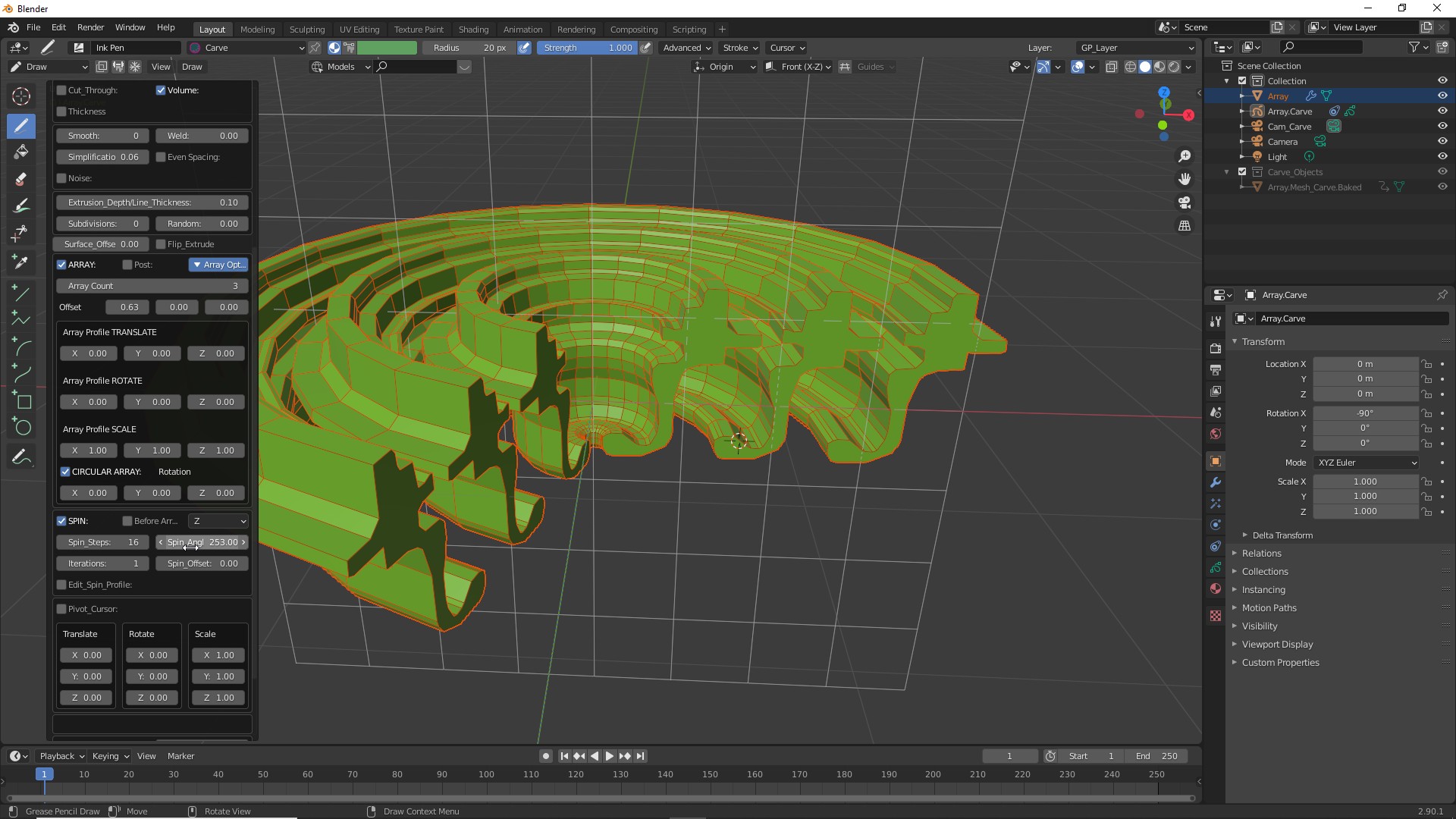
| Adjust the "Offset" values to change the spacing between the copies. |
![]() |
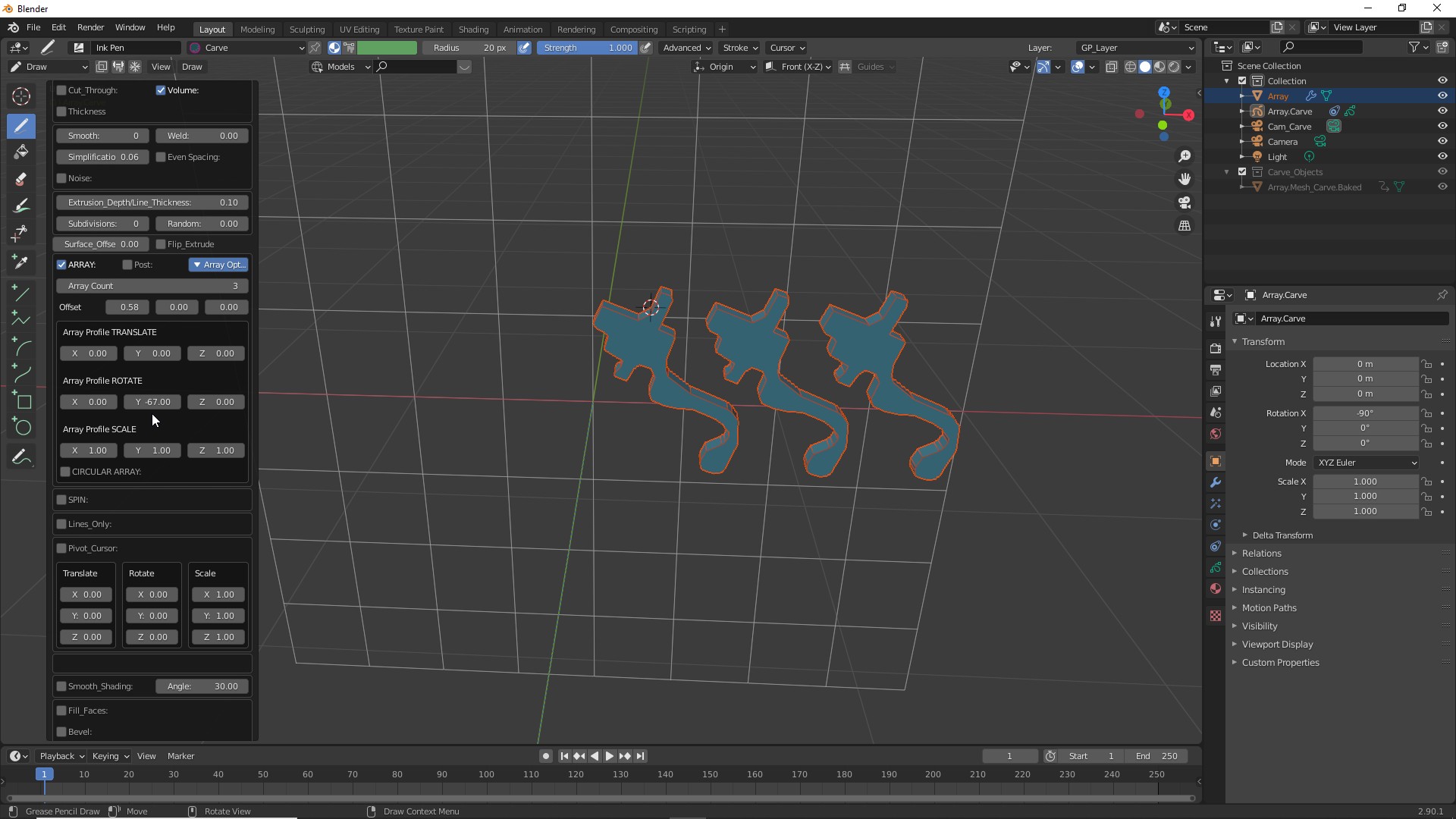
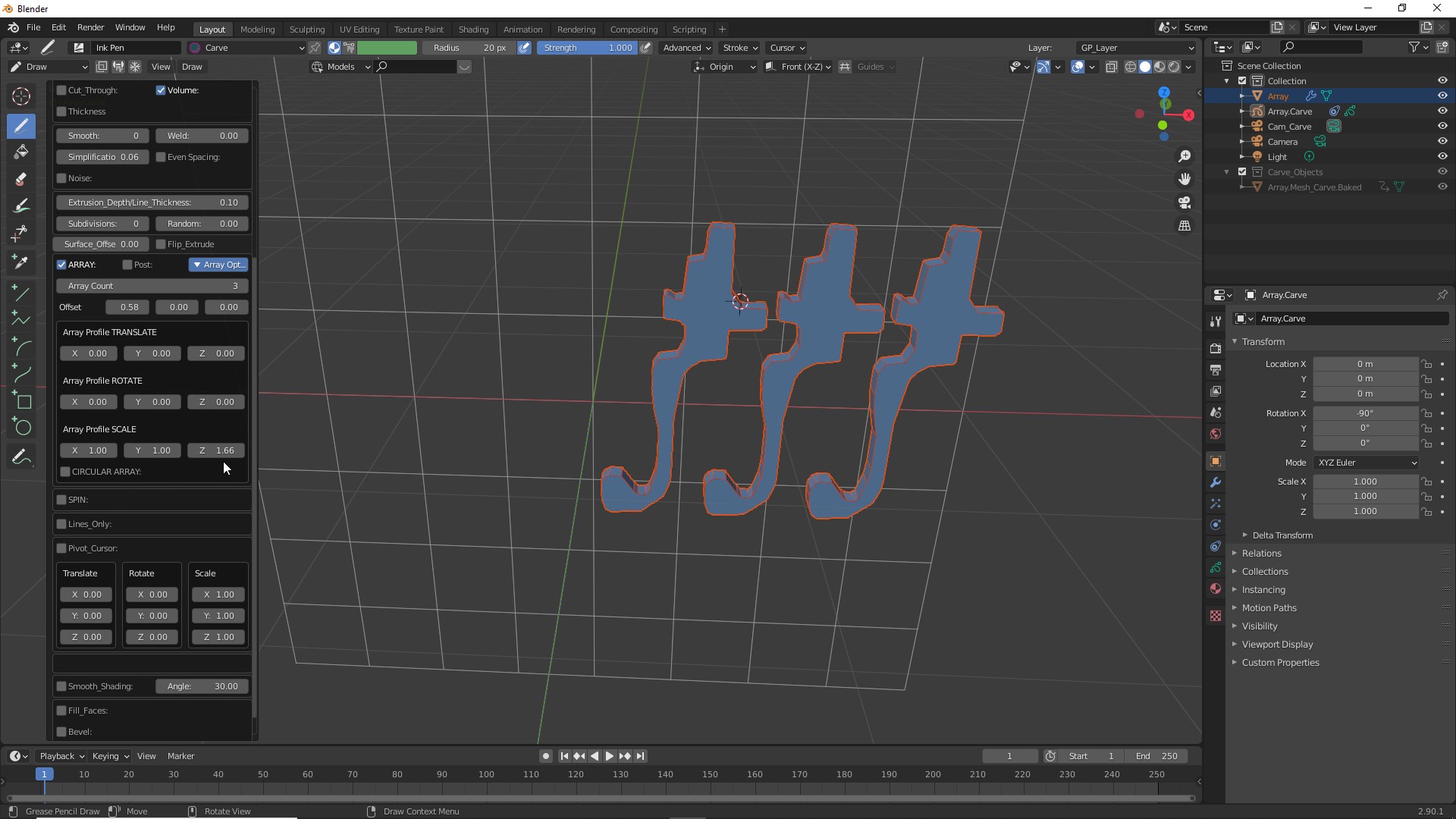
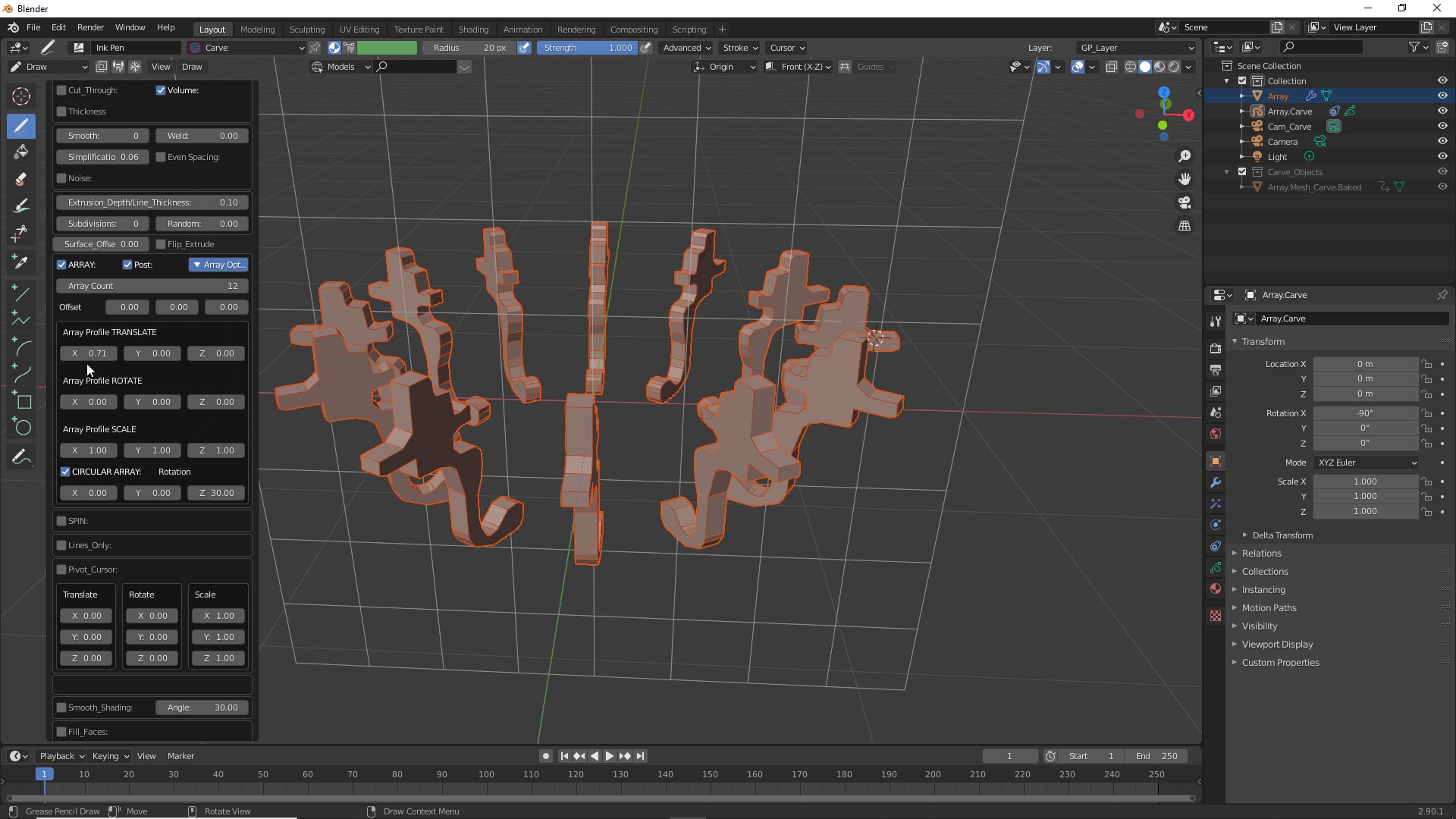
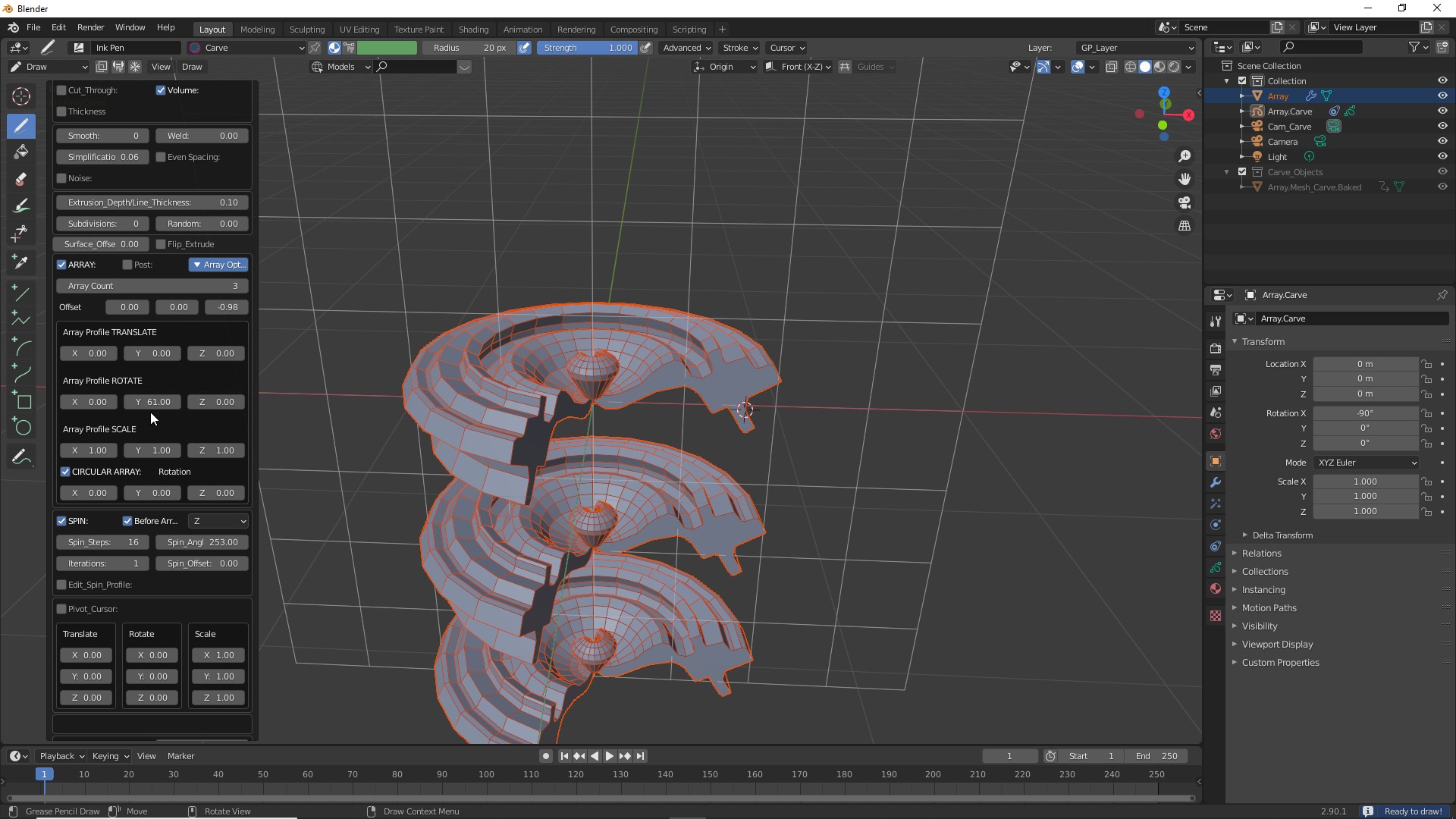
| Using the Array Profile controls you can adjust the position, rotation and scale of the copies. |
![]() |
![]() |
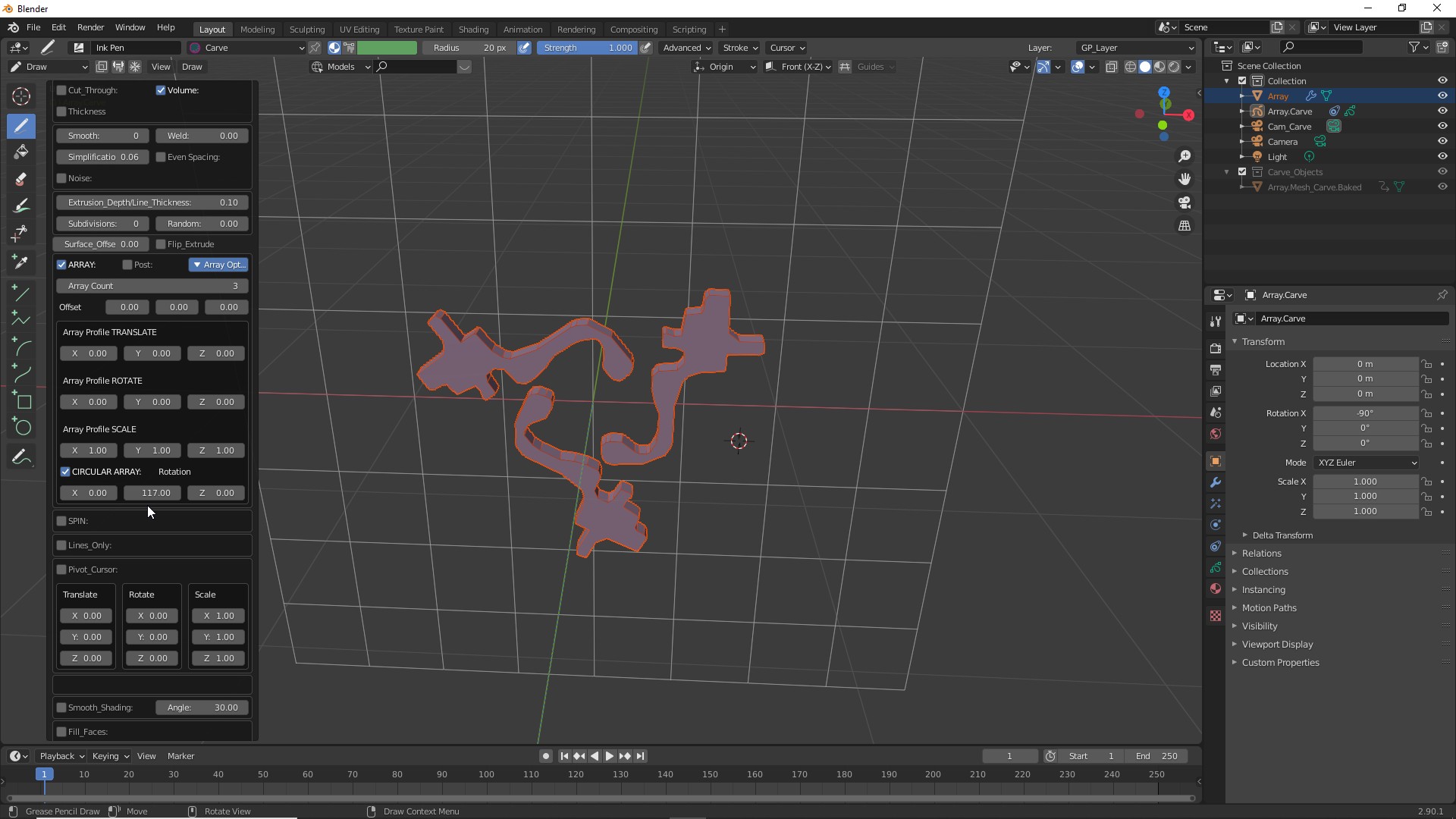
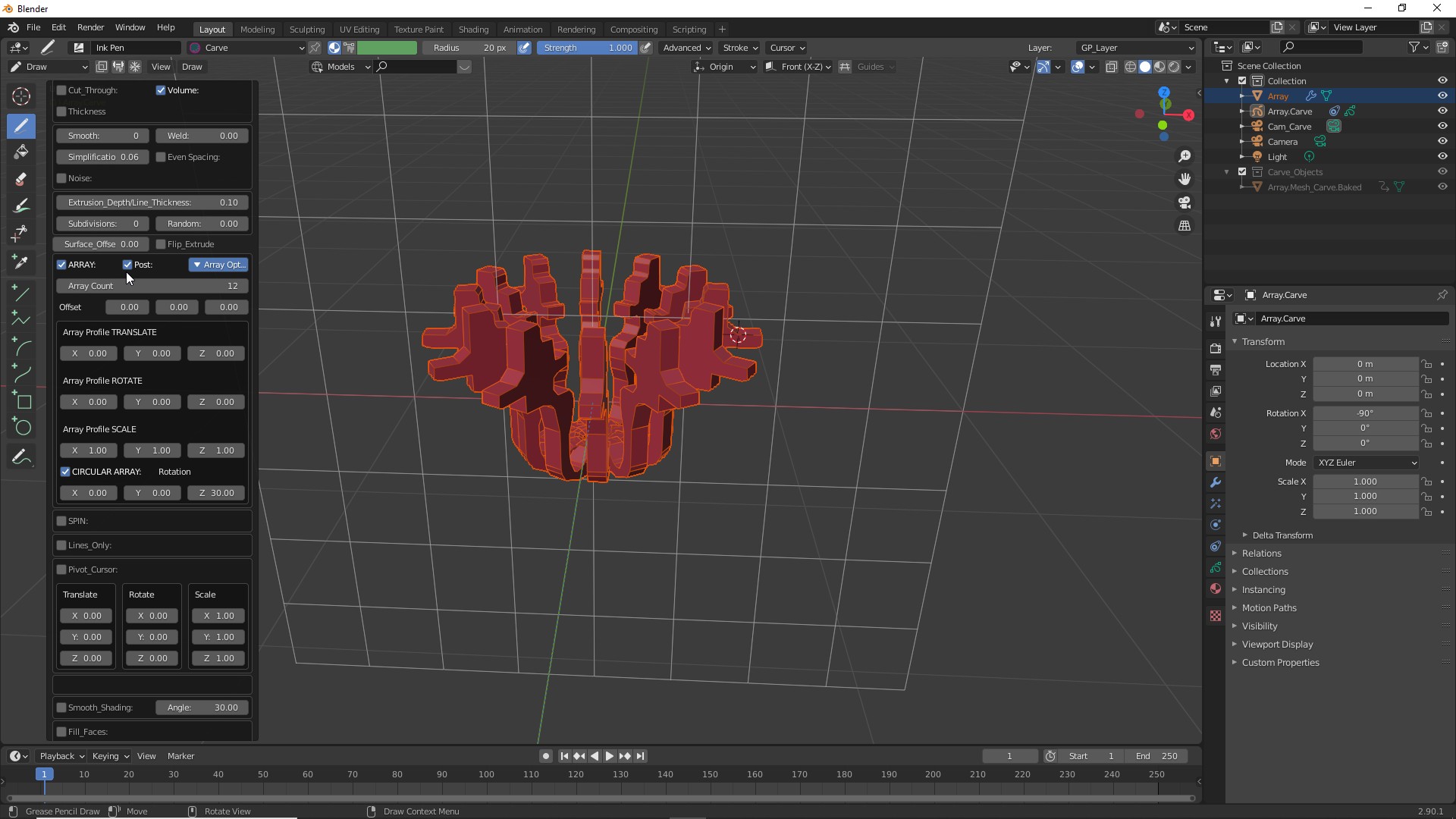
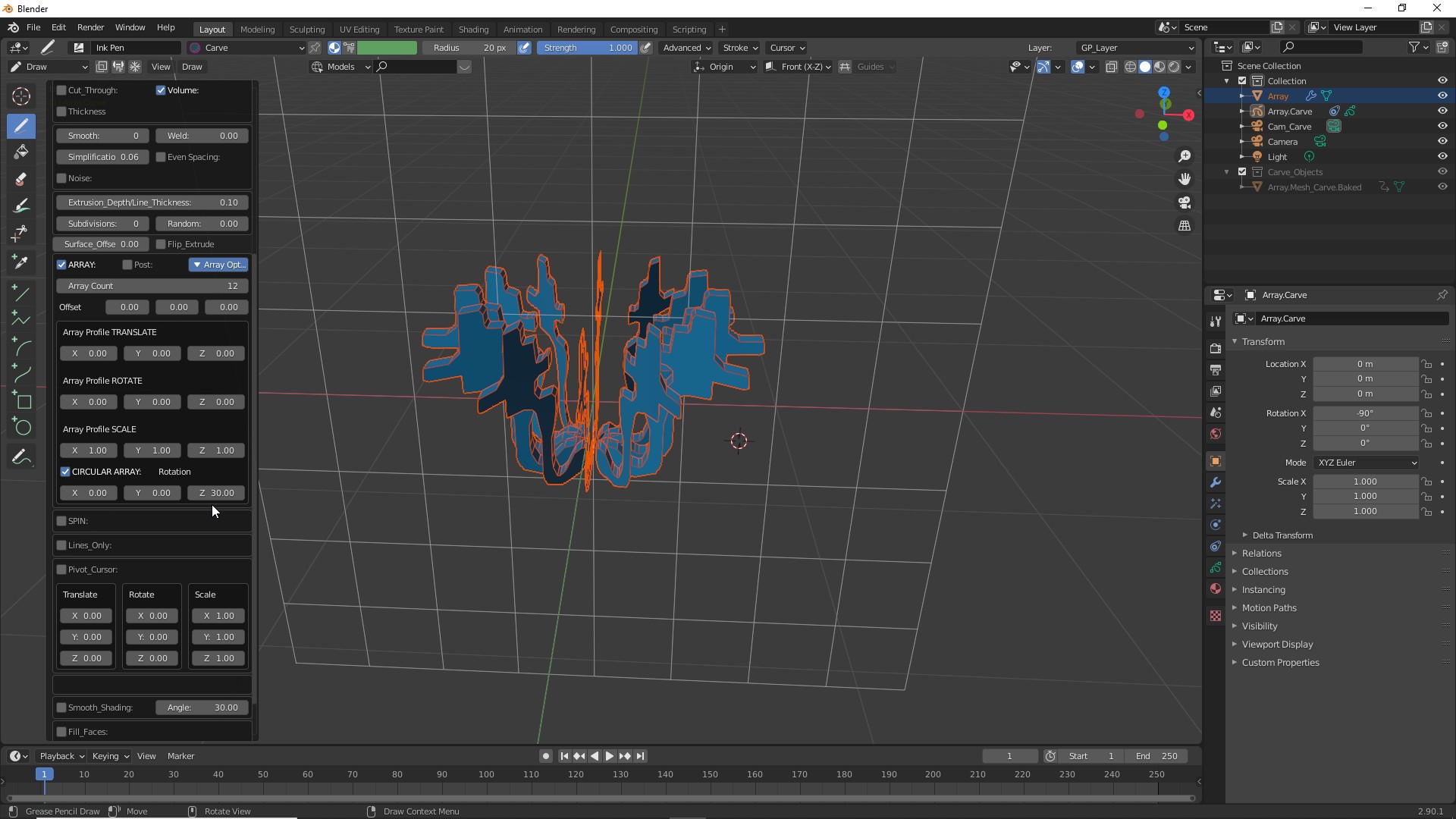
| Turn on the "CIRCULAR ARRAY" to rotate the copies around an axis. |
![]() |
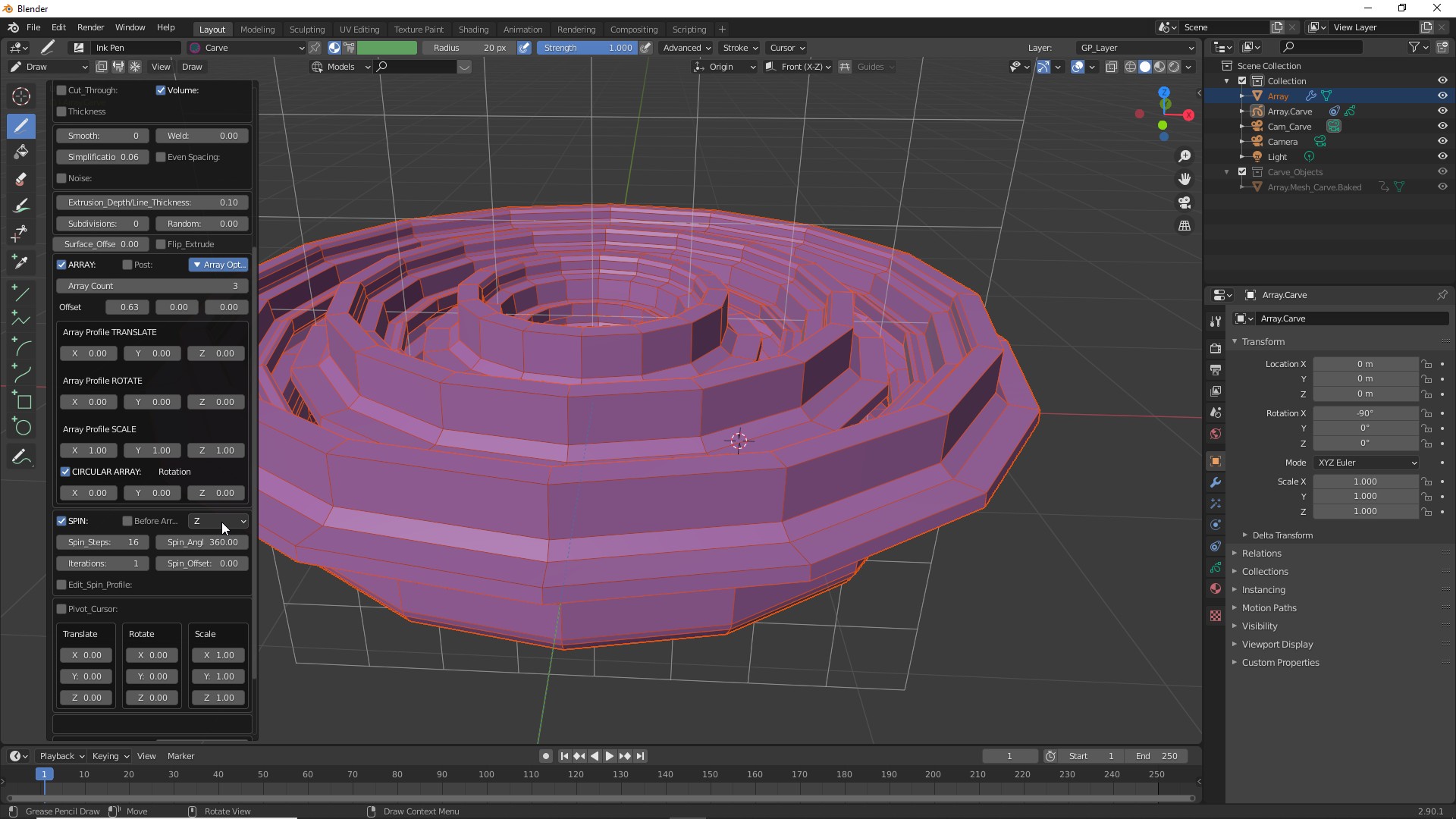
Circular Array around the Z axis. |
![]() |
| If you get stretching in one axis (due to extrusions pointing at the camera) you can fix it by selecting the "Post" option. This will force the extrusions along the surface normals. |
![]() |
| Use the Array Profile Controls to adjust the distribution. |
![]() |
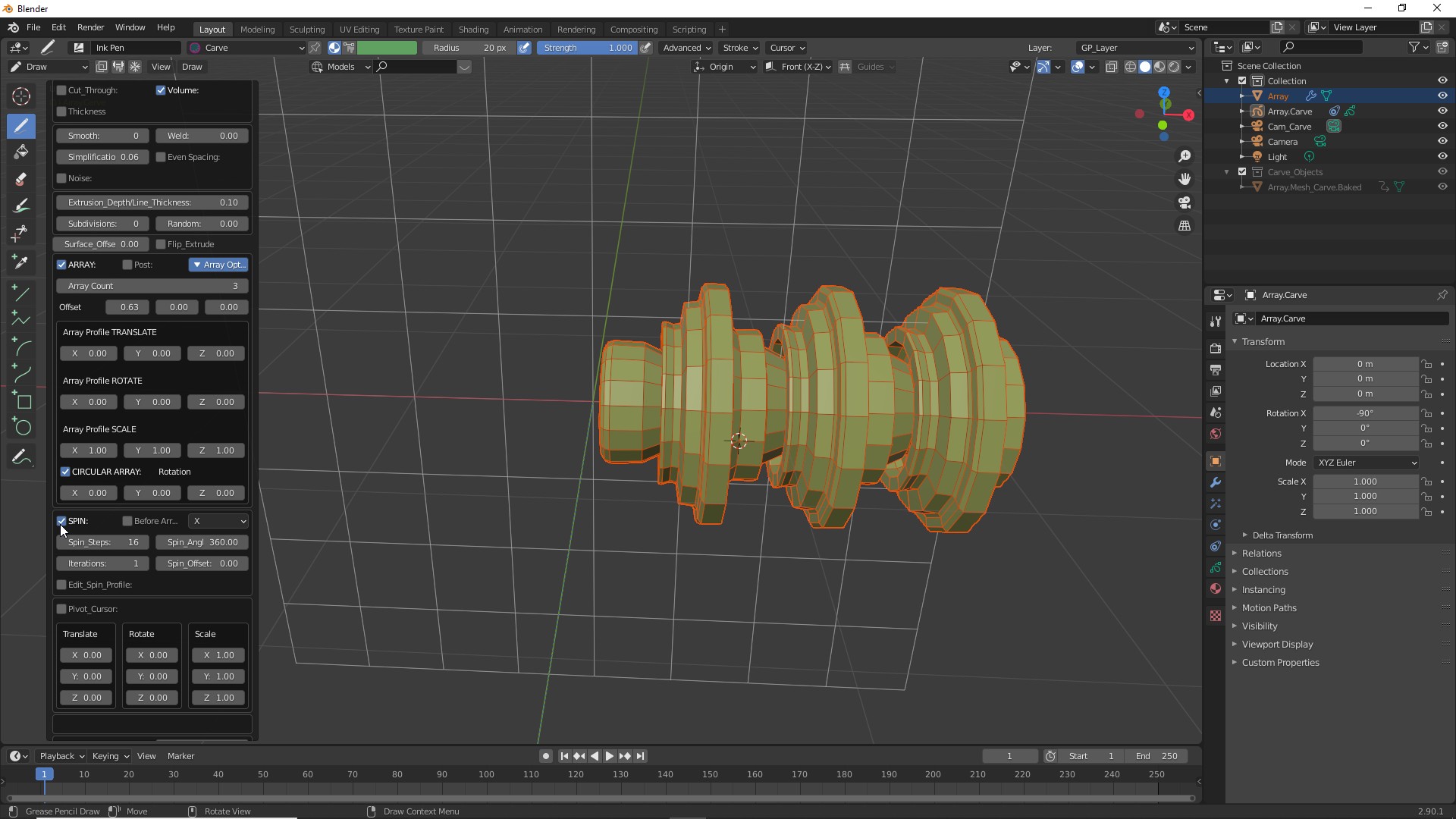
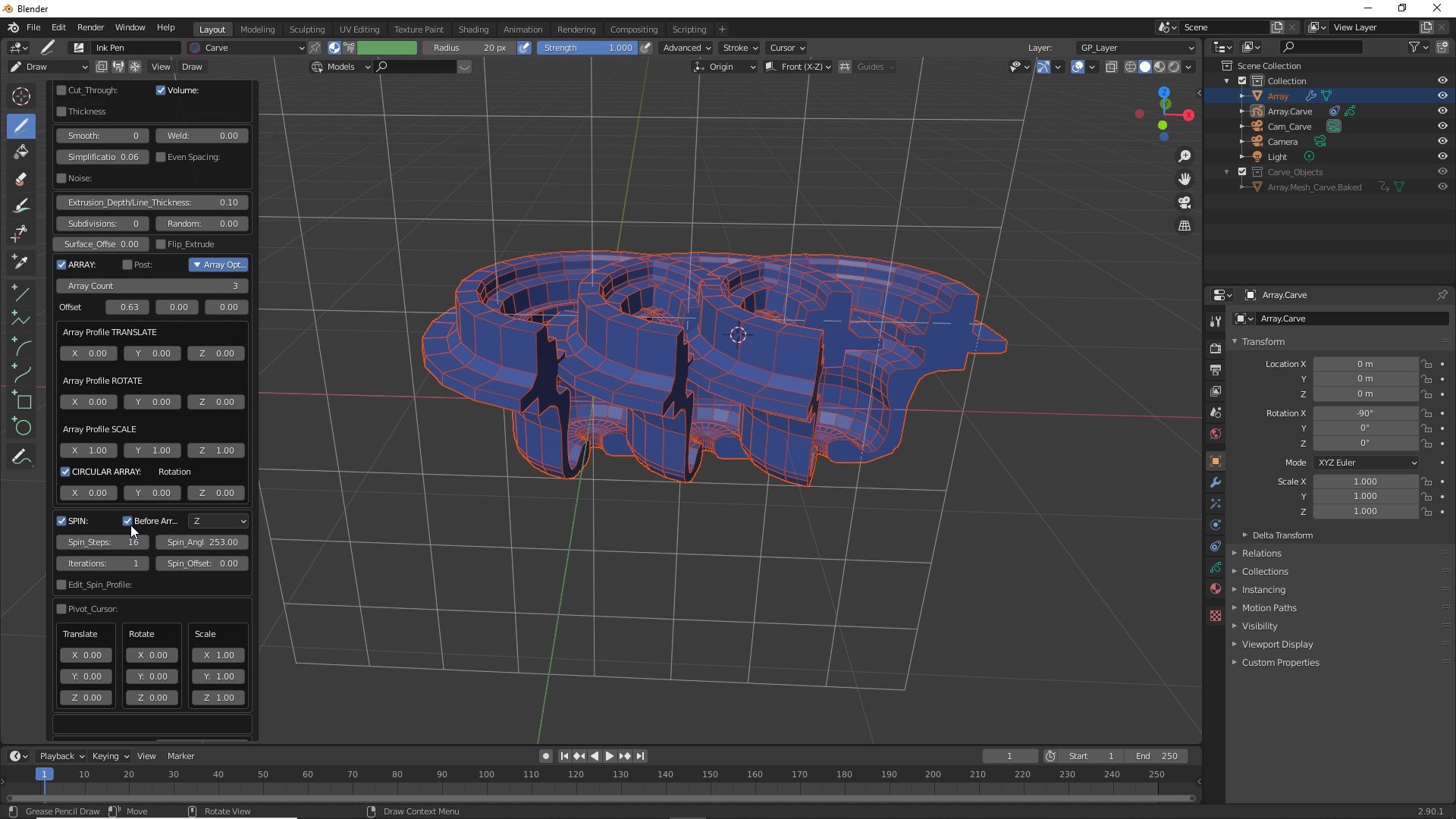
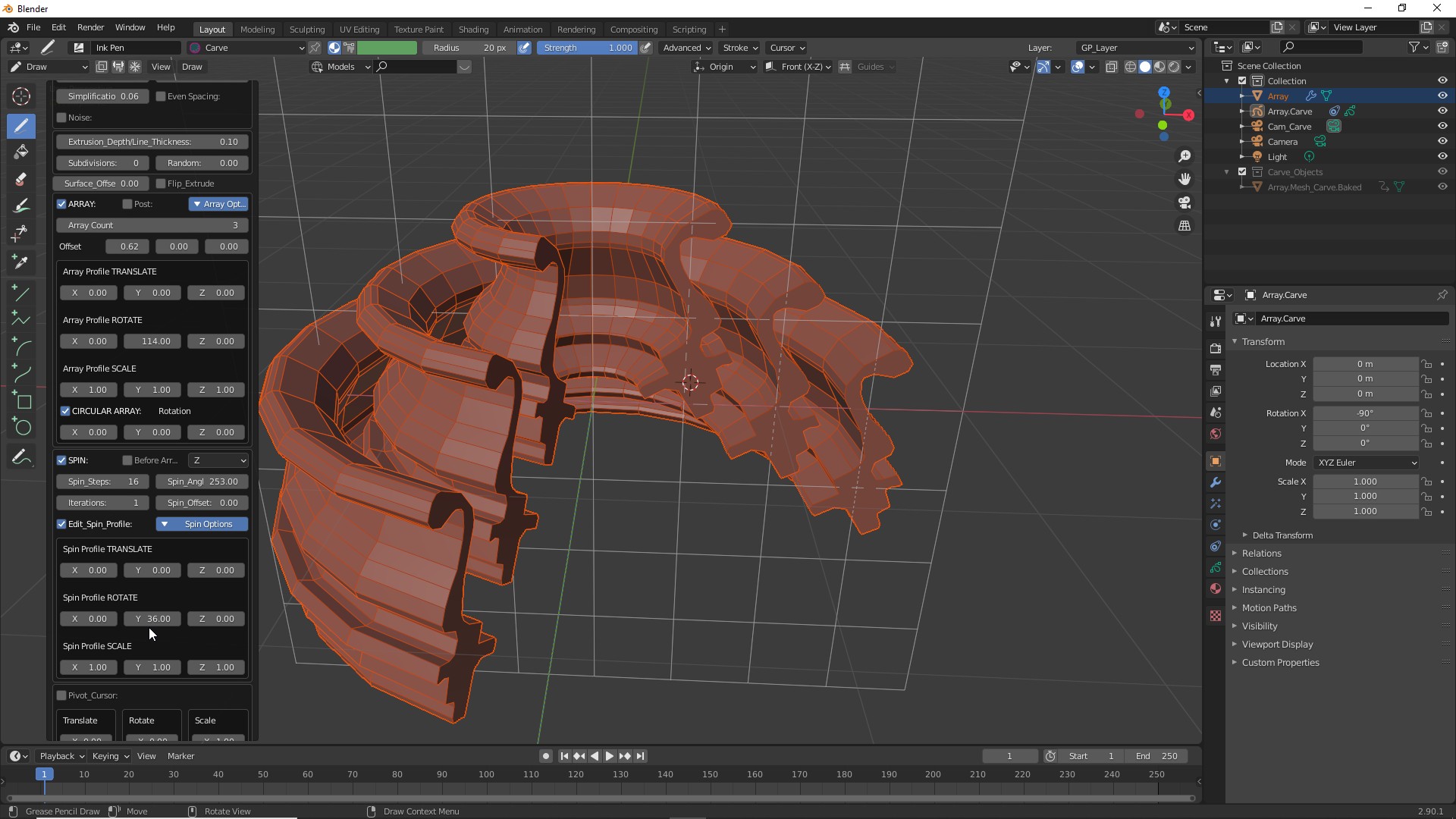
| You can combine the results with the "Spin" operator. |
![]() |
![]() |
![]() |
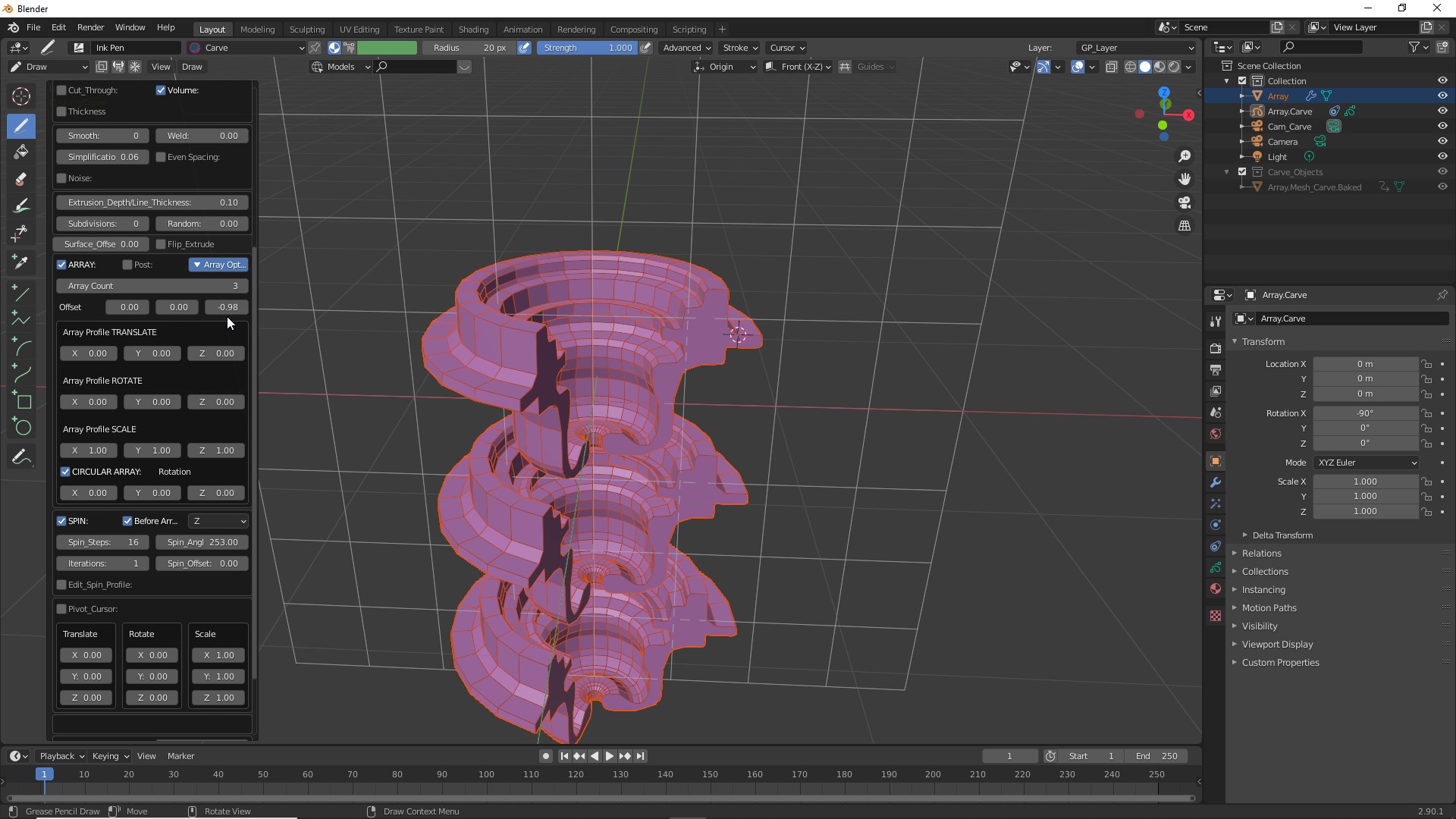
| If you would like to change the order of operations between "Array" and "Spin" select "Before Array" button. |
![]() |
Offset on "Z" axis. |
![]() |
![]() |
![]() |