APPLY LIVE MODIFIERS

APPLY CARVE
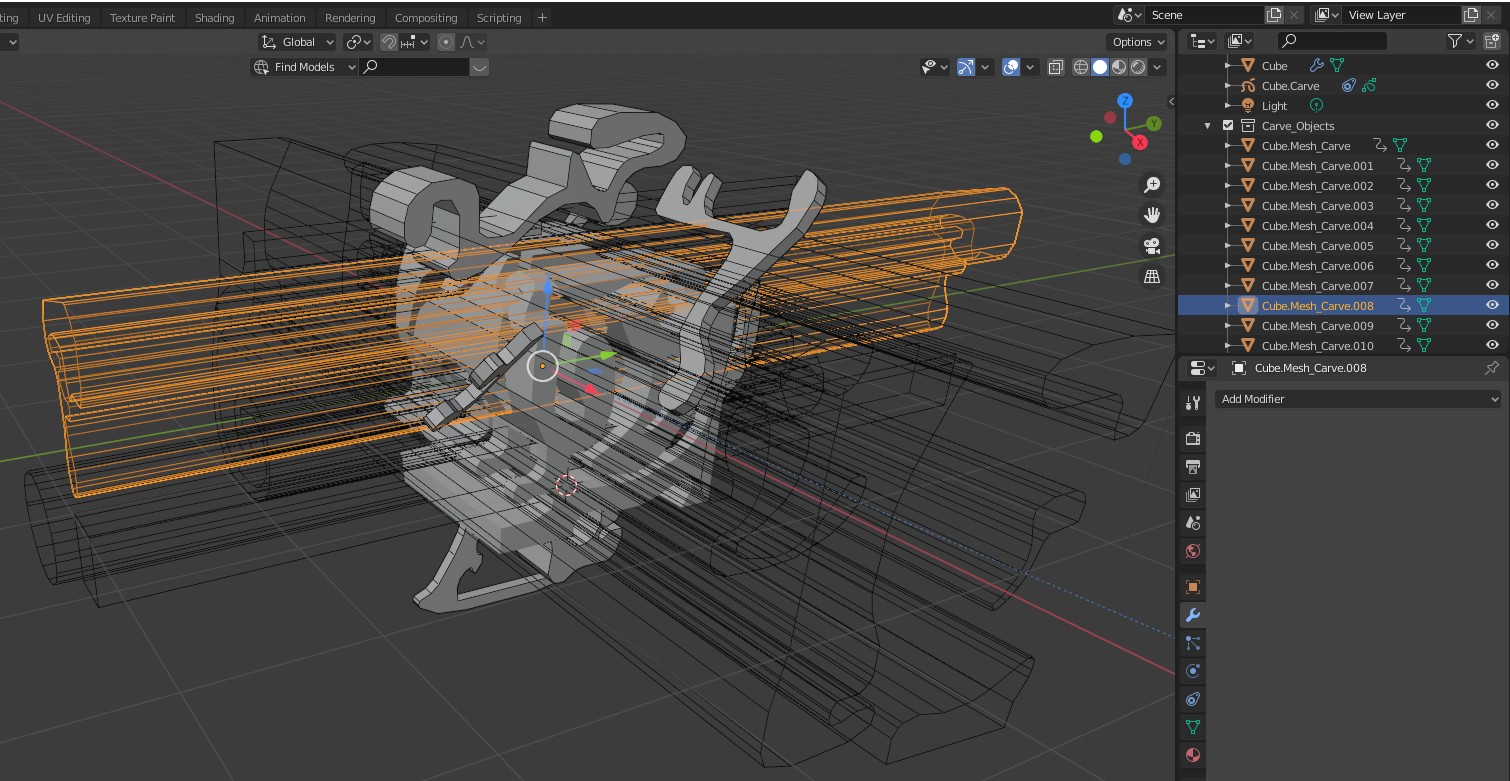
When you are working in "NonDestructive" mode you will be creating a lot of extra objects that are stored in the "Carve_Objects" collection (Turn On the "Guides" option under the Preferences menu to see them in the viewport).
nondest2
When you are finished with all non destructive operations you can finalize them by the "Apply SCarve Modifiers" button at the bottom of the SketchN'Carve menu.
apply

A new menu will pop up. Select "Apply All Carve Modifiers" and press "OK".
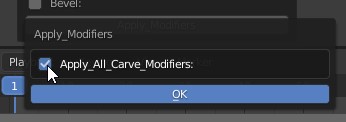
apply2

This will apply all the "SketchN'Carve" modifiers in the stack and assign random new materials to the newly created geometry resulting with a colorful object. It will also delete all the boolean objects in the "Carve_Objects" collection as they are no longer needed.